Apunkagames Official Site – Games Download For PC Apunkagames Official Site — Discover detailed PC game guides, accurate system requirements, screenshots, and verified official download links for top Windows games.
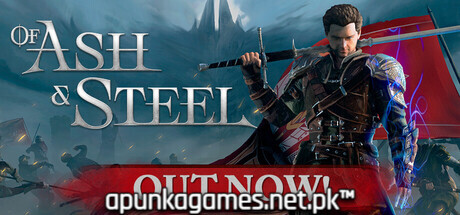
Of Ash and Steel is an upcoming, immersive third-person open-world action-RPG that serves as a passionate love letter to classic, old-school role-playing games. Developed by Fire_Fly Studios and published by tinyBuild, the narrative drops players into the Kingdom of the Seven, a once-prosperous, gritty fantasy land now pushed to the brink of collapse by internal corruption, ruthless factions, and ancient, looming threats.
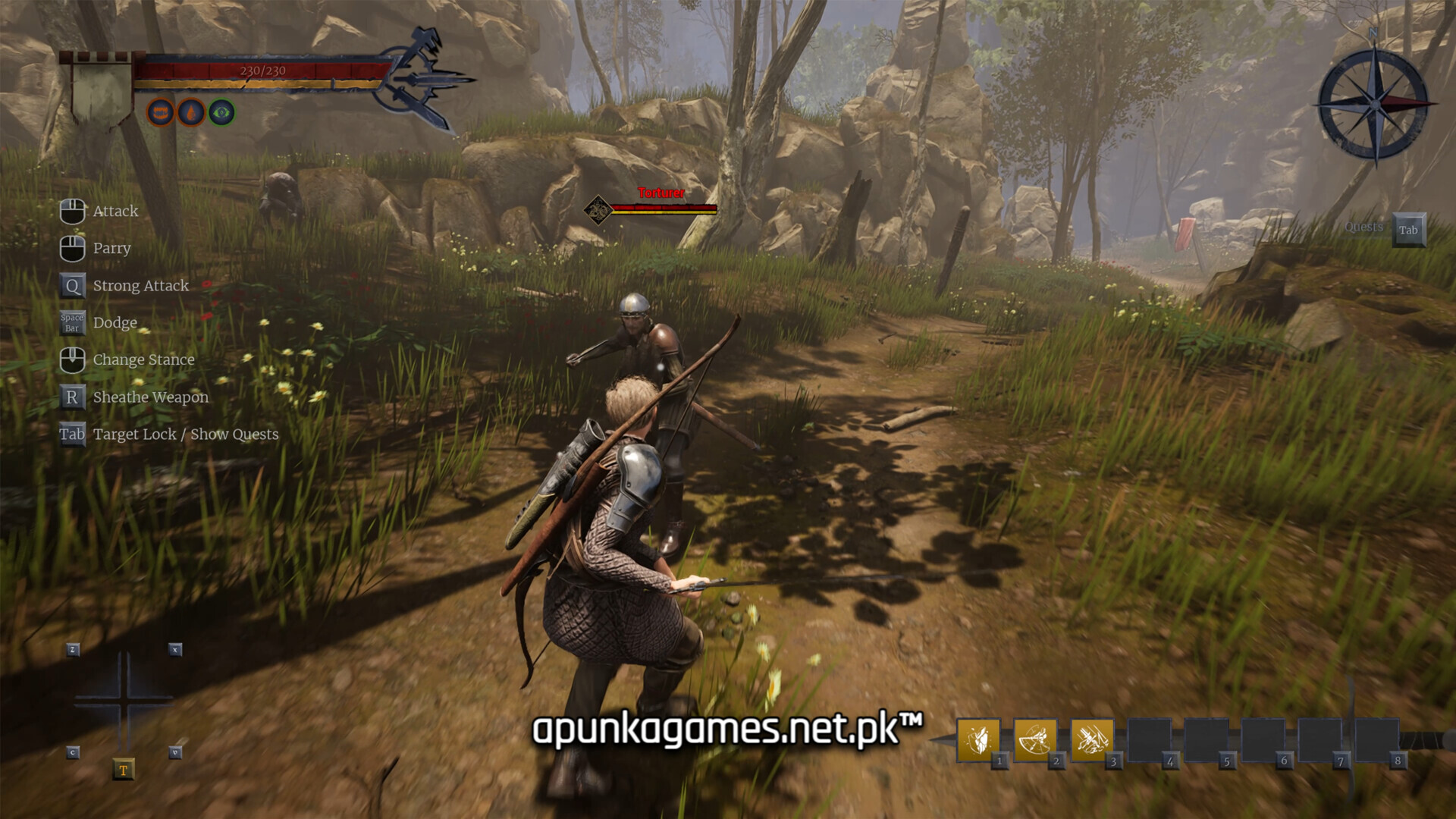
For PC players, the game deliberately rejects modern trend design choices like aggressive hand-holding, intrusive quest markers, or automated GPS navigation. Instead, it prioritizes organic exploration and environmental storytelling, forcing you to listen to NPCs, read maps, and track clues manually. The deep combat system features three distinct combat stances—each offering unique defensive attributes and directional attack patterns—allowing you to adapt your playstyle whether you wield heavy two-handed blades or fast, agile short swords. As you grow from an unskilled peasant into a legendary warrior, the world dynamically reacts to your physical progression and faction alignments.
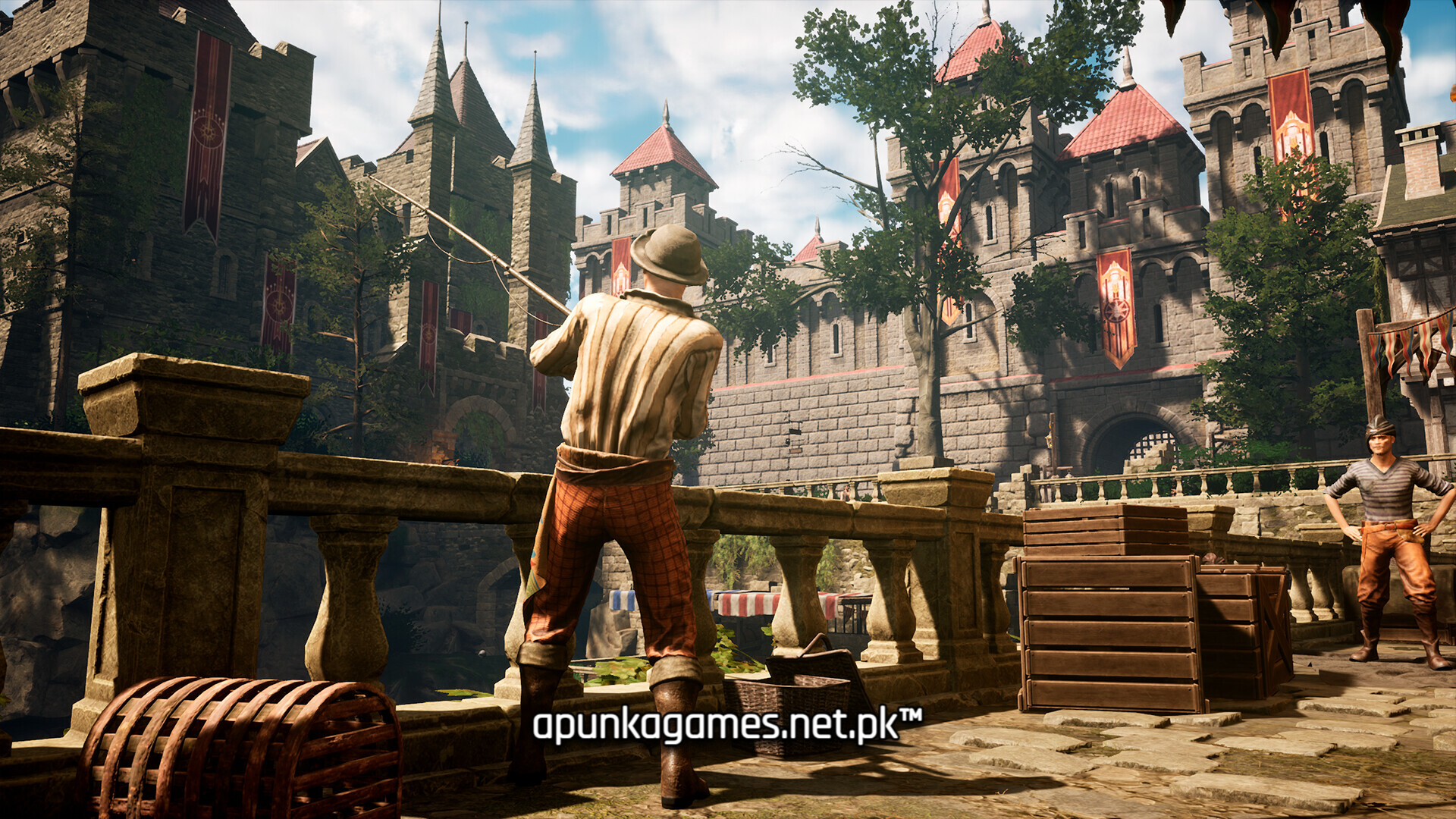
Visually, the game utilizes a atmospheric, low-fantasy art direction featuring dense forests, mud-slicked valleys, and crumbling stone strongholds. The system requirements call for 45 GB of available storage space on your hard drive or solid-state drive (SSD) to begin your journey.
Before downloading make sure that your PC meets minimum system requirements
Minimum System Requirements
- OS: Windows 10/11 (64-bit)
- Processor: Intel Core i5 10600 / AMD Ryzen 5 3600
- Memory: 16 GB RAM
- Graphics: NVIDIA GeForce GTX 1070 / AMD Radeon RX 5700 XT
- DirectX: Version 12
- Storage: 45 GB available space
Screenshots
How to Install Of Ash and Steel?
- Download: Get the installer only from the official developer or a verified store.
- Run Setup: Double-click the official .exe file and follow the prompts.
- Default Path: Install to the recommended folder to ensure proper system permissions.
- Update: Run the game launcher to download any official security patches.
- Launch: Open the game via the official desktop shortcut.