Apunkagames Official Site – Games Download For PC Apunkagames Official Site — Discover detailed PC game guides, accurate system requirements, screenshots, and verified official download links for top Windows games.
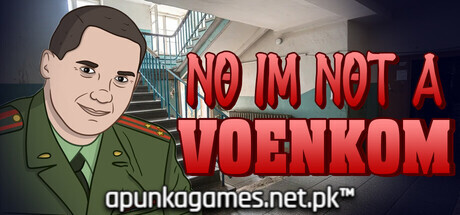
No Im not a Voenkom is a psychological horror and immersive simulation indie game released in November 2025 by Pine Games. Set in a bleak, decaying post-Soviet industrial town, the narrative follows a weary factory worker living paycheck to paycheck in a cramped, outdated Khrushchev-era apartment. Your mundane evening is shattered when unexpected, persistent knocks rattle your front door, throwing you into a tense game of survival where a single wrong choice can have catastrophic consequences.
The gameplay is split into two distinct phases. The first phase centers on choice-based suspense within your apartment; you listen to various uninvited guests—ranging from neighbors and friends to dangerous individuals—and must decide whether or not to let them pass. If you accidentally welcome someone with ill intentions, the game abruptly transitions into the second phase: a frantic, high-stakes chase scenario where you must flee your apartment and navigate the crumbling town to escape your pursuer.
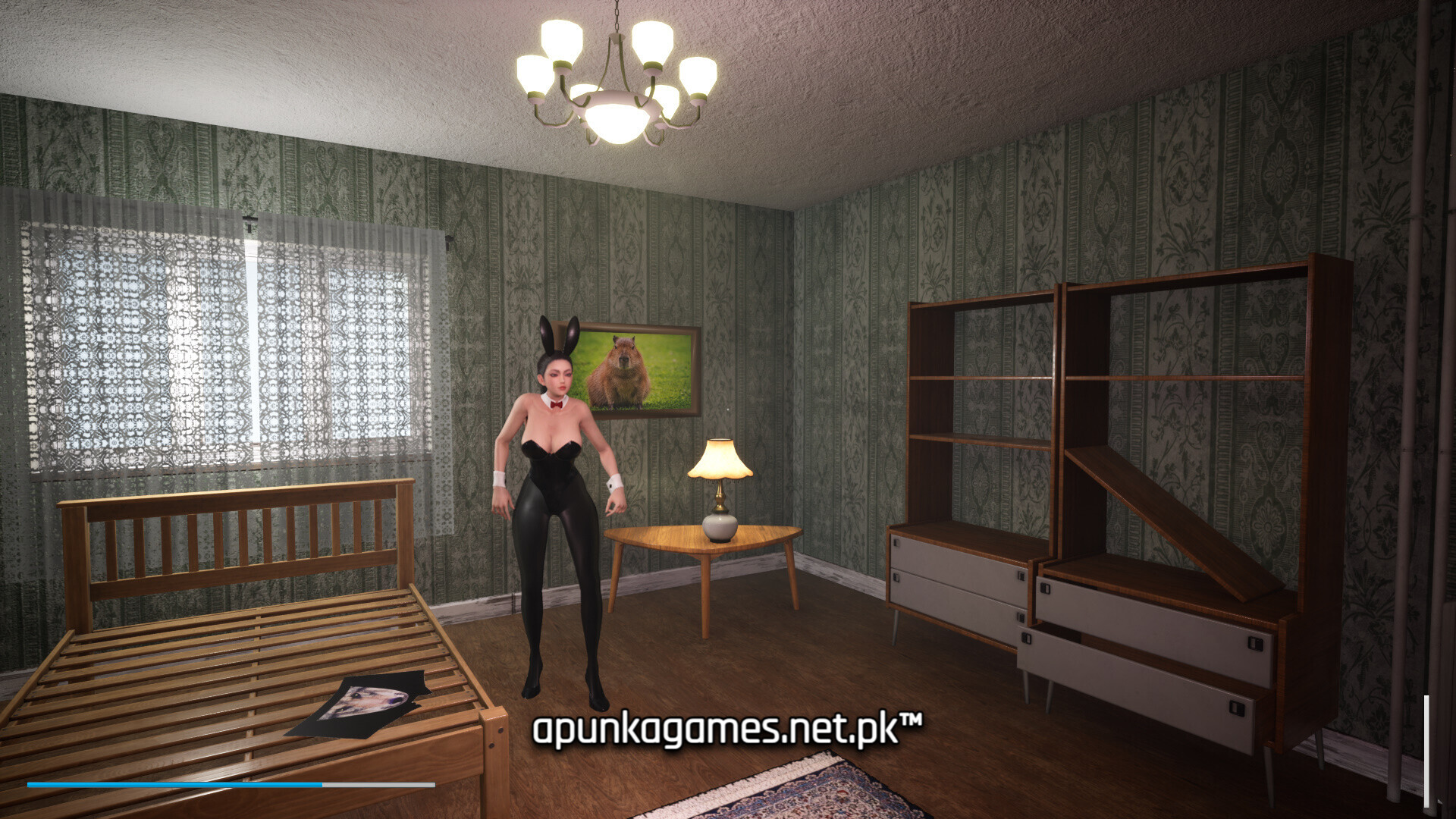
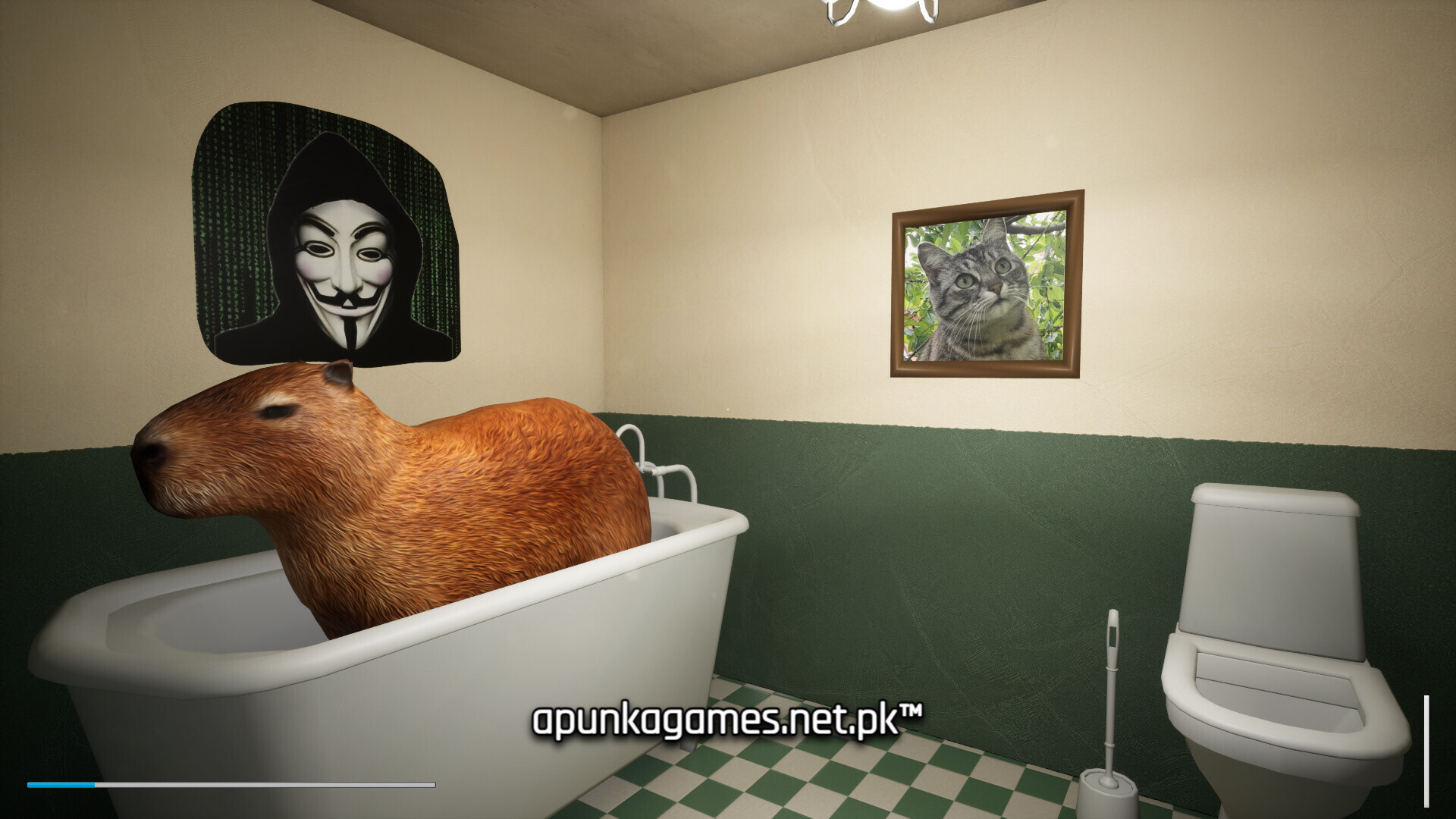
Visually, the game captures a moody, atmospheric aesthetic that leans heavily into regional isolation and dark humor. Built efficiently for PC, this indie title requires a minimal 2 GB of available storage space on your hard drive or solid-state drive (SSD) to install.
Before downloading make sure that your PC meets minimum system requirements
Minimum System Requirements
- OS: Windows 7 64-bit or higher
- Processor: Intel Core i5-4460 / AMD Ryzen 5 5500 or better
- Memory: 4 GB RAM
- Graphics: Nvidia GeForce GTX 760 / AMD Radeon HD 7870
- Storage: 2 GB available space
Screenshots
How to Install No Im not a Voenkom?
- Download: Get the installer only from the official developer or a verified store.
- Run Setup: Double-click the official .exe file and follow the prompts.
- Default Path: Install to the recommended folder to ensure proper system permissions.
- Update: Run the game launcher to download any official security patches.
- Launch: Open the game via the official desktop shortcut.