Apunkagames Official Site – Games Download For PC Apunkagames Official Site — Discover detailed PC game guides, accurate system requirements, screenshots, and verified official download links for top Windows games.

Assetto Corsa Rally is an uncompromising, high-fidelity sim racing title launched into Steam Early Access in November 2025. Developed by Supernova Games Studios with core technical support from Kunos Simulazioni and published by 505 Games, this release marks the very first rally-focused entry in the celebrated franchise. The narrative and structure place players into the intense, high-stakes world of professional stage rallying across diverse global locations.
For PC players, the simulation delivers an elite, demanding driving model built on a customized version of Unreal Engine 5, integrated directly with Kunos’ acclaimed physics. The mechanics are specifically tuned for the unique dynamics of front-wheel, rear-wheel, and all-wheel-drive vehicles navigating loose surfaces. The game shifts away from closed circuits to challenge players with over 33 kilometers of meticulously 3D laser-scanned real-world stages—including the technical asphalt of Alsace and the brutal gravel of Wales—complete with professional co-driver pace notes, dynamic weather, and advanced physics-based vehicle damage.
Visually, the next-generation engine renders stunning day-night cycles, shifting road surface grip levels, and highly realistic environmental particle effects. The optimized PC port offers robust settings, complete triple-screen compatibility, VR readiness, and deep support for direct-input racing wheels.
Before downloading make sure that your PC meets minimum system requirements
Minimum System Requirements
- OS: Any supported Win 10 64-bit or Win 11 64-bit version.
- Processor: Intel Core i7-10700K or Ryzen 5 3600X
- Memory: 16 GB RAM
- Graphics: NVIDIA GeForce RTX 2080, 8 GB
- DirectX: Version 12
- Network: Broadband Internet connection
- Storage: 50 GB available space
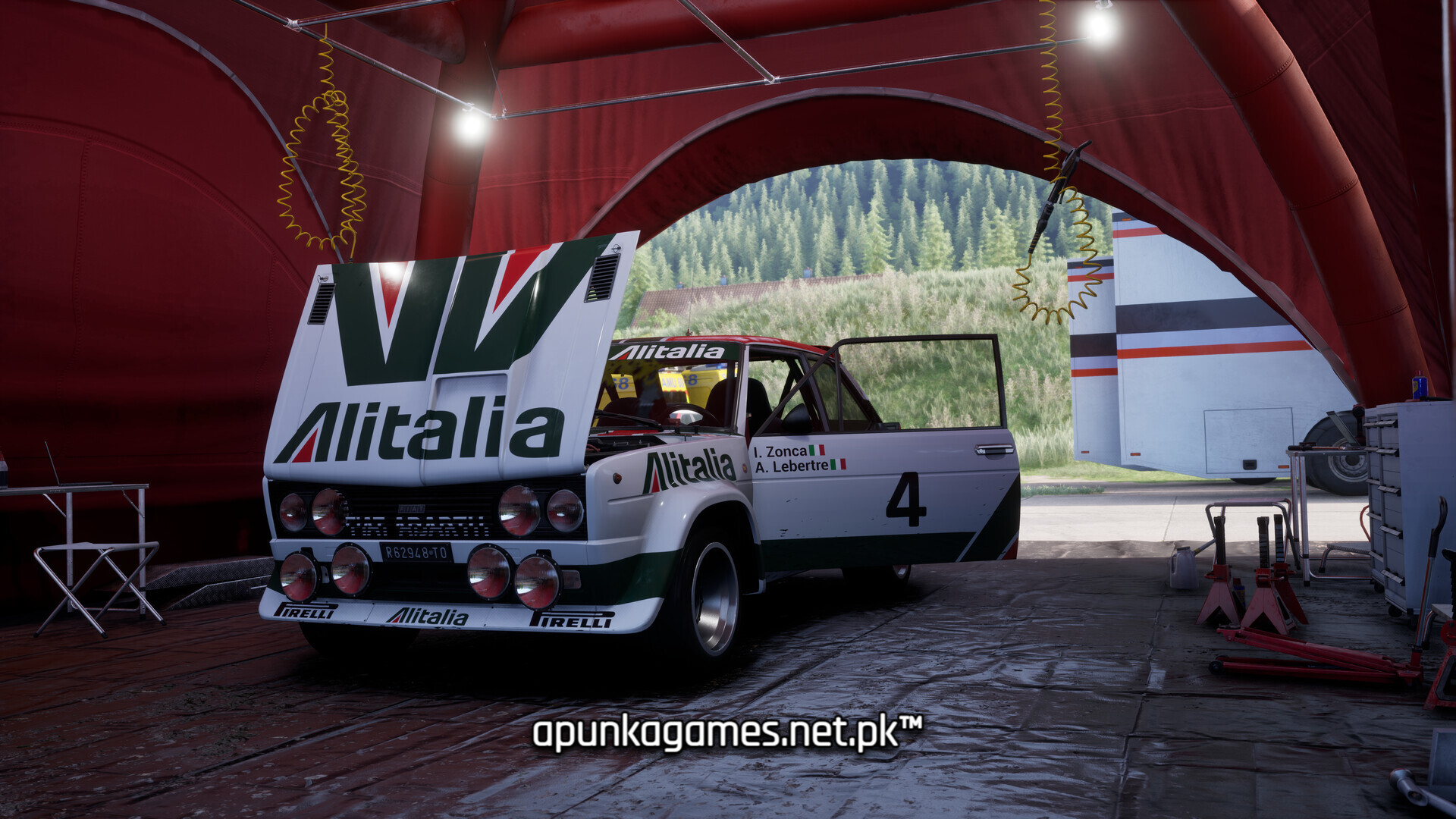
Screenshots

How to Install Assetto Corsa Rally?
- Download: Get the installer only from the official developer or a verified store.
- Run Setup: Double-click the official .exe file and follow the prompts.
- Default Path: Install to the recommended folder to ensure proper system permissions.
- Update: Run the game launcher to download any official security patches.
- Launch: Open the game via the official desktop shortcut.