Apunkagames Official Site – Games Download For PC Apunkagames Official Site — Discover detailed PC game guides, accurate system requirements, screenshots, and verified official download links for top Windows games.
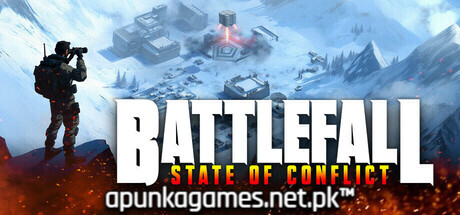
Battlefall State of Conflict is a fast-paced, post-apocalyptic real-time strategy (RTS) game launched into Steam Early Access in March 2025. Developed by Kyoto Video Game Concern and published by the legendary MicroProse Software, the sci-fi narrative drops players into the chaotic remains of a shattered planet. Here, three highly distinct factions—the human remnants of the Earth Forces Network (EFNET), the crazed and mutated Scrappers, and the cold, automated machine rogue AI known as SEL—clash in a brutal, multi-campaign struggle for planetary survival and ultimate strategic dominance.
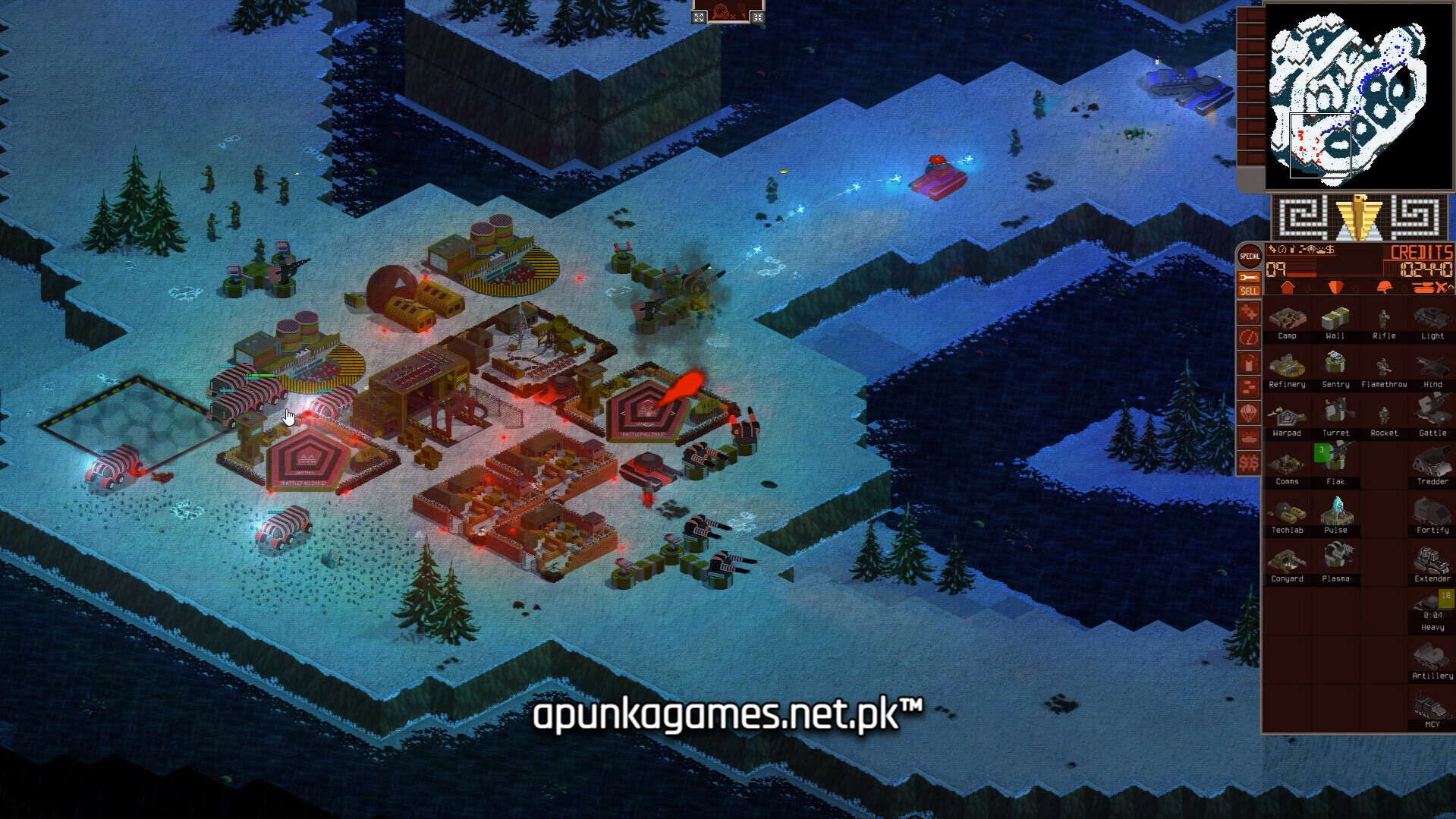
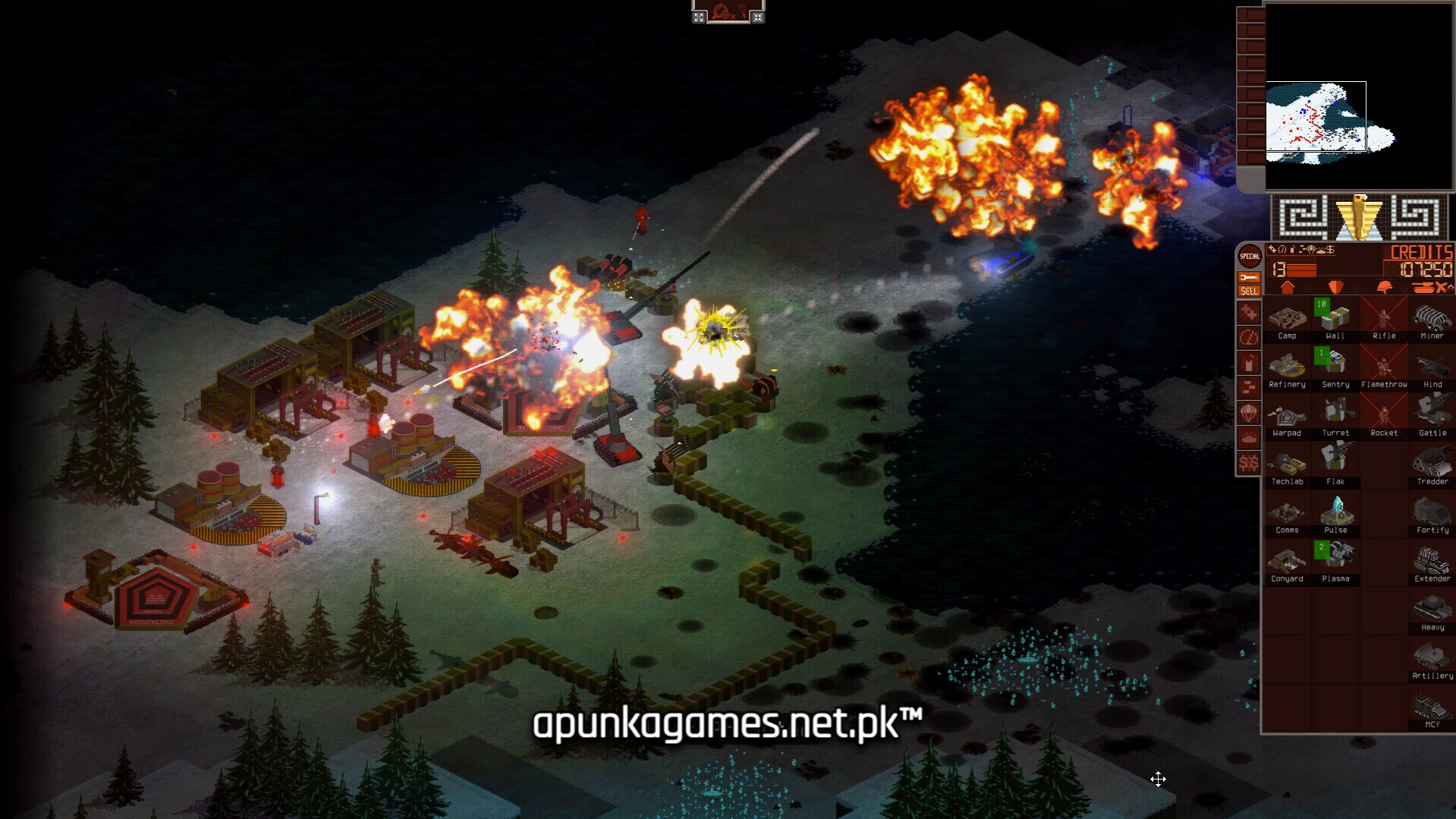
For PC players, the game delivers a nostalgic, high-octane mechanical loop heavily inspired by classic late-90s RTS titles like Command and Conquer. The gameplay entirely removes population or building limits, allowing you to amass screens of massive armies. It introduces a unique “Battlefall Upgrade” system, allowing you to spend rare in-battle rewards to customize and evolve your units on the fly.
Visually built on the GameMaker engine, it features a gritty, stylized aesthetic with robust offline skirmishes, online multiplayer, and a built-in level and rule editor. The compact digital installation requires a mere 2 GB of available storage space on your hard drive or solid-state drive (SSD) to deploy your forces.
Before downloading make sure that your PC meets minimum system requirements
Minimum System Requirements
- OS: Windows 10 / 11
- Processor: Intel 4790 or AMD equivilant
- Memory: 4 GB RAM
- Graphics: Nvidia GeForce GTX 1070 or AMD equivilant
- DirectX: Version 10
- Storage: 1 GB available space
Screenshots
How to Install Battlefall State of Conflict?
- Download: Get the installer only from the official developer or a verified store.
- Run Setup: Double-click the official .exe file and follow the prompts.
- Default Path: Install to the recommended folder to ensure proper system permissions.
- Update: Run the game launcher to download any official security patches.
- Launch: Open the game via the official desktop shortcut.