Apunkagames Official Site – Games Download For PC Apunkagames Official Site — Discover detailed PC game guides, accurate system requirements, screenshots, and verified official download links for top Windows games.

Ranch Farm and Store Simulator is an engaging indie simulation title released in December 2025 that seamlessly blends homestead management with retail business strategy. Developed by Bewolba Studios, the game tasks players with building a self-sustaining agricultural enterprise completely from scratch, taking products from initial seed to the final customer transaction.
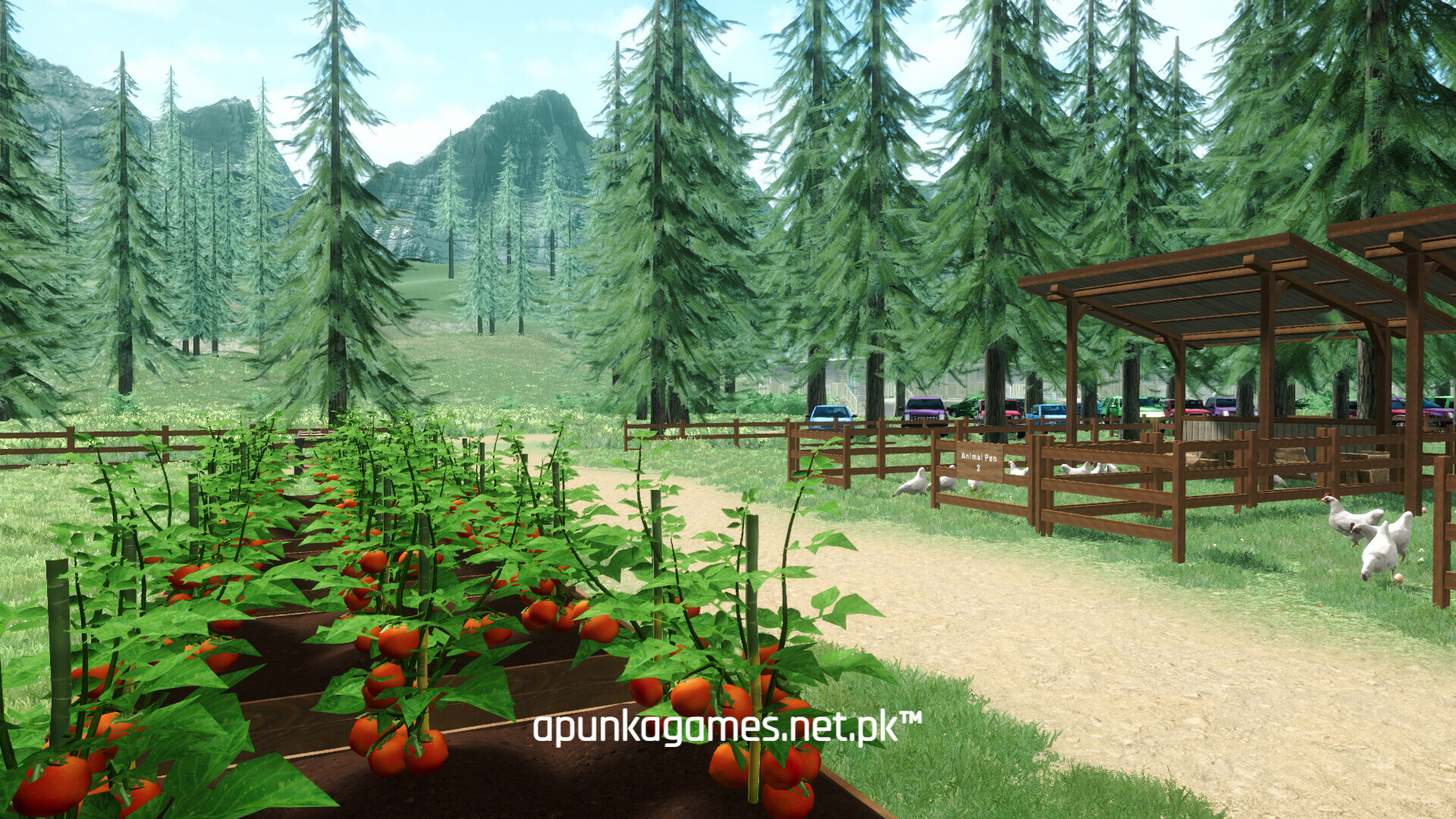
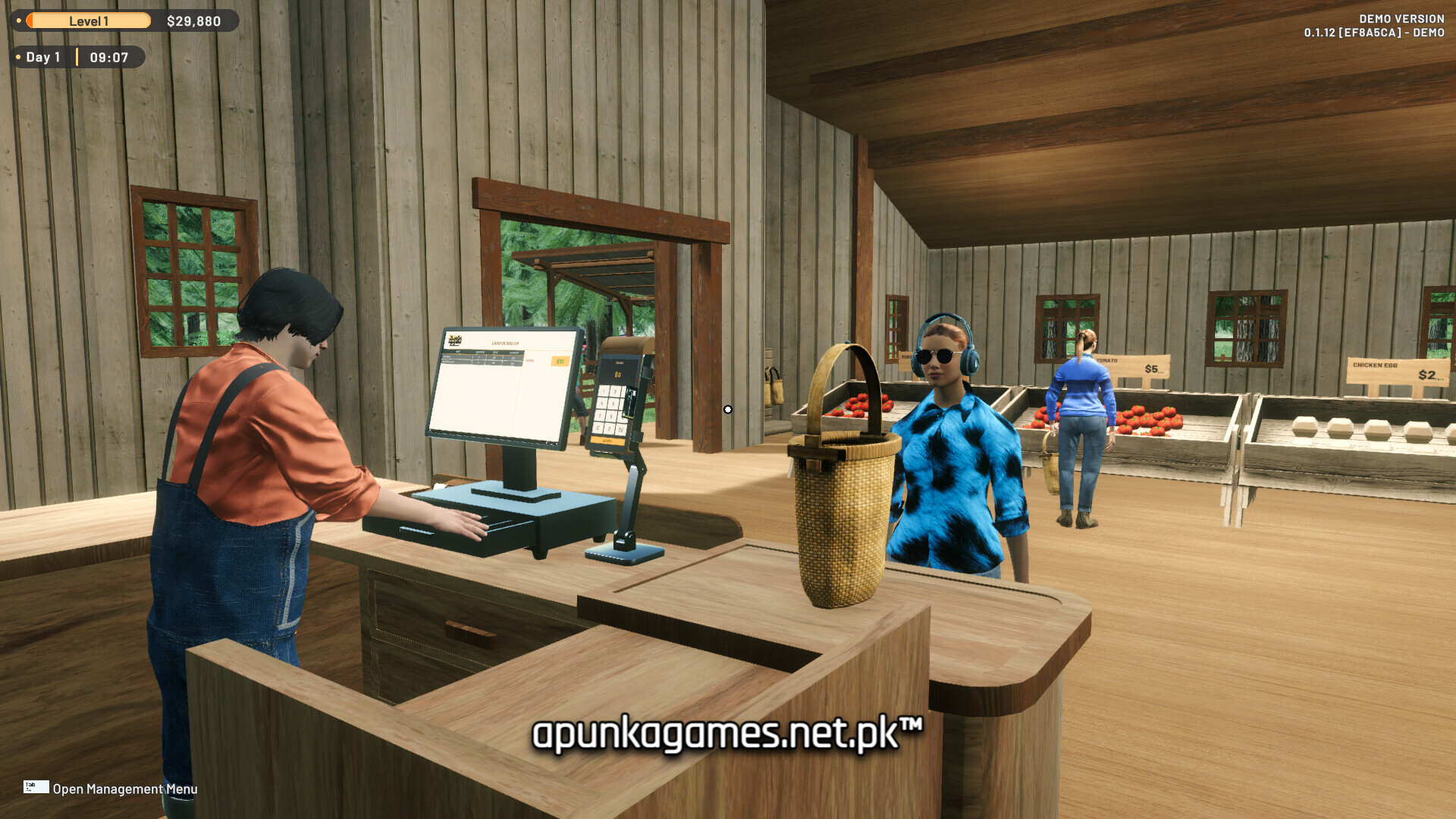
For PC players, the core gameplay loop presents a rewarding cycle of production and commerce. You build planter boxes to cultivate various multi-harvest crops—like chilies, apples, and tomatoes—while simultaneously constructing pens to raise livestock including chickens, goats, and cows for eggs, milk, and meat. To maximize your profits, you must actively run an on-site marketplace by stocking shelves with your fresh yields, configuring retail prices via data monitors, and checking out local customers at the register. The mechanics also include a defense element where you use guardian animals, kept happy with caught fish, to fend off wild predators targeting your assets. As the operation expands, you can hire and automate specialized workers to optimize daily maintenance.
Visually, the game offers a vibrant, relaxing 3D environment optimized for smooth sandbox play. The digital installation requires 10 GB of available storage space on your solid-state drive (SSD) or hard drive to settle your homestead.
Before downloading make sure that your PC meets minimum system requirements
Minimum System Requirements
- OS: Windows 10 / 11 64bit
- Processor: AMD Ryzen 5 1600 / Intel Core i5-8400
- Memory: 8 GB RAM
- Graphics: GeForce GTX 970
- DirectX: Version 11
- Storage: 10 GB available spac
Screenshots
How to Install Ranch Farm and Store Simulator?
- Download: Get the installer only from the official developer or a verified store.
- Run Setup: Double-click the official .exe file and follow the prompts.
- Default Path: Install to the recommended folder to ensure proper system permissions.
- Update: Run the game launcher to download any official security patches.
- Launch: Open the game via the official desktop shortcut.