Apunkagames Official Site – Games Download For PC Apunkagames Official Site — Discover detailed PC game guides, accurate system requirements, screenshots, and verified official download links for top Windows games.

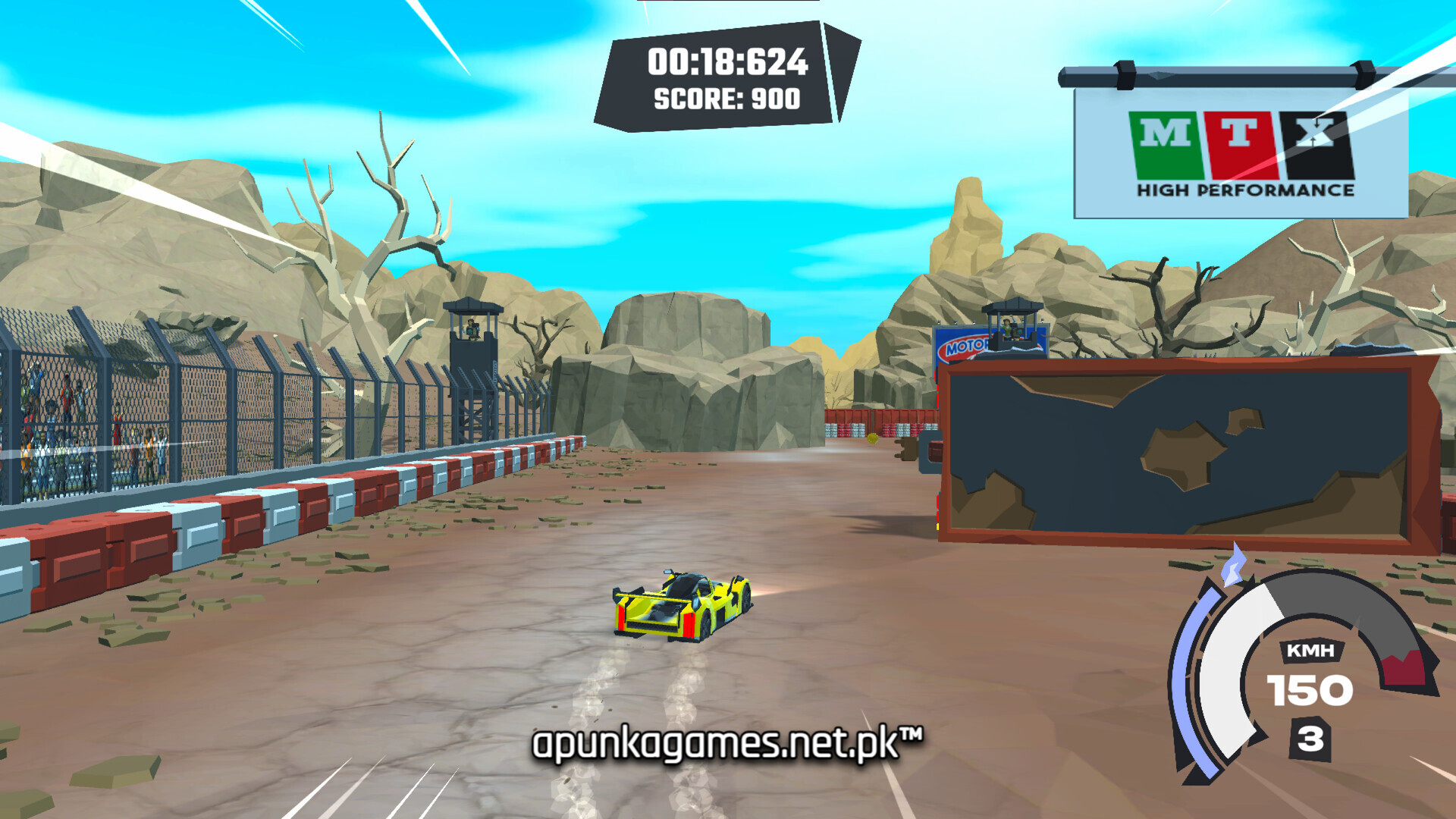
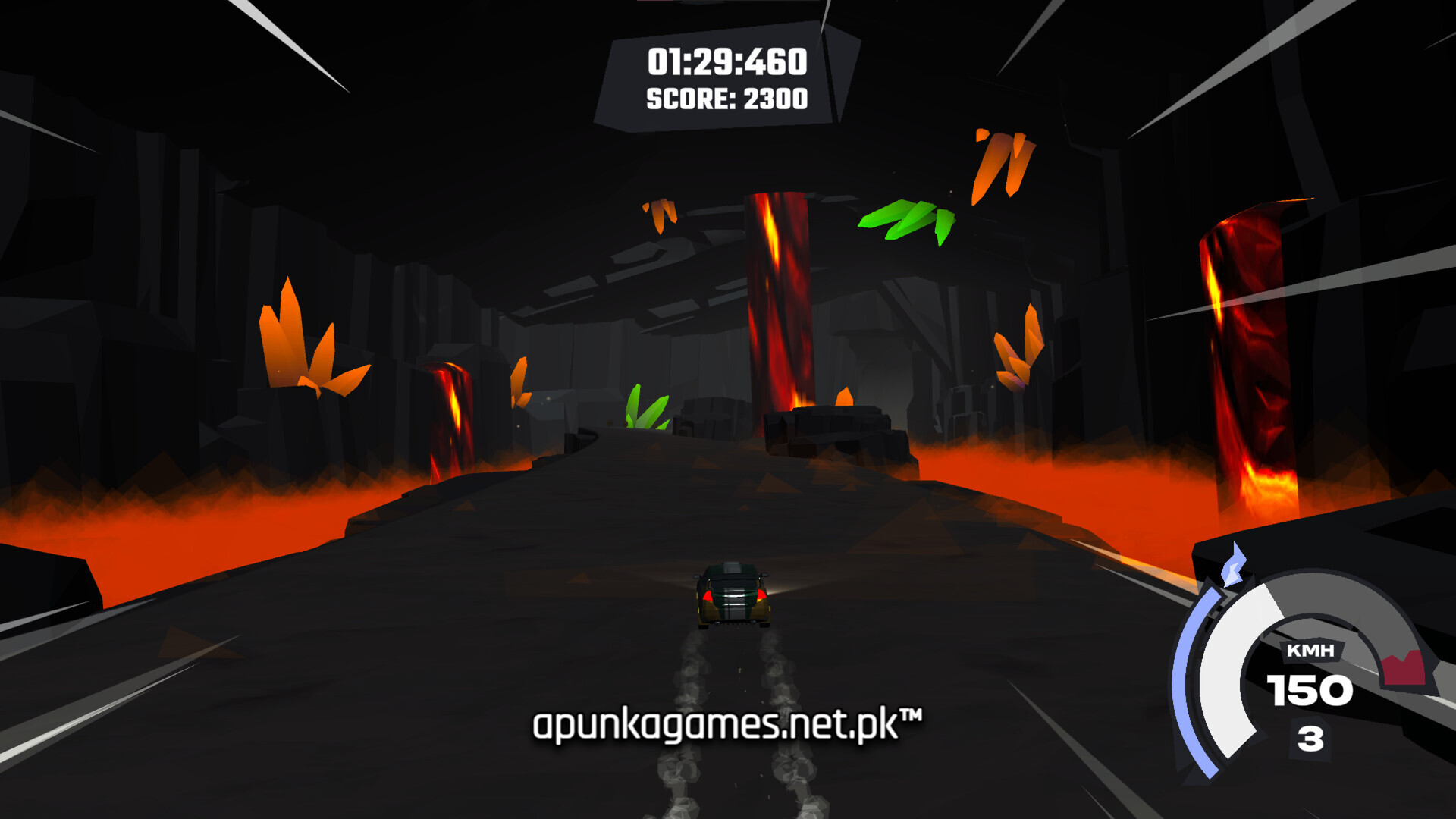
Realm Racer is a high-speed, stylized arcade racing game released in December 2025 that challenges players to test their reflexes across time and space. Developed and published by TriTec Entertainment, the game drops you into the driver’s seat of an unstoppable vehicle equipped with an engine that never rests. Your core objective is to blast through a dense collection of eras and biomes, conquering unique tracks, collecting coins, and hunting down high scores to earn medals.
For PC players, the gameplay emphasizes momentum, precision routing, and endless speed. Because your vehicle never stops moving, success relies entirely on your ability to find the perfect racing line while avoiding dense, hazard-filled layouts complete with physical obstacles like massive spinning saws. The main campaign features a dense lineup of handcrafted tracks in Realm Racing mode, alongside a competitive Grand Prix mode packed with multiple difficult tournament Cups.
Visually, the title utilizes a clean, minimalist 3D aesthetic to render its diverse temporal realms clearly at high speeds. The PC version features customizable graphic configurations, unlockable achievements, and integrated global Steam Leaderboards to track your records. The ultra-lightweight digital installation requires just 500 MB of available storage space on your hard drive or solid-state drive (SSD) to begin your run.
Before downloading make sure that your PC meets minimum system requirements
Minimum System Requirements
- OS: Windows 10 / 11
- Processor: Intel Core i3 (or equivalent)
- Memory: 4 GB RAM
- Graphics: Nvidia GTX 1660 Ti (or equivalent)
- DirectX: Version 10
- Storage: 500 MB available space
Screenshots
How to Install Realm Racer?
- Download: Get the installer only from the official developer or a verified store.
- Run Setup: Double-click the official .exe file and follow the prompts.
- Default Path: Install to the recommended folder to ensure proper system permissions.
- Update: Run the game launcher to download any official security patches.
- Launch: Open the game via the official desktop shortcut.