Apunkagames Official Site – Games Download For PC Apunkagames Official Site — Discover detailed PC game guides, accurate system requirements, screenshots, and verified official download links for top Windows games.

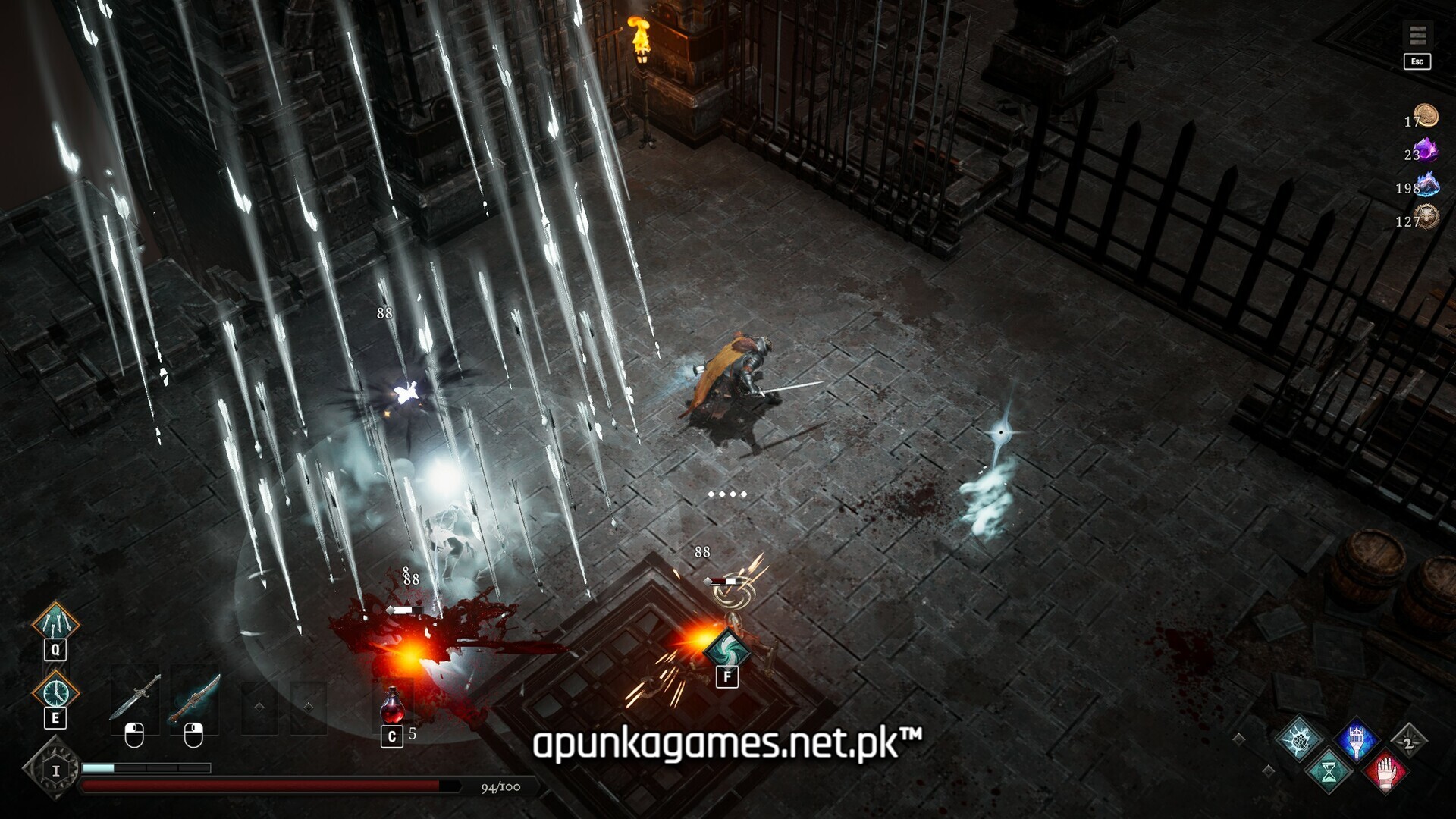
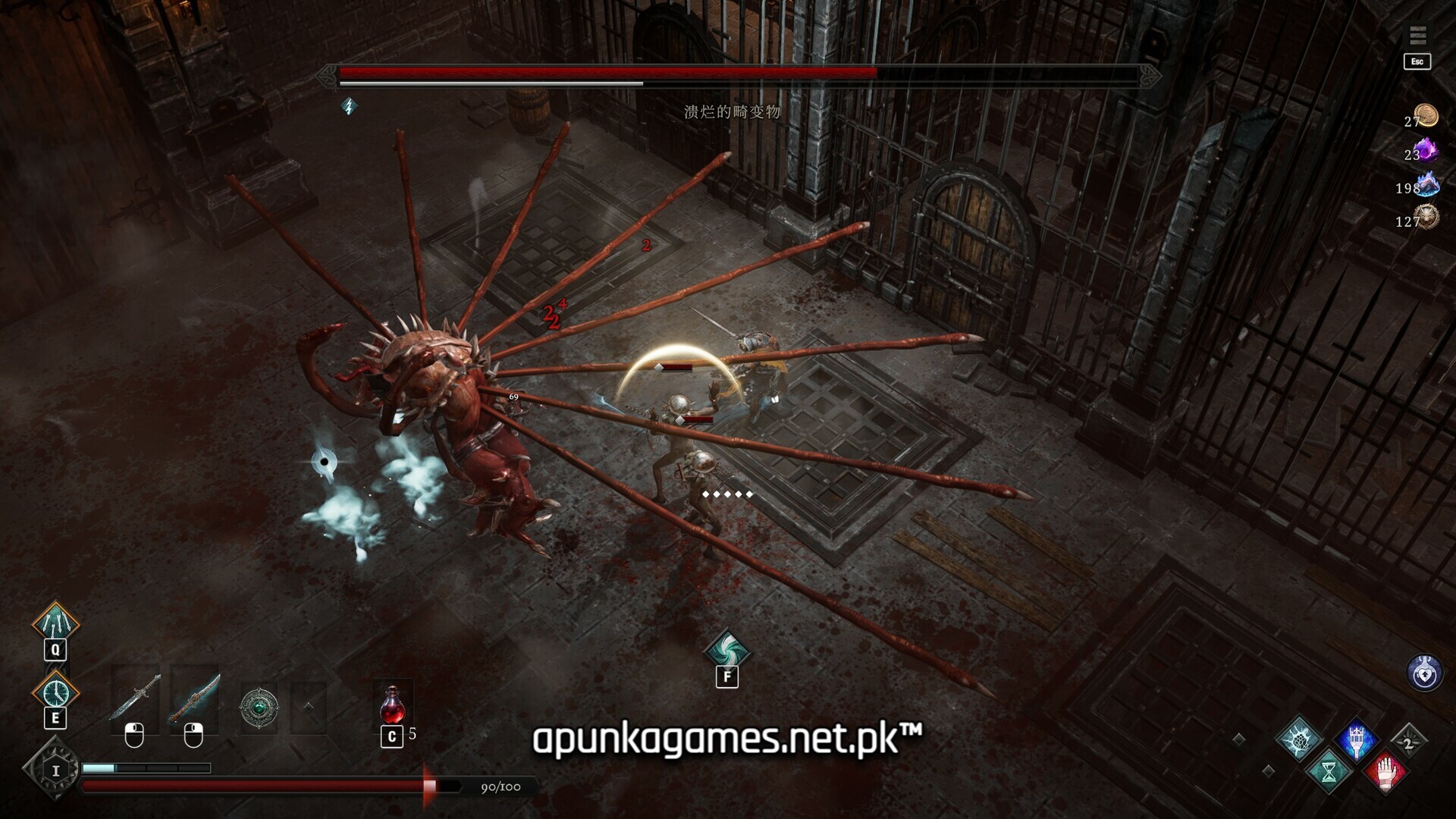
Netherworld Covenant is a dark-fantasy 3D isometric action roguelike released in December 2025 that masterfully blends challenging Soulslike mechanics with deep strategic progression. Developed by MadGoat Game Studio, the narrative places you as the sole survivor of a catastrophic realm-shattering disaster. Armed with the Nether Lantern—a powerful, forbidden artifact capable of bridging the mortal realm and the abyss—you must venture into unforgiving, procedurally generated labyrinths to challenge corrupted lords, fallen heroes, and primordial demons.
For PC players, the tactical gameplay loop rejects chaotic button-mashing in favor of deliberate, high-stakes precision. Success demands flawless parrying, dodging, and executing Ethereal Dashes to survive lethal combat encounters. The definitive experience centers on the Soul Companion system, allowing you to form pacts with the spectral remnants of deceased allies—such as Swordsmen, Rangers, Guardians, and Rogues—to bypass obstacles, manipulate dimensions, and unlock specialized offensive builds.
Visually, the title utilizes the Unity Engine to render a stark, grimly atmospheric world bursting with distinct combat environments and stylized dark aesthetics. The highly optimized installation runs beautifully at smooth framerates on standard setups, requiring a remarkably lightweight 3 GB of available storage space on your hard drive or solid-state drive (SSD) to begin your descent into the abyss.
Before downloading make sure that your PC meets minimum system requirements
Minimum System Requirements
- OS: Windows 10 / 11
- Processor: Intel i3+
- Memory: 4 GB RAM
- Graphics: GeForce GTX 1050 Ti
- DirectX: Version 11
- Storage: 3 GB available space
Screenshots
How to Install Netherworld Covenant?
- Download: Get the installer only from the official developer or a verified store.
- Run Setup: Double-click the official .exe file and follow the prompts.
- Default Path: Install to the recommended folder to ensure proper system permissions.
- Update: Run the game launcher to download any official security patches.
- Launch: Open the game via the official desktop shortcut.