Apunkagames Official Site – Games Download For PC Apunkagames Official Site — Discover detailed PC game guides, accurate system requirements, screenshots, and verified official download links for top Windows games.

Barn Finders is a delightfully quirky, first-person simulation and management game released in 2020 that drops you into the lucrative world of storage hunting and antique flipping. Developed by Duality Games, the narrative follows you and your eccentric Uncle Billy as you travel across a stylized, rural American wasteland to scout out abandoned barns, dusty garages, and storage units for valuable, forgotten treasures.
For PC players, the core gameplay loop brilliantly blends exploratory scavenging with entrepreneurial strategy. You spend your days exploring massive, atmospheric locations, searching every dark corner for rare items, vintage car parts, and bizarre alien artifacts. Once you bag your loot, you bring it back to your family pawn shop. Many items arrive broken or filthy, requiring you to carefully clean, repair, or reassemble them at your workbench to maximize their market value. You then put them on display, haggle with quirky local customers, or put rare pieces up for high-stakes auctions.
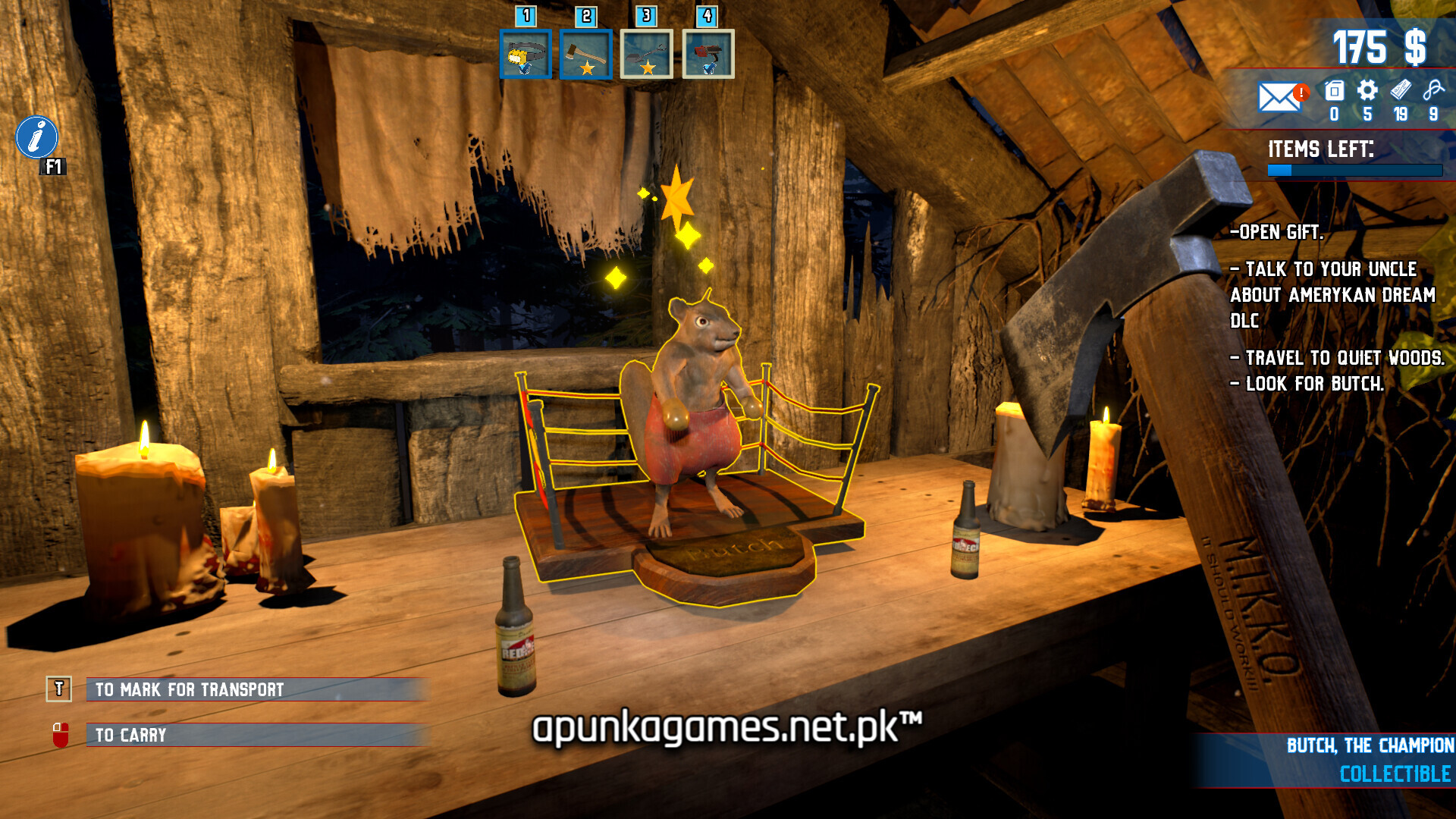
Visually, the game utilizes a colorful, comic-inspired 3D art style overflowing with humor and oddball charm. The PC version provides fully adjustable graphic parameters and smooth mouse control for seamless picking. The digital installation requires 21 GB of available storage space on your hard drive or solid-state drive (SSD) to begin your bidding wars.
Before downloading make sure that your PC meets minimum system requirements
Minimum System Requirements
- OS: Windows 7
- Processor: i5 3550 / FX-8350
- Memory: 6 GB RAM
- Graphics: GTX 660Ti / R9 270X
- DirectX: Version 11
- Storage: 21 GB available space
Screenshots

How to Install Barn Finders?
- Download: Get the installer only from the official developer or a verified store.
- Run Setup: Double-click the official .exe file and follow the prompts.
- Default Path: Install to the recommended folder to ensure proper system permissions.
- Update: Run the game launcher to download any official security patches.
- Launch: Open the game via the official desktop shortcut.