Apunkagames Official Site – Games Download For PC ApunKaGames is a best website to download games for PC.
Table of Contents
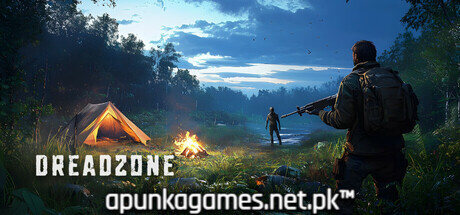
DREADZONE is a grim, atmospheric open-world indie survival game released in Early Access in July 2025. Developed and published by Eshed, the narrative takes place in a near-future landscape devastated by the lethal “Zeno-29” virus. Players assume the role of an infected civilian exiled by the government to a massive, isolated quarantine zone filled with abandoned industrial factories, decaying residential districts, and hidden subterranean bunkers.
For PC players, the experience delivers a tense, multifaceted gameplay loop that blends sandbox survival mechanics with deep player choice. To counter the virus slowly overtaking your body, you must aggressively scavenge for resources, smelt ores, craft makeshift weaponry, and construct fortified bases to repel hostile wildlife, aggressive soldiers, and mutated hordes. A major structural highlight is the branching progression path: players can collaborate with surviving scientists to engineer a permanent cure or fully embrace their infection to wield monstrous mutant powers.
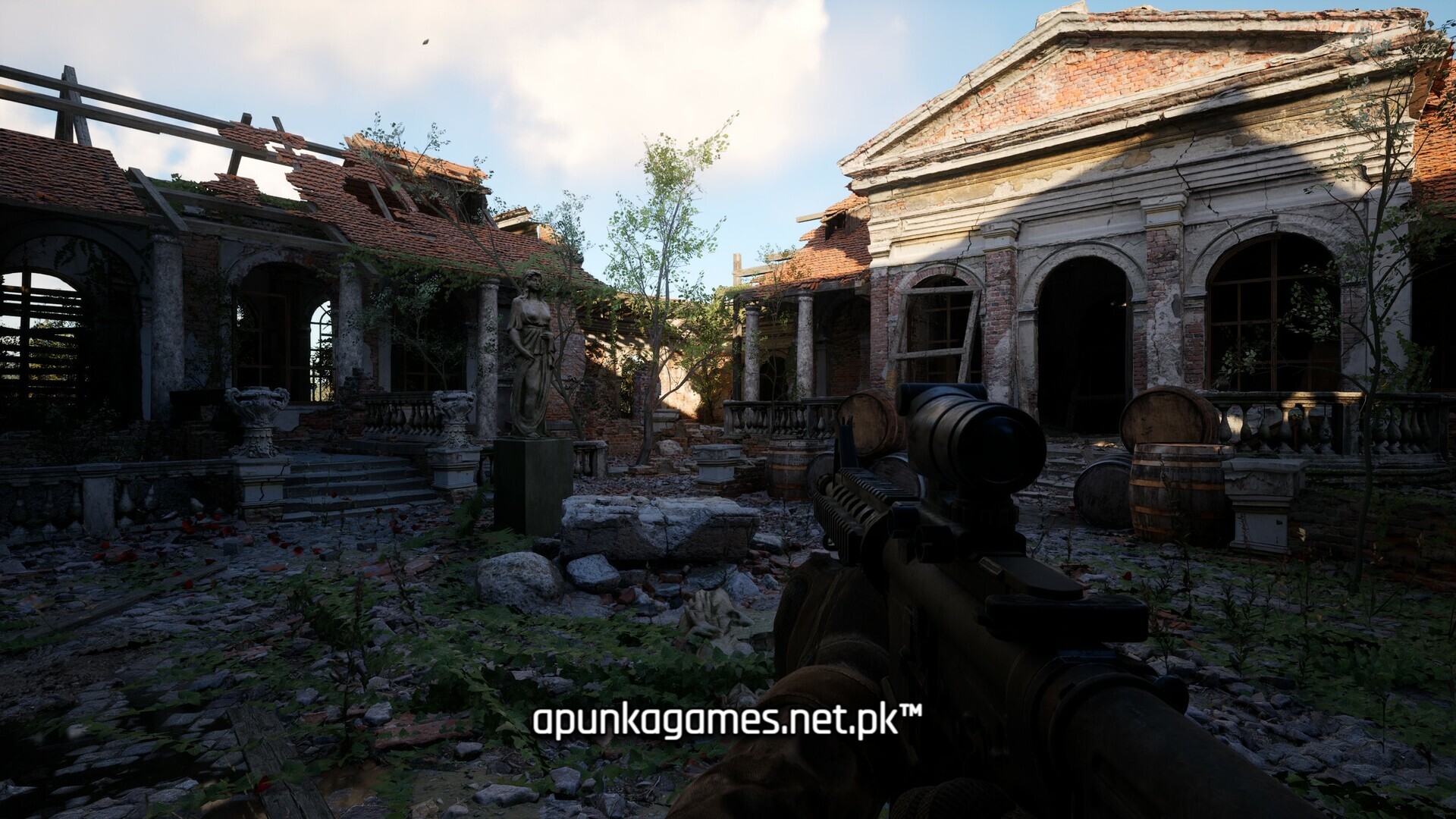
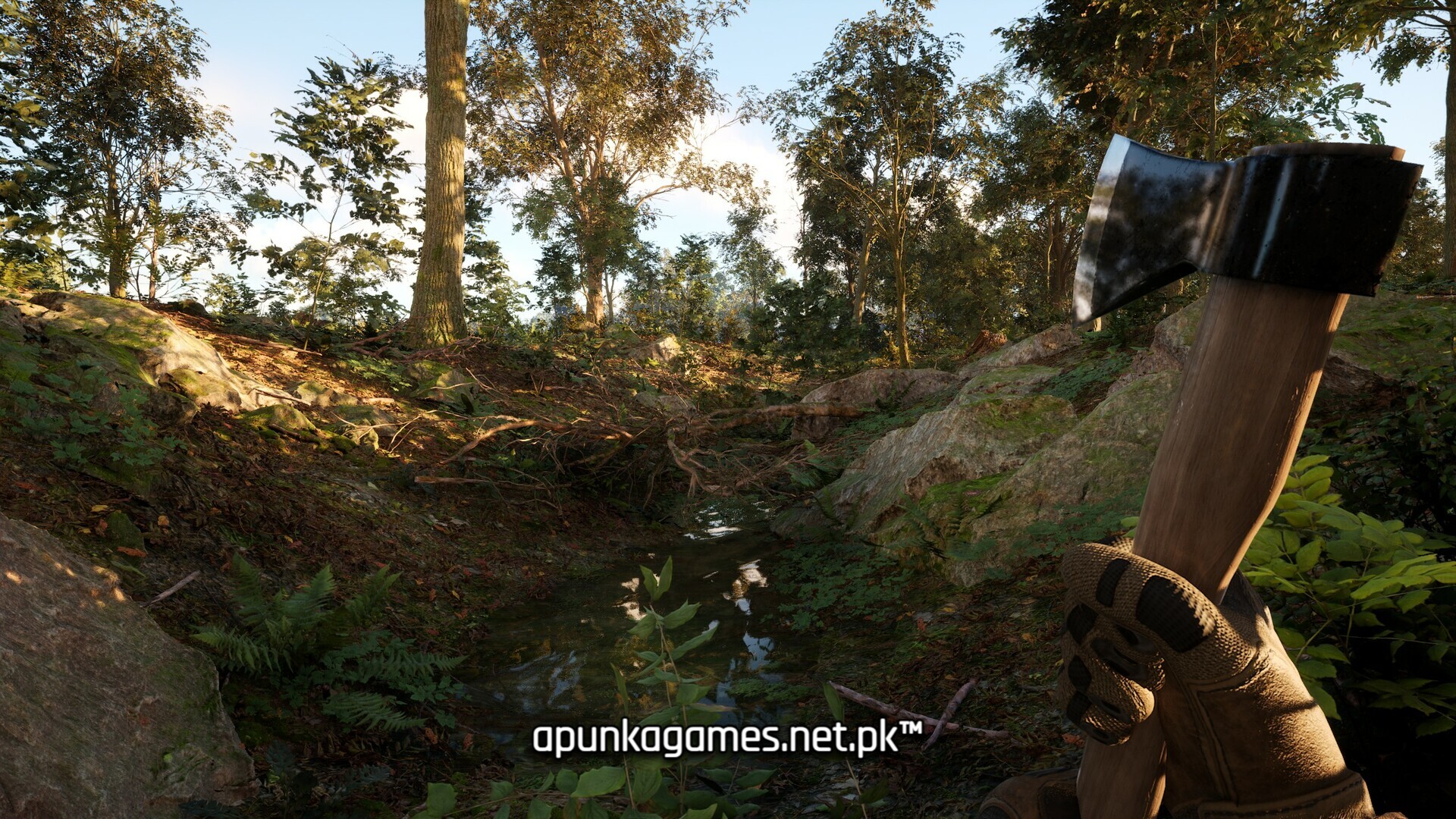
Visually, the game utilizes Unreal Engine to render a harsh, highly detailed wasteland filled with dynamic weather conditions and visceral combat animations. The digital package requires an intensive 50 GB of available storage space strictly on a solid-state drive (SSD) to deploy safely into the zone.
Before downloading make sure that your PC meets minimum system requirements
Minimum System Requirements
- OS: Windows 10 / 11
- Processor: Intel Core i7-8700 or AMD Ryzen 5-5600X
- Memory: 16 GB RAM
- Graphics: Nvidia RTX-2060 or AMD RX-6600XT
- DirectX: Version 12
- Storage: 50 GB available space
Screenshots
How to Install DREADZONE?
- Download: Get the installer only from the official developer or a verified store.
- Run Setup: Double-click the official .exe file and follow the prompts.
- Default Path: Install to the recommended folder to ensure proper system permissions.
- Update: Run the game launcher to download any official security patches.
- Launch: Open the game via the official desktop shortcut.