Apunkagames Official Site – Games Download For PC Apunkagames Official Site — Discover detailed PC game guides, accurate system requirements, screenshots, and verified official download links for top Windows games.

Soulmask is a massive, prehistoric open-world survival game released in May 2024 that introduces a unique, tribal management twist to the genre. Stranded in a brutal, primordial land filled with ancient ruins and hostile factions, you escape a deadly sacrificial ritual and discover a sentient, mysterious mask. This artifact grants you the extraordinary ability to possess other NPCs, absorb their unique talent pools, and build a thriving civilization from the ground up.
For PC players, the gameplay beautifully fuses classic survival-crafting with deep action-RPG mechanics and a highly sophisticated automation system. Instead of doing all the tedious harvesting yourself, you recruit wandering tribesmen, assign them customized work routines, and automate your entire village’s farming, assembly lines, and base defenses. The combat engine relies on precise timing, distinct weapon masteries, and fluid dodging across eight customizable weapon classes to conquer massive, mythical beasts and adversarial tribes.
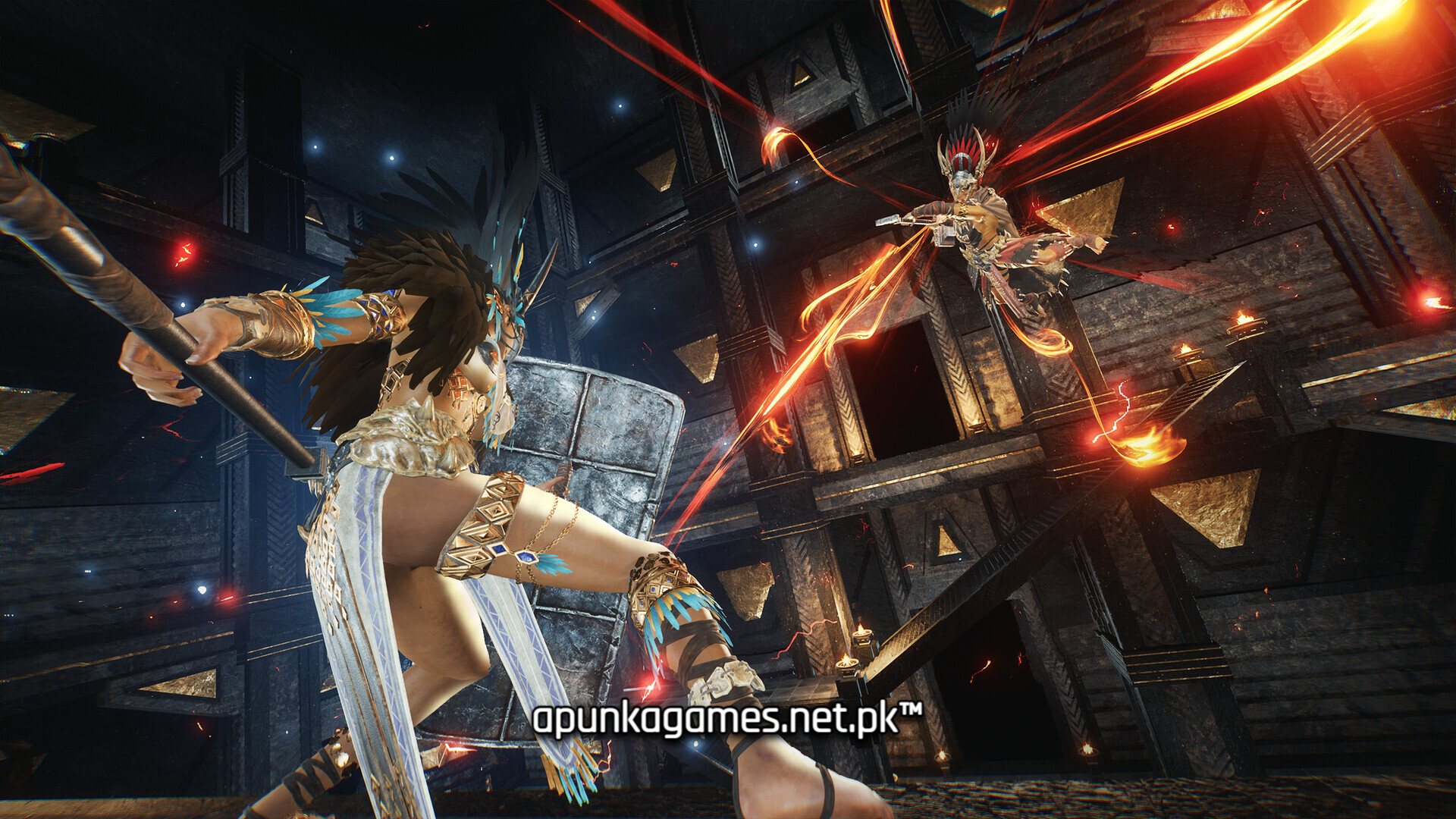
Visually, the title leverages advanced graphics technology to display dense, atmospheric rainforests, dynamic weather systems, and massive, forgotten temples. The optimized PC port provides extensive server hosting tools, customizable world parameters, and ultra-wide monitor support. The digital installation requires 25 GB of available storage space on your hard drive or solid-state drive (SSD) to begin your tribal ascension.
Before downloading make sure that your PC meets minimum system requirements
Minimum System Requirements
- OS: 64bit – Windows 10 / 11
- Processor: Intel Core i5-8400 / AMD Ryzen 3 3300X
- Memory: 16 GB RAM
- Graphics: GTX 970 4GB / AMD RX 580 4GB
- DirectX: Version 12
- Network: Broadband Internet connection
- Storage: 25 GB available space
Screenshots

How to Install Soulmask?
- Download: Get the installer only from the official developer or a verified store.
- Run Setup: Double-click the official .exe file and follow the prompts.
- Default Path: Install to the recommended folder to ensure proper system permissions.
- Update: Run the game launcher to download any official security patches.
- Launch: Open the game via the official desktop shortcut.