Apunkagames Official Site – Games Download For PC Apunkagames Official Site — Discover detailed PC game guides, accurate system requirements, screenshots, and verified official download links for top Windows games.

Sonic Frontiers is a brilliant, high-speed evolutionary leap for the iconic franchise released in 2022. Developed by Sonic Team, the narrative strands Sonic on the mysterious Starfall Islands while searching for the Chaos Emeralds. Separated from his friends and guided by a strange, disembodied voice, Sonic must unearth the tragic history of an ancient, technologically advanced civilization known as the Ancients to save his companions and stop a reality-threatening cybernetic corruption.
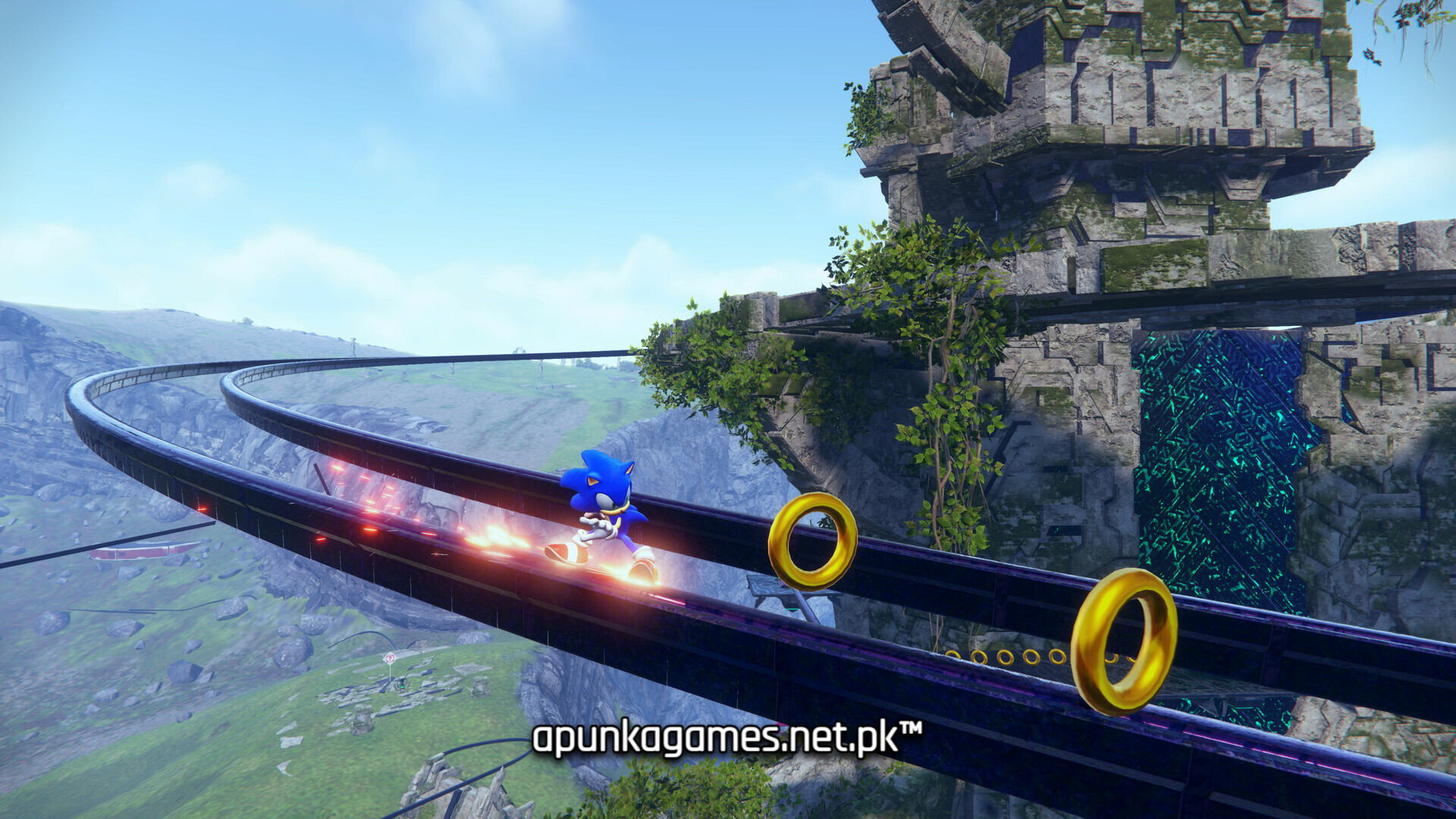
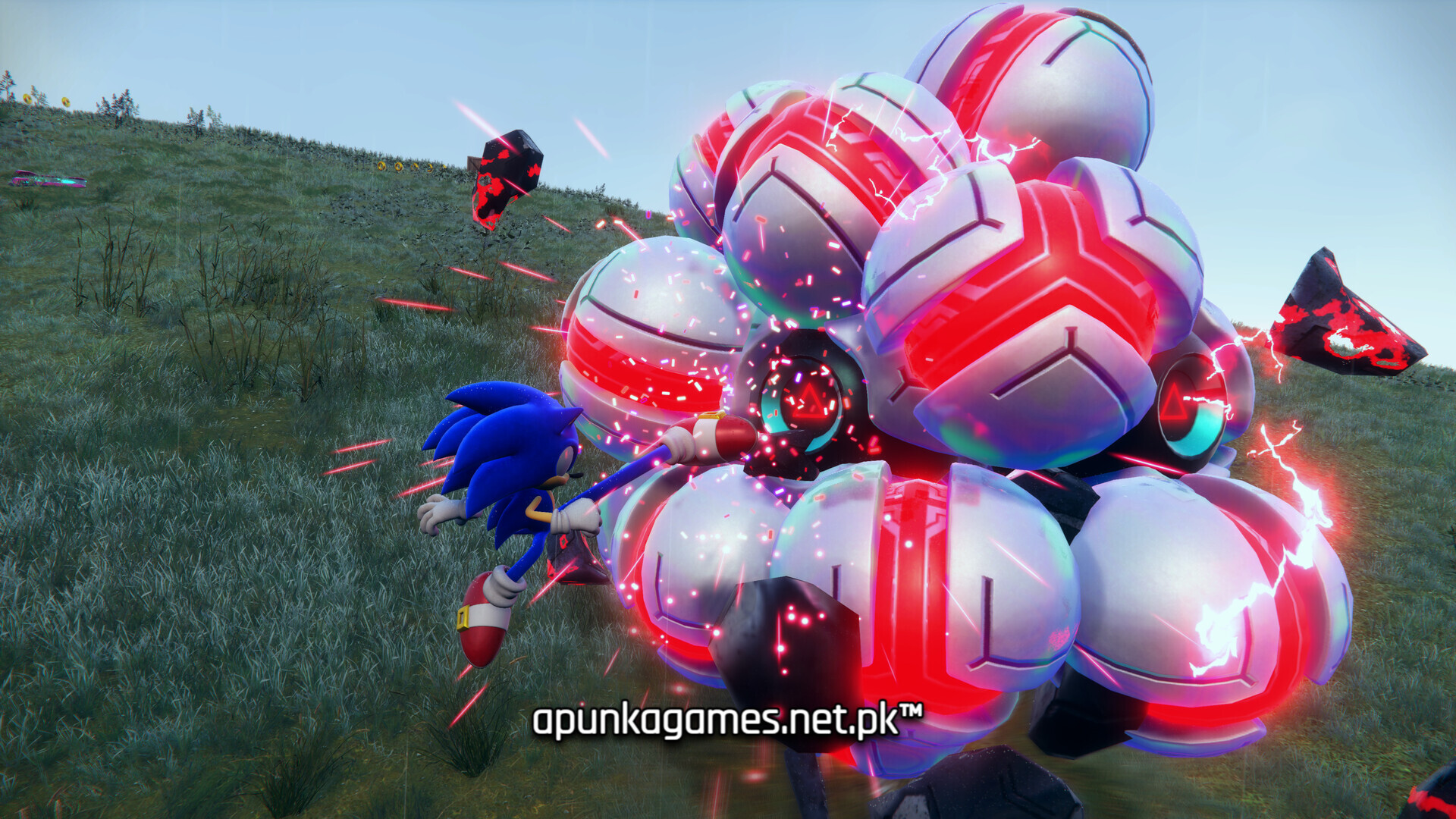
For PC players, the game introduces the revolutionary Open Zone gameplay loop, which breaks away from traditional linear levels. You are free to sprint, loop-de-loop, and rail-grind across five massive, distinct island sandboxes at blistering speeds. Combat is completely overhauled, shifting to a stylish action setup featuring a dedicated skill tree, parries, combos, and the Cyloop ability—where drawing a light trail around enemies or environmental objects triggers damage and uncovers hidden secrets.
Visually, the game utilizes the Hedgehog Engine 2 to render sprawling, realistic natural landscapes juxtaposed against towering, abstract cyber-architecture. The PC version supports high refresh rates and robust graphics adjustments for fluid precision platforming. The complete digital installation requires 30 GB of available storage space on your hard drive or solid-state drive (SSD).
Before downloading make sure that your PC meets minimum system requirements
Minimum System Requirements
- OS: Windows 10 / 11
- Processor: Intel Core i5-3470 or AMD Ryzen 5 1400
- Memory: 8 GB RAM
- Graphics: NVIDIA GeForce GTX 660, 2 GB or AMD Radeon HD 7870, 2 GB
- DirectX: Version 11
- Storage: 30 GB available space
Screenshots
How to Install Sonic Frontiers?
- Download: Get the installer only from the official developer or a verified store.
- Run Setup: Double-click the official .exe file and follow the prompts.
- Default Path: Install to the recommended folder to ensure proper system permissions.
- Update: Run the game launcher to download any official security patches.
- Launch: Open the game via the official desktop shortcut.