Apunkagames Official Site – Games Download For PC Apunkagames Official Site — Discover detailed PC game guides, accurate system requirements, screenshots, and verified official download links for top Windows games.

The 9th Charnel is a dark first-person psychological survival horror game released in January 2026. Developed by indie creator Saikat Deb and published by SOEDESCO, the narrative follows Michael J. Jones, a genetic scientist from the Epsilon Research Institute. After a devastating car crash during a routine field trip near a wildlife sanctuary, Michael wakes up stranded alone in a deeply isolated valley. He must navigate a surreal nightmare to locate his missing colleagues, quickly uncovering that the region is occupied by a fanatical, ritualistic religious cult and plagued by malevolent, supernatural forces.
For PC players, the gameplay balances exploration, inventory management, and high-tension resource scarcity. The core loop heavily emphasizes stealth and careful environment navigation as your primary means of defense, as your character remains highly vulnerable throughout the journey. While you do eventually unlock physical weapons, ammo is incredibly scarce, making direct combat a risky last resort. You spend much of your time scavenging dark cabinets, managing items like flashlight batteries, and solving environmental puzzles.
Visually, the game utilizes a grungy, atmospheric linear map design filled with rundown structures, dense shadow physics, and unsettling religious iconography. The full digital installation requires 20 GB of available storage space on your hard drive or recommended solid-state drive (SSD).
Before downloading make sure that your PC meets minimum system requirements
Minimum System Requirements
- OS: Windows 10 (64-bit)
- Processor: Intel Core i5-8400 or AMD Equivalent
- Memory: 16 GB RAM
- Graphics: NVIDIA GeForce GTX 1070 / AMD Radeon RX Vega 56
- Storage: 20 GB available space
Screenshots
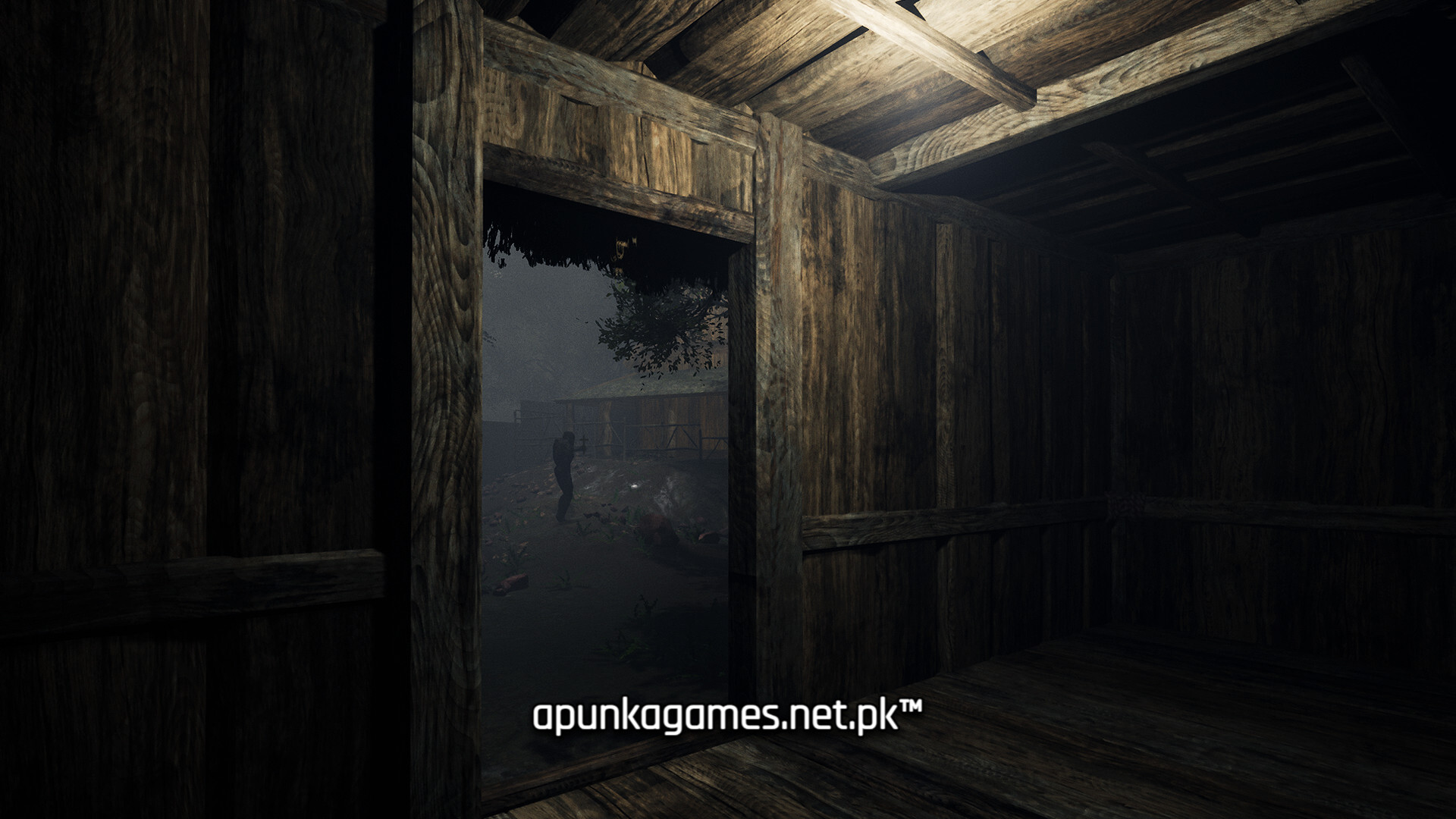
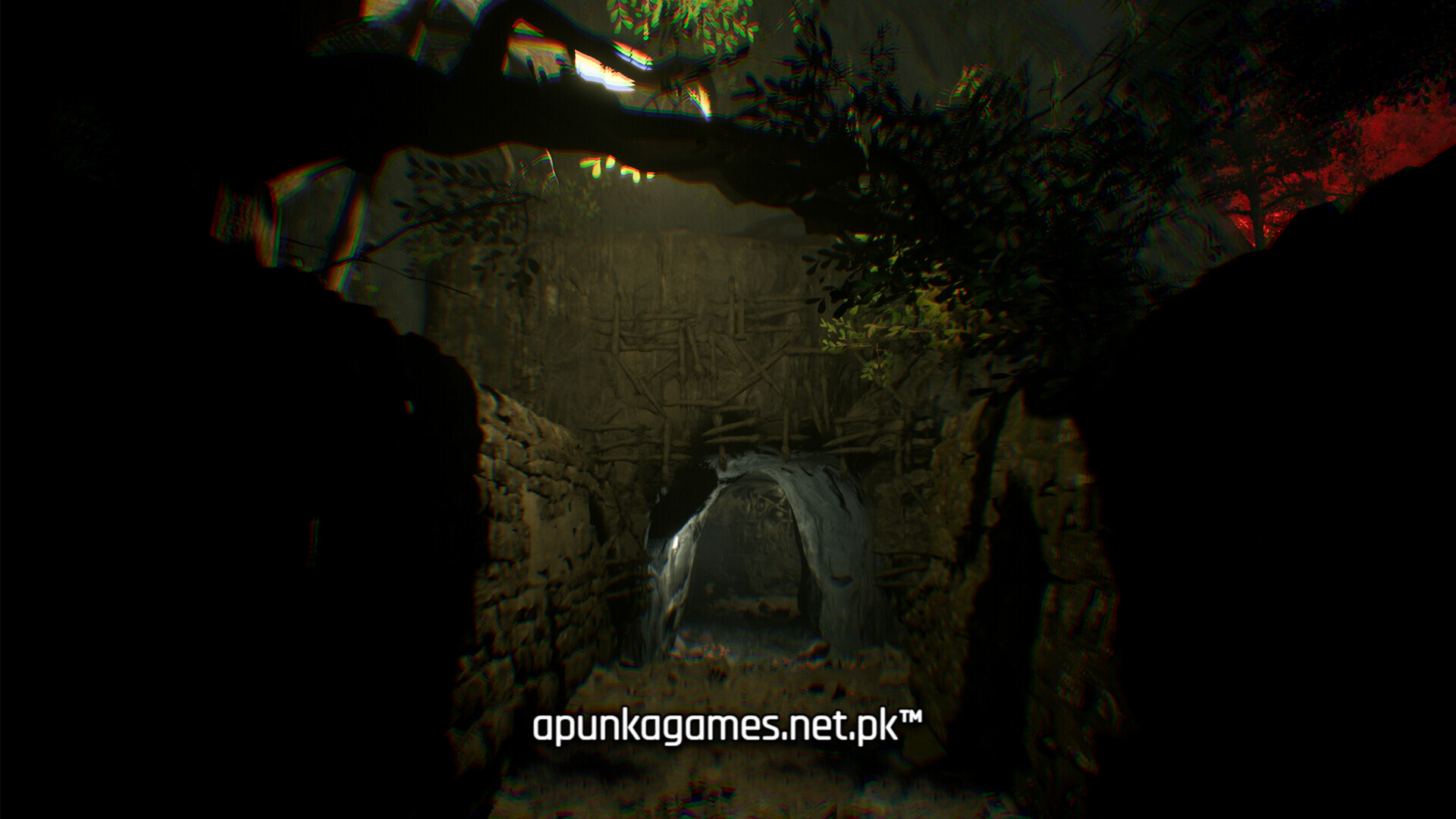
How to Install The 9th Charnel?
- Download: Get the installer only from the official developer or a verified store.
- Run Setup: Double-click the official .exe file and follow the prompts.
- Default Path: Install to the recommended folder to ensure proper system permissions.
- Update: Run the game launcher to download any official security patches.
- Launch: Open the game via the official desktop shortcut.