Apunkagames Official Site – Games Download For PC Apunkagames Official Site — Discover detailed PC game guides, accurate system requirements, screenshots, and verified official download links for top Windows games.
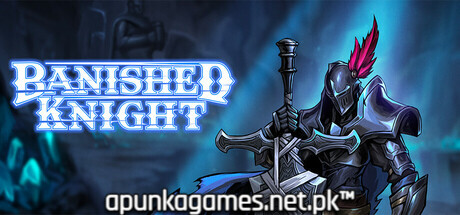
Banished Knight is a pure, hardcore 3D top-down action roguelike indie title released in January 2026. Developed and published by Moss Studio, the dark fantasy narrative takes place in the bleak aftermath of Ragnarok. Players step into the heavy steel boots of a heroic, undead knight who must venture deep into the treacherous, underground mythological realm of Svartalfheim to battle an array of monstrous forces, gather rare resources, and ultimately repair the damaged Valkyrie statues to restore divine power.
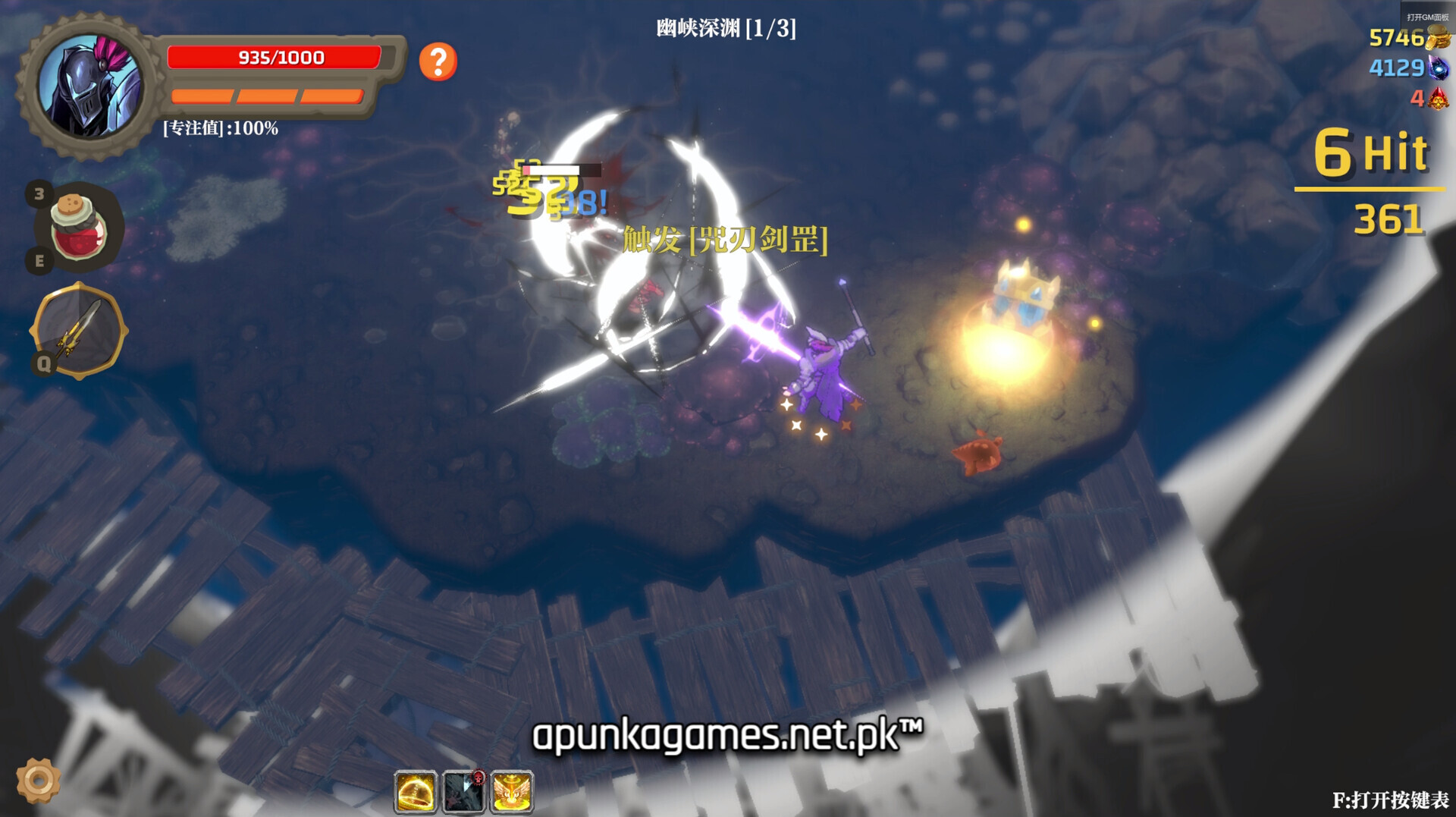
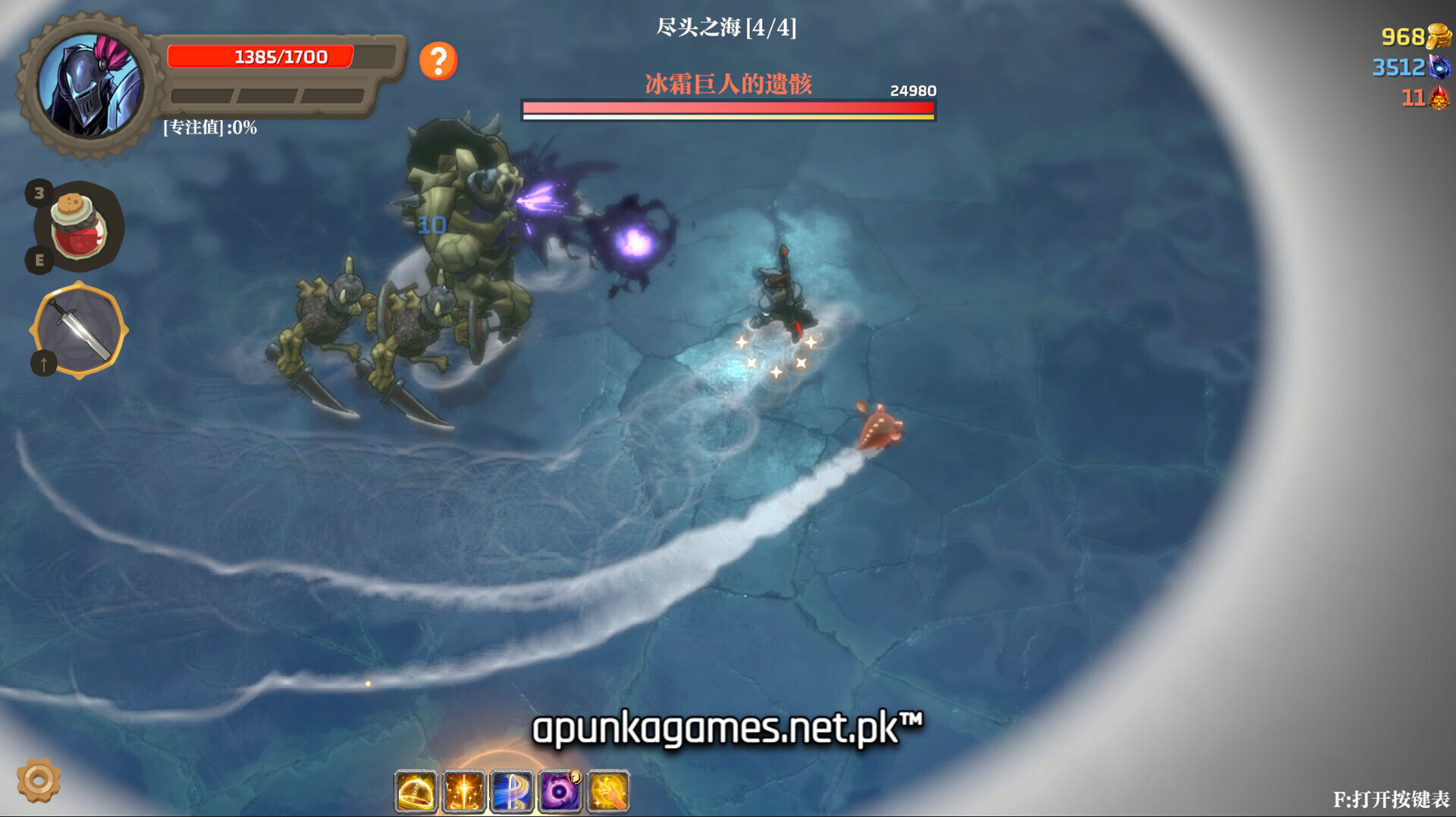
For PC players, the gameplay strips away mechanical pay-to-win elements in favor of a highly methodical, reflex-driven combat system that is easy to learn but difficult to master. The tactical loop relies entirely on split-second decision-making. Facing relentless enemy onslaughts, you can dynamically chain attack strings into protective parries or execute precise movement-based dodges to launch instant counters. With a diverse arsenal of 21 unique weapon types and deep build customization routes, every run offers completely fresh tactical combinations.
Visually, the game utilizes a clean, highly stylized low-poly cartoon aesthetic that contrasts beautifully with its dark Norse mythology themes. The lightweight digital installation is highly optimized for performance, requiring just 2 GB of available storage space on your drive to deploy.
Before downloading make sure that your PC meets minimum system requirements
Minimum System Requirements
- OS: Windows 7 64-bit | Windows 8 64-bit | Windows 10 64-bit
- Processor: Intel Core i3-2100 | AMD FX-6300
- Memory: 4 GB RAM
- Graphics: NVIDIA GeForce GTX 760 | AMD Radeon HD 7950
- Storage: 2 GB available space
Screenshots
How to Install Banished Knight?
- Download: Get the installer only from the official developer or a verified store.
- Run Setup: Double-click the official .exe file and follow the prompts.
- Default Path: Install to the recommended folder to ensure proper system permissions.
- Update: Run the game launcher to download any official security patches.
- Launch: Open the game via the official desktop shortcut.