Apunkagames Official Site – Games Download For PC Apunkagames Official Site — Discover detailed PC game guides, accurate system requirements, screenshots, and verified official download links for top Windows games.

Duke Nukem 3D 20th Anniversary World Tour is the definitive, remastered celebration of the legendary 1996 first-person shooter that defined an entire era of PC gaming attitude. Developed by Nerve Software and published by Gearbox, this edition preserves the iconic alien-blasting action while adding a brand-new, explosive fifth episode created by the game’s original designers, featuring music from the title’s classic composer.
For PC players, the gameplay loop remains an absolute masterclass in fast-paced, old-school boomer shooter design. You guide Duke through interactive, non-linear levels packed with hidden areas, destructible environments, and hostile extraterrestrial invaders. Armed with an over-the-top arsenal—including the classic shotgun, RPG, and the brand-new Incinerator weapon—you run and gun through stylized corridors, managing keycard security and utilizing Duke’s signature jetpack.
Visually, the game introduces an impressive “True 3D” rendering mode, allowing you to instantly toggle in real-time between the classic 1996 2.5D Build Engine graphics and a completely overhauled, crisp modern engine. The PC port features smooth mouse-look support, steam workshop integration, and updated, high-fidelity developer commentary. The digital installation is remarkably lightweight, requiring only 1.2 GB of available storage space on your hard drive or solid-state drive (SSD).
Before downloading make sure that your PC meets minimum system requirements
Minimum System Requirements
- OS: Windows 7/8/8.1/10 x64
- Processor: Intel Pentium Dual Core E2220
- Memory: 2048 MB RAM
- Graphics: GeForce 8600 GT (512 MB)
- DirectX: Version 11
- Storage: 1200 MB available space
Screenshots
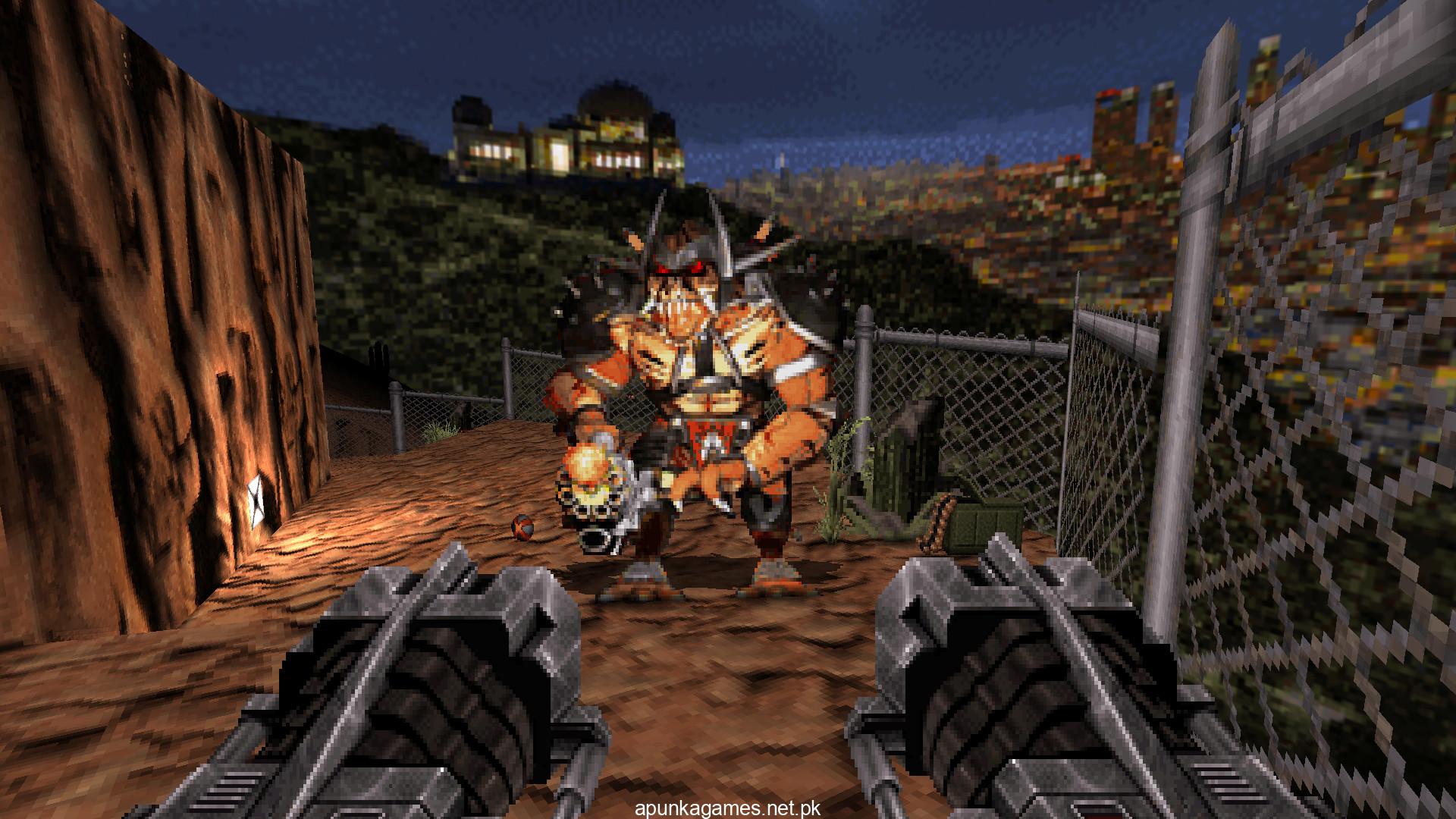
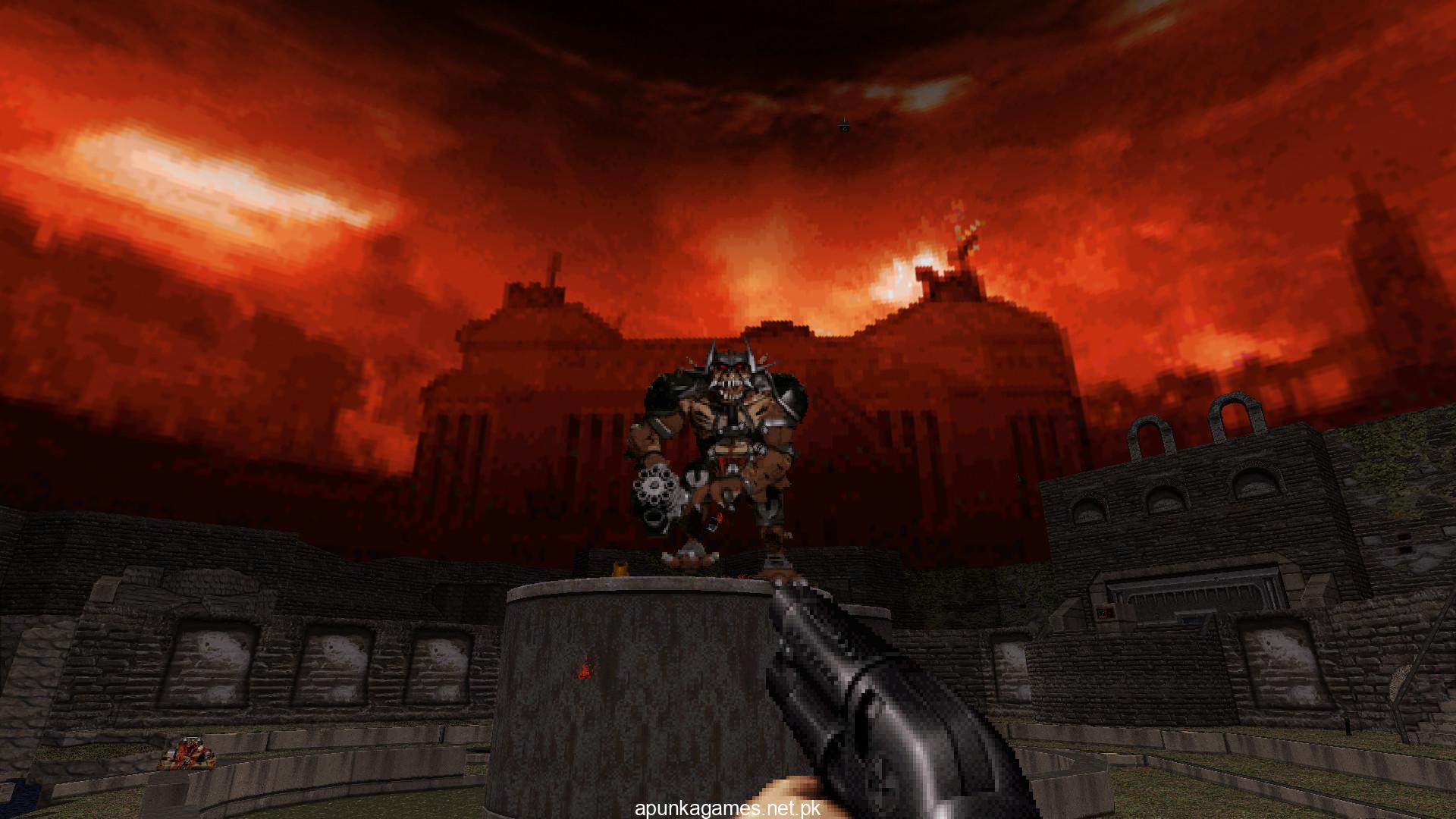
How to Install?
- Download: Get the installer only from the official developer or a verified store.
- Run Setup: Double-click the official .exe file and follow the prompts.
- Default Path: Install to the recommended folder to ensure proper system permissions.
- Update: Run the game launcher to download any official security patches.
- Launch: Open the game via the official desktop shortcut.