Apunkagames Official Site – Games Download For PC Apunkagames Official Site — Discover detailed PC game guides, accurate system requirements, screenshots, and verified official download links for top Windows games.
Within of Static Northgate Mall is a tense, episodic first-person psychological horror game released in February 2026. Developed and published by 616 GAMES, this indie walking simulator serves as the chilling second installment in the Within of Static anthology series, which focuses on grounded, realistic human fears and short, self-contained narratives.
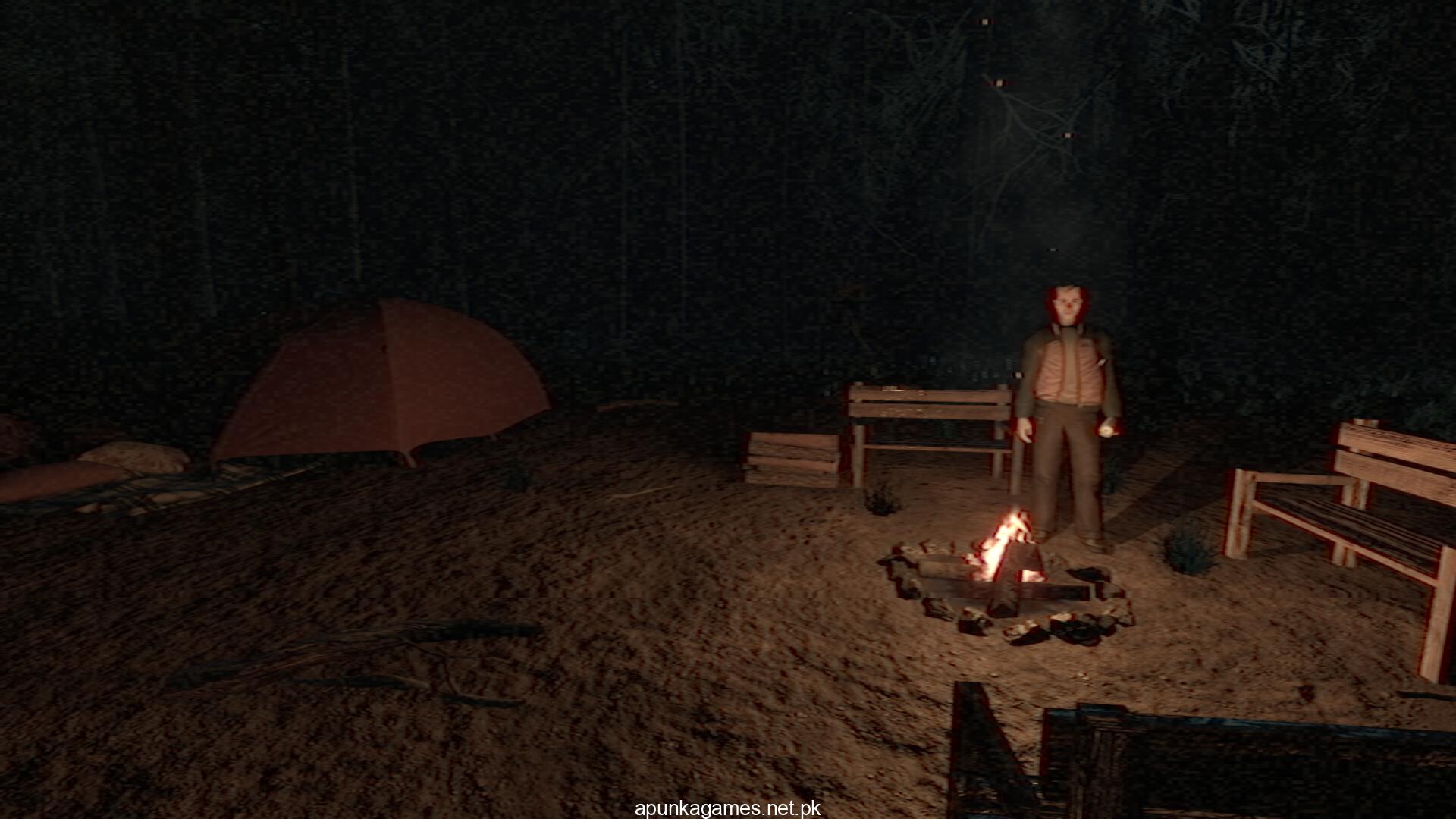
Players step into the uniform of Dylan Miller, a night security guard tasked with watching over a nearly abandoned, partially closed shopping mall. The routine shift begins quietly with monitoring video feeds, checking cameras, and answering radio calls. However, as the long night unfolds, the atmospheric slow-burn tension builds through missing signals, text-based phone interactions with NPCs, and anomalies lurking in the shadows that reveal something inside the mall does not want to stay hidden.
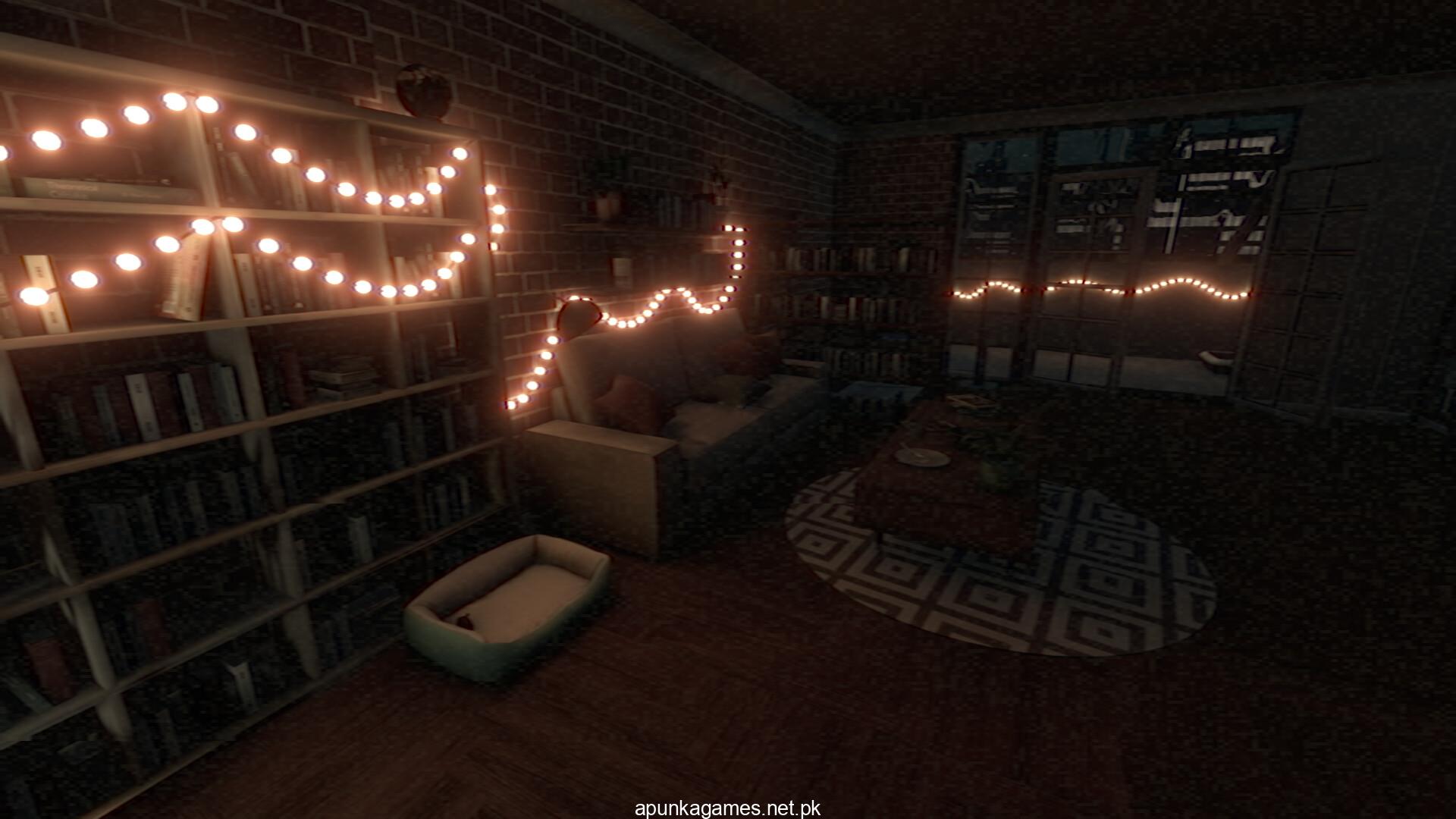
Mechanically, the game utilizes a nostalgic, grainy VHS-inspired visual style to amplify its creepy environment. It also incorporates unique immersive elements like microphone interaction, where your real-world voice can directly impact gameplay mechanics. Running smoothly on the Unity engine, the title delivers a compact, one-sitting narrative experience that requires 9 GB of available storage space on your hard drive or solid-state drive (SSD) to clock in for your shift.
Before downloading make sure that your PC meets minimum system requirements
Minimum System Requirements
- OS: Windows 10 or higher (64-bit)
- Processor: Intel Core i5-2300 | AMD FX-6350
- Memory: 8 GB RAM
- Graphics: NVIDIA GeForce GTX 1050 Ti
- DirectX: Version 10
- Storage: 9 GB available space
Screenshots
How to Install Within of Static Northgate Mall?
- Download: Get the installer only from the official developer or a verified store.
- Run Setup: Double-click the official .exe file and follow the prompts.
- Default Path: Install to the recommended folder to ensure proper system permissions.
- Update: Run the game launcher to download any official security patches.
- Launch: Open the game via the official desktop shortcut.