Apunkagames Official Site – Games Download For PC Apunkagames Official Site — Discover detailed PC game guides, accurate system requirements, screenshots, and verified official download links for top Windows games.

Pakinpaks is a delightful, cozy organization puzzle game that transforms the mundane real-world chore of packing luggage into a highly satisfying and relaxing digital adventure. Developed by Indiebuild and published by Catoptric Games, the game sends players on a charming global journey to assist a quirky cast of clients in organizing their travel gear, all under the watchful guidance of a lovable feline companion named BonBon.
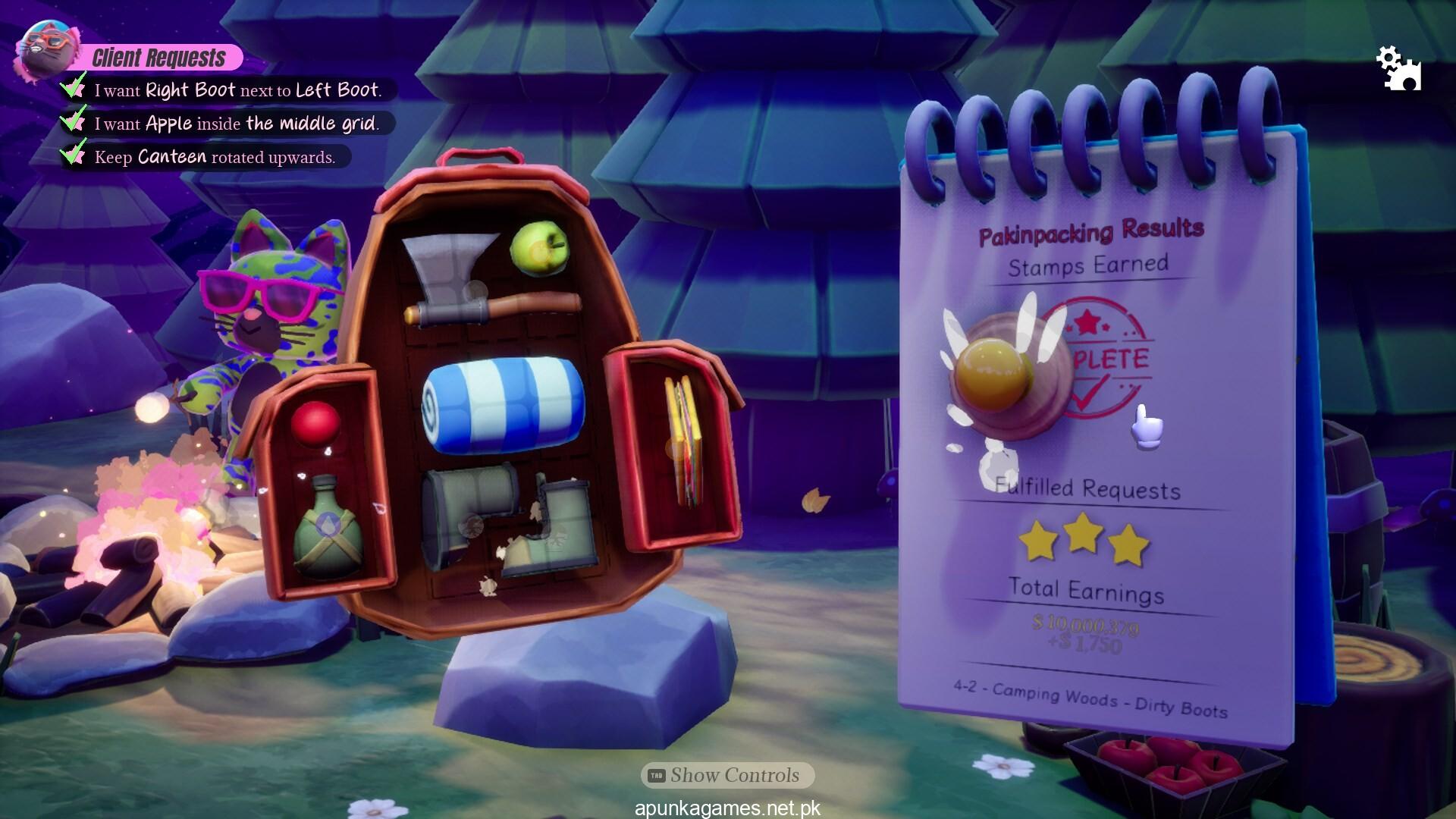
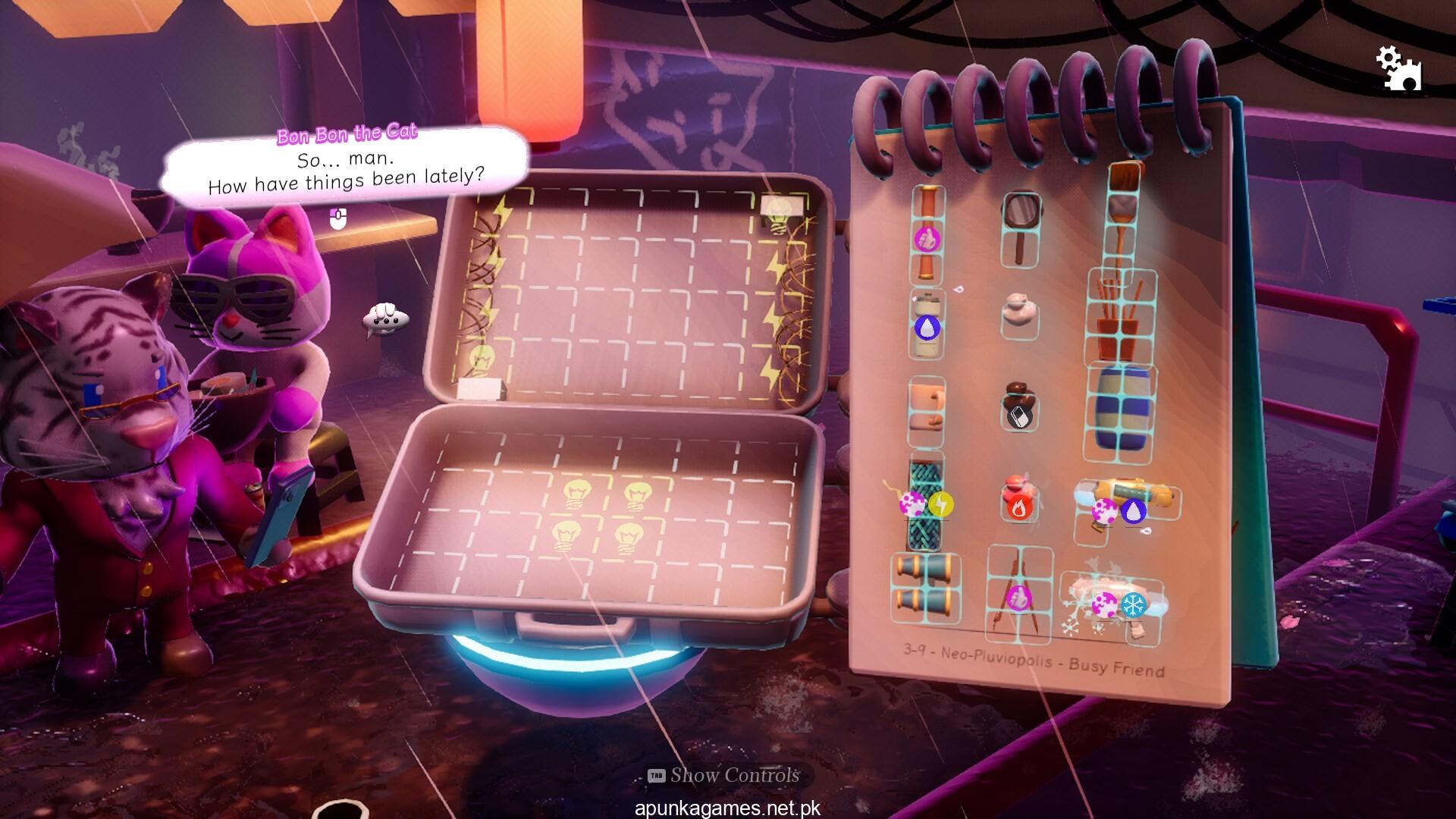
For PC players, the core gameplay centers on spatial reasoning, logic, and meticulous planning. Each level tasks you with fitting a mismatched collection of travel necessities—ranging from standard clothes to unusual destination-specific gear—into confined suitcases and bags. While early levels offer a gentle introduction to object geometry, the complexity steadily ramps up with strict customer requests, restricted movement parameters, and unique bag shapes. To accommodate different playstyles, the title includes a structured narrative campaign, pressure-free infinite modes, and tight, move-limited strategic challenges.
Visually, the game utilizes a vibrant, colorful, and clean minimalist art style that emphasizes clarity and a stress-free environment. Accompanied by a soothing soundtrack and helpful quality-of-life additions like a built-in night mode, it runs flawlessly on modest systems. The complete digital installation is exceptionally lightweight, requiring just 2 GB of available storage space on your hard drive or solid-state drive (SSD) to begin packing your bags.
Before downloading make sure that your PC meets minimum system requirements
Minimum System Requirements
- OS: Windows 7, 8/8.1, 10, 11
- Processor: Quad-core Intel or AMD 2.5 GHz or superior
- Memory: 8 GB RAM
- Graphics: Any DirectX 11 or 12 compatible card or OpenGL 3.1 compatible
- DirectX: Version 11
- Storage: 2 GB available space
Screenshots
How to Install Pakinpaks?
- Download: Get the installer only from the official developer or a verified store.
- Run Setup: Double-click the official .exe file and follow the prompts.
- Default Path: Install to the recommended folder to ensure proper system permissions.
- Update: Run the game launcher to download any official security patches.
- Launch: Open the game via the official desktop shortcut.