Apunkagames Official Site – Games Download For PC Apunkagames Official Site — Discover detailed PC game guides, accurate system requirements, screenshots, and verified official download links for top Windows games.
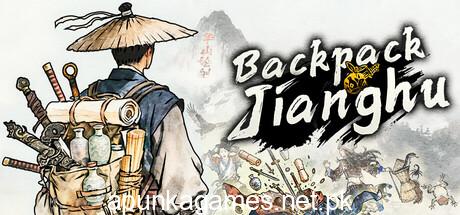
Backpack Jianghu is an addictive, inventory-management strategy and auto-battler roguelike released in April 2026. Developed by Backpack Studio, the game brilliantly blends the localized, high-grid organizational puzzle mechanics popularized by Backpack Battles with a rich, traditional Chinese Wuxia martial arts theme and an asynchronous battle royale structure.
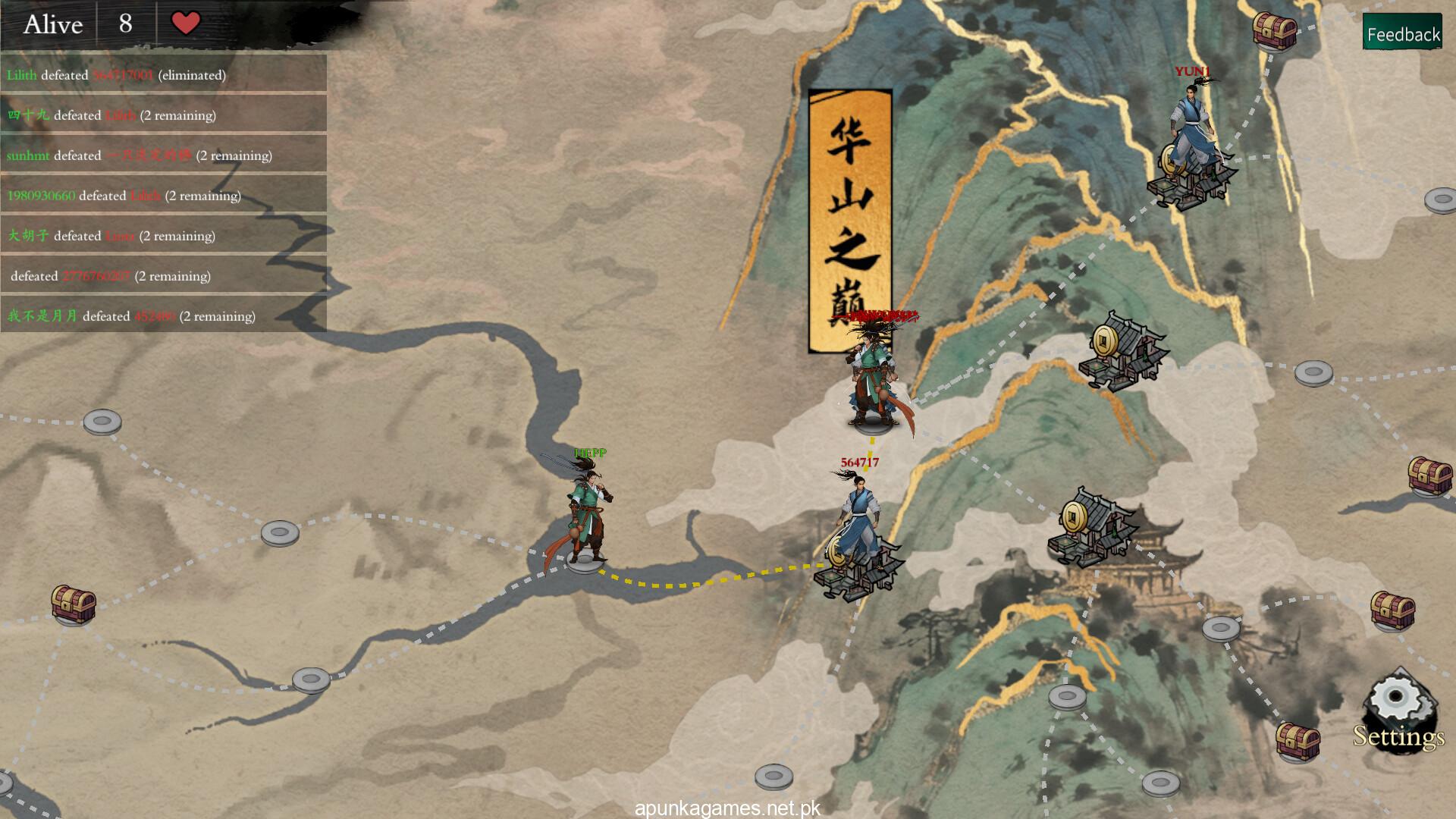
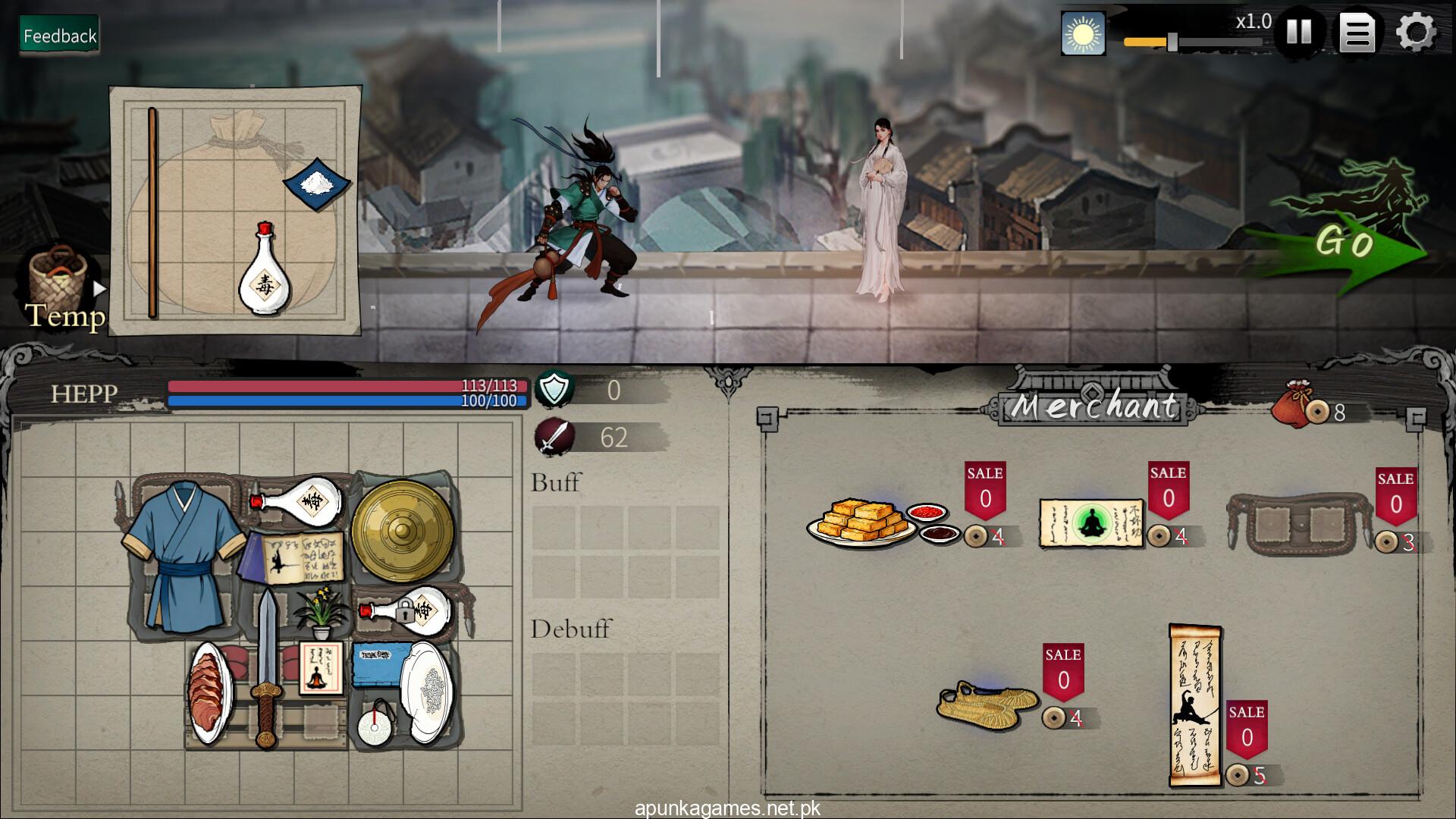
For PC players, the objective is to choose from 10 distinct martial arts sects—including Huashan, Shaolin, Wudang, and Wudu—and enter a large world alongside 99 other players’ saved data. The core loop emphasizes complete strategic freedom on a grid map, where you carefully navigate nodes to buy equipment, open chests, or engage in random events. Victory hinges on your backpack configuration; you must arrange weapons, passive artifacts, and skill fragments to trigger massive internal energy synergies. This allows you to construct legendary, overpowered builds like automatic Taichi counter-attacks or high-frequency sword strikes to defeat opponents and survive until the final showdown at Mount Hua’s peak.
Visually, the game features a clean, stylized aesthetic optimized for clear readability during dense numbers tracking. The lightweight PC setup runs beautifully at high refresh rates, requiring a modest 1 GB of available storage space on your hard drive or solid-state drive (SSD) to begin your martial arts journey.
Before downloading make sure that your PC meets minimum system requirements
Minimum System Requirements
- OS: Windows 10\11
- Processor: 2 GHz
- Memory: 16 GB RAM
- Graphics: GTX 1060 3G
- Network: Broadband Internet connection
- Storage: 1 GB available space
Screenshots
How to Install Backpack Jianghu?
- Download: Get the installer only from the official developer or a verified store.
- Run Setup: Double-click the official .exe file and follow the prompts.
- Default Path: Install to the recommended folder to ensure proper system permissions.
- Update: Run the game launcher to download any official security patches.
- Launch: Open the game via the official desktop shortcut.