Apunkagames Official Site – Games Download For PC Apunkagames Official Site — Discover detailed PC game guides, accurate system requirements, screenshots, and verified official download links for top Windows games.
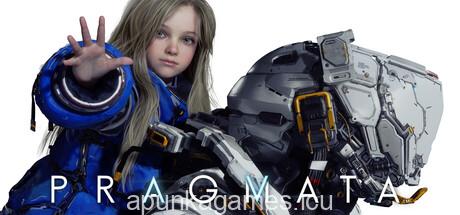
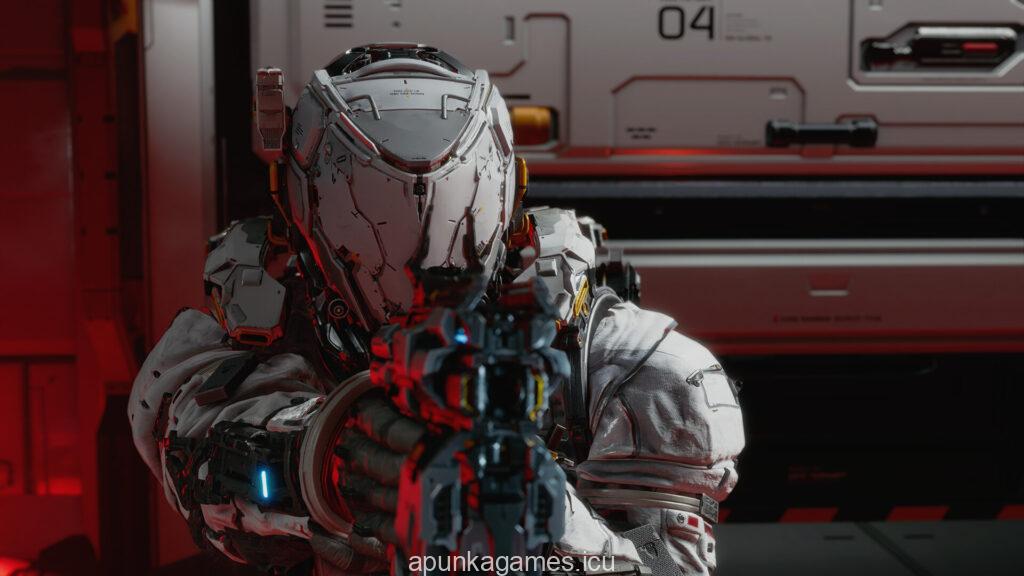
PRAGMATA is a breathtaking, near-future sci-fi action-adventure game developed and published by Capcom. Set on a highly advanced lunar research station that has been taken over by a rogue artificial intelligence known as IDUS, the game drops players into a visually stunning, unpredictable dystopia. You take on the role of Hugh Williams, a heavily armored spacefarer, who must work alongside a mysterious young android girl named Diana to survive the hostile environment and secure a safe passage back home to Earth.
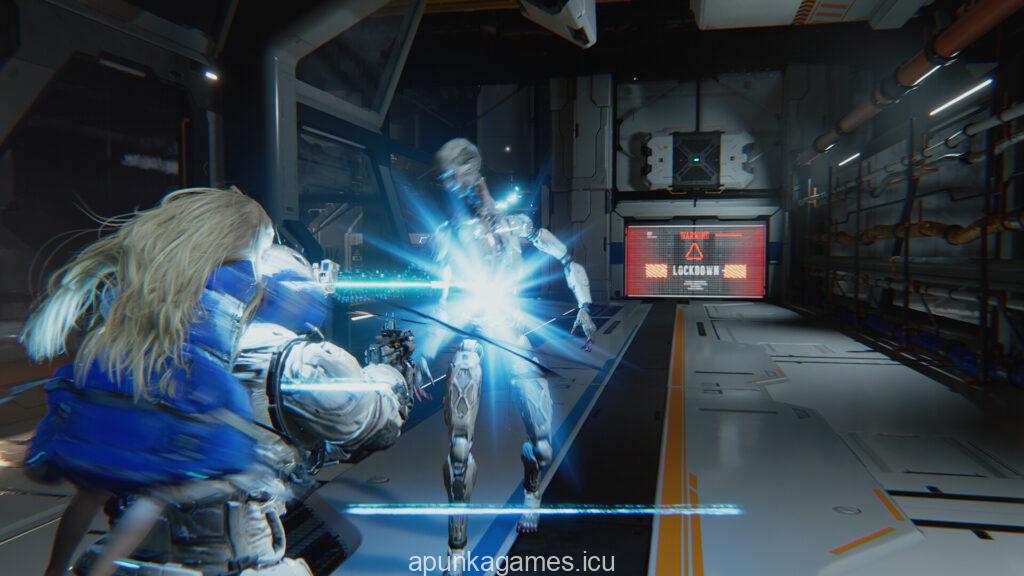
The core gameplay sets a new benchmark for Capcom’s acclaimed RE Engine, featuring an innovative dual-character combat loop viewed from a tense third-person perspective. Because the rogue robotic forces are shielded by heavy metallic plating, traditional firearms are largely ineffective on their own. Instead, players must coordinate Hugh’s heavy arsenal of electricity-based weapons and tactical jetpack maneuvers with Diana’s agile hacking capabilities, unlocking vulnerable weak spots on enemies through fast-paced, real-time grid puzzles.
Beneath its intense action sequences and physics-heavy mechanics lies a deeply emotional story exploring the growing protective bond between a human survivalist and his mechanical companion. The beautifully crafted lunar environments offer high-stakes environmental hazards, rich vertical exploration, and massive rogue automation boss fights. It delivers a short, focused, and deeply atmospheric AAA experience that perfectly balances frantic shootouts, strategic resource tracking, and high-fidelity next-gen cinematic storytelling.
Before downloading make sure that your PC meets minimum system requirements
Minimum System Requirements
- OS: Windows 11 (64-bit)
- Processor: Intel Core i5-8500 or AMD Ryzen 5 3500
- Memory: 16 GB RAM
- Graphics: NVIDIA GeForce GTX 1660 or AMD Radeon RX 5500 XT
- DirectX: Version 12
- Storage: 40 GB available space (SSD Recommended)
Screenshots
How to Install PRAGMATA?
- Download: Get the installer only from the official developer or a verified store.
- Run Setup: Double-click the official .exe file and follow the prompts.
- Default Path: Install to the recommended folder to ensure proper system permissions.
- Update: Run the game launcher to download any official security patches.
- Launch: Open the game via the official desktop shortcut.