Apunkagames Official Site – Games Download For PC Apunkagames Official Site — Discover detailed PC game guides, accurate system requirements, screenshots, and verified official download links for top Windows games.
CARRION is an innovative “reverse horror” game developed by Phobia Game Studio and published by Devolver Digital. Instead of playing as a vulnerable survivor trying to escape a terrifying facility, you step into the role of an amorphous, multi-tentacled alien organism. Your ultimate objective is to break free from the underground laboratory where you were imprisoned, stalking and consuming the humans who kept you captive as you spread panic and chaos throughout the entire complex.
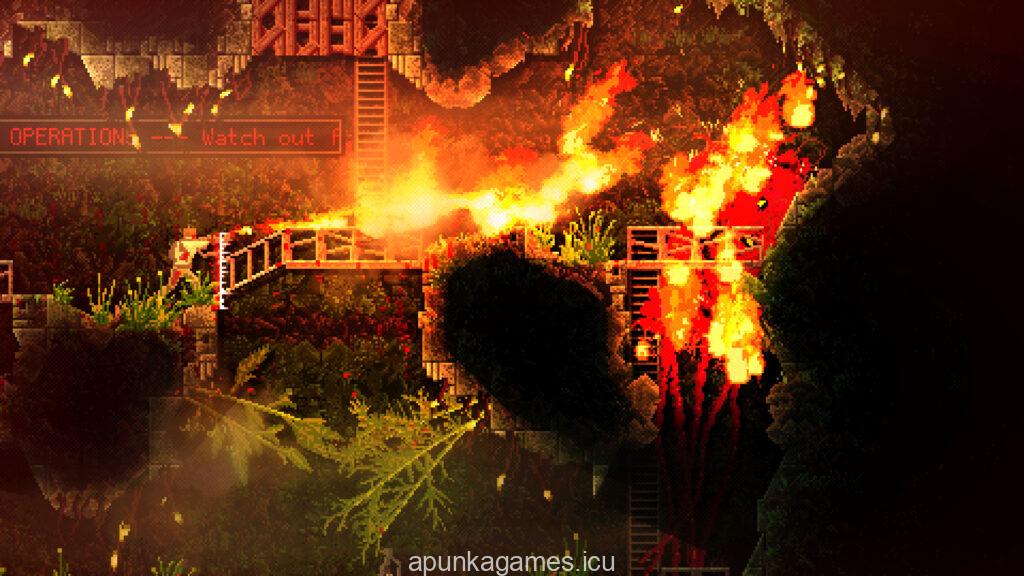
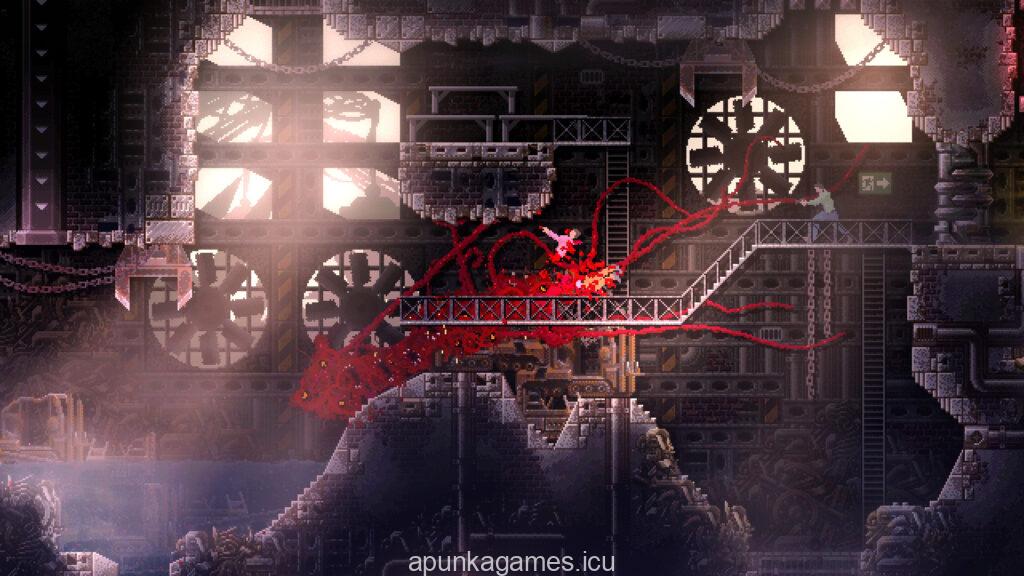
The gameplay centers around fluid movement mechanics and organic destruction as you navigate through intricate, labyrinthine corridors. As you consume more humans, your biomass grows, unlocking devastating mutations and unique abilities such as pulling apart reinforced doors, spitting webs, or turning temporarily invisible. The level design heavily features clever environmental puzzles that require you to strategically manipulate switches, possess human minds, and carefully manage your size to progress.
Featuring a beautifully detailed, dark pixel art style and an eerie, atmospheric soundtrack, the game delivers an intense and highly satisfying sci-fi horror experience. The responsive control system allows you to effortlessly slither along walls and ceilings, striking fear into your captors from the shadows. Prepare your system to unleash absolute carnage as you dismantle the facility and reclaim your freedom in this unique perspective on the monster genre.
Before downloading make sure that your PC meets minimum system requirements
Minimum System Requirements
- OS: Windows 7 SP1 (64-bit)
- Processor: Two-core Intel or AMD processor
- Memory: 1024 MB RAM
- Graphics: Compatible with OpenGL 3.0
- Storage: 500 MB available space
Screenshots
How to Install CARRION?
- Download: Get the installer only from the official developer or a verified store.
- Run Setup: Double-click the official .exe file and follow the prompts.
- Default Path: Install to the recommended folder to ensure proper system permissions.
- Update: Run the game launcher to download any official security patches.
- Launch: Open the game via the official desktop shortcut.