Apunkagames Official Site – Games Download For PC ApunKaGames is a best website to download games for PC.
Table of Contents
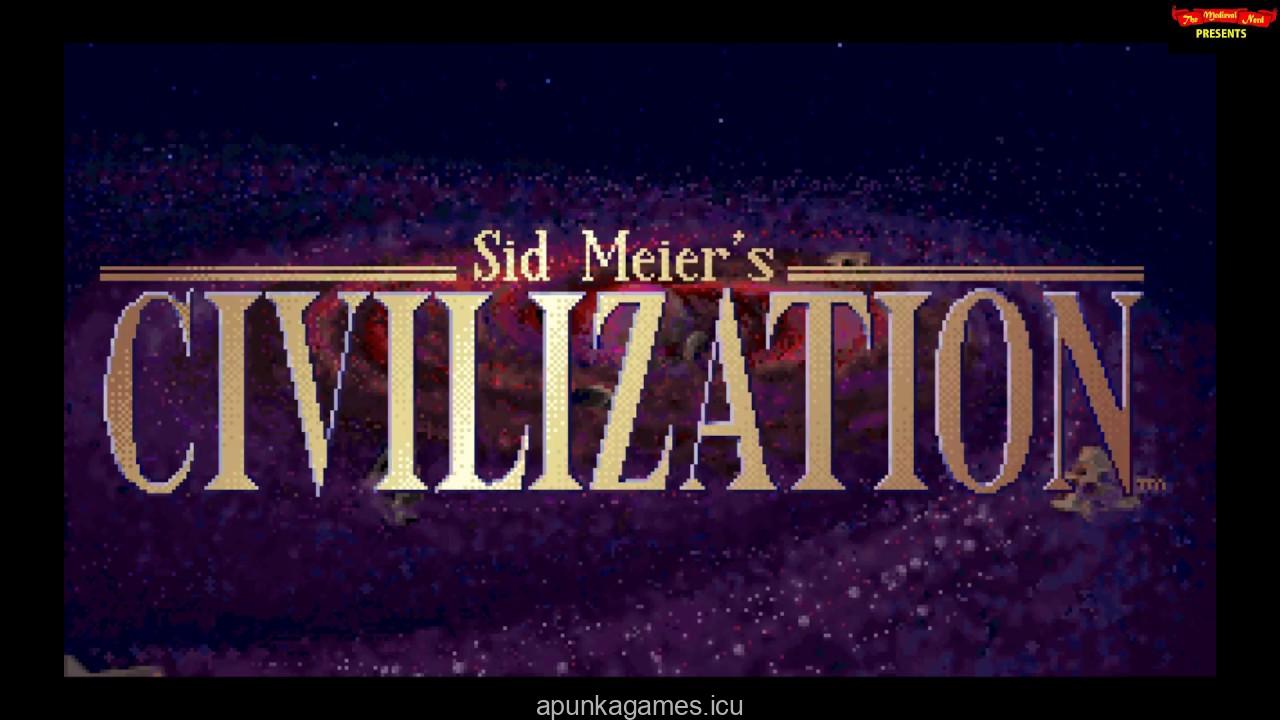
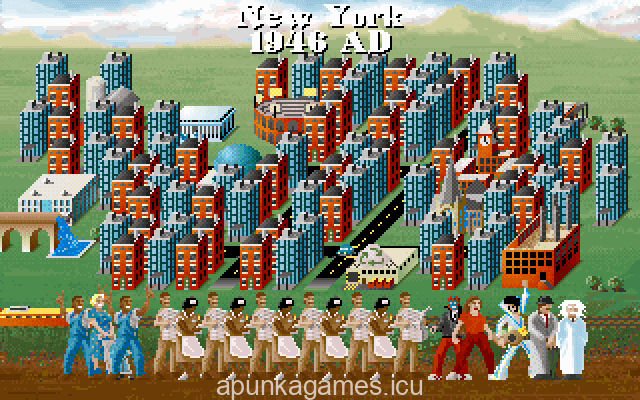
Sid Meier’s Civilization (1991) is the legendary turn-based strategy game that laid the foundation for the entire 4X genre. Developed by MicroProse, this timeless masterpiece invites players to guide a chosen nation from the dawn of humanity in 4000 BC all the way into the modern space age. As a legendary historical leader, you must balance territorial expansion, resource management, and technological advancement to build an empire that can truly withstand the test of time.
The gameplay demands deep strategic planning as you establish thriving cities, manage citizen happiness, and build world wonders that grant unique civilization bonuses. You must manage complex relationships with rival leaders through direct diplomacy, trade agreements, or outright warfare across an unpredictable global map. Progressing through an expansive technology tree unlocks powerful advancements, transitioning your military forces from ancient phalanxes and chariots to modern tanks and nuclear capabilities.
Winning the match requires achieving ultimate dominance through military conquest or by successfully launching a colony ship to Alpha Centauri. Decades after its original release, its deeply addictive gameplay loop remains a benchmark for strategic depth and historical simulation. Prepare your strategy and step into the role of a legendary ruler to reshape the entire course of human history.
Before downloading make sure that your PC meets minimum system requirements
Minimum System Requirements
- OS: Windows 10/11 (64-bit with DOSBox emulation support)
- Processor: 1.0 GHz Processor
- Memory: 256 MB RAM
- Graphics: VGA compatible graphics card
- DirectX: Version 9.0
- Storage: 100 MB available space
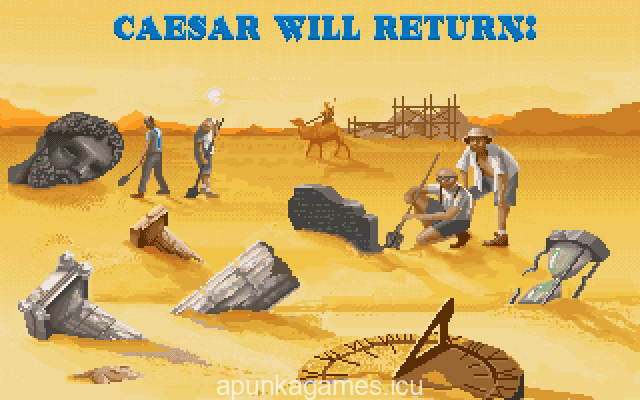
Screenshots
How to Install Sid Meiers Civilization (1991)?
- Download: Get the installer only from the official developer or a verified store.
- Run Setup: Double-click the official .exe file and follow the prompts.
- Default Path: Install to the recommended folder to ensure proper system permissions.
- Update: Run the game launcher to download any official security patches.
- Launch: Open the game via the official desktop shortcut.