Apunkagames Official Site – Games Download For PC Apunkagames Official Site — Discover detailed PC game guides, accurate system requirements, screenshots, and verified official download links for top Windows games.
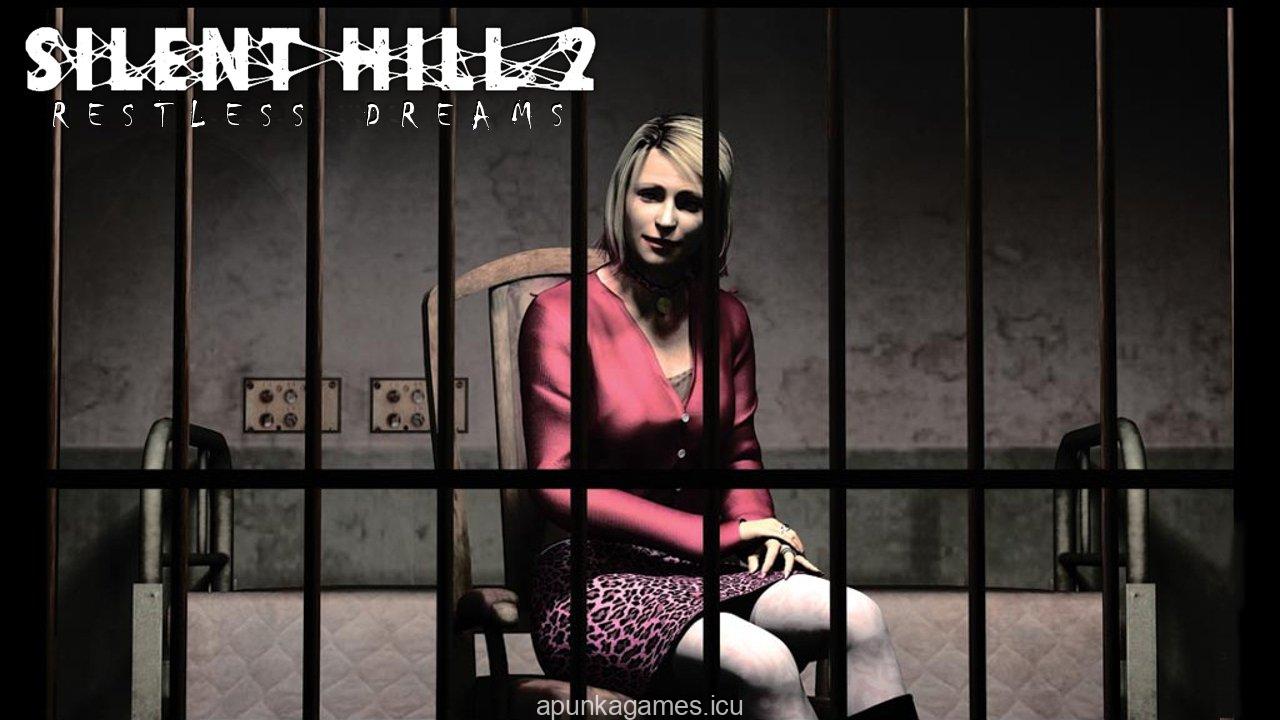
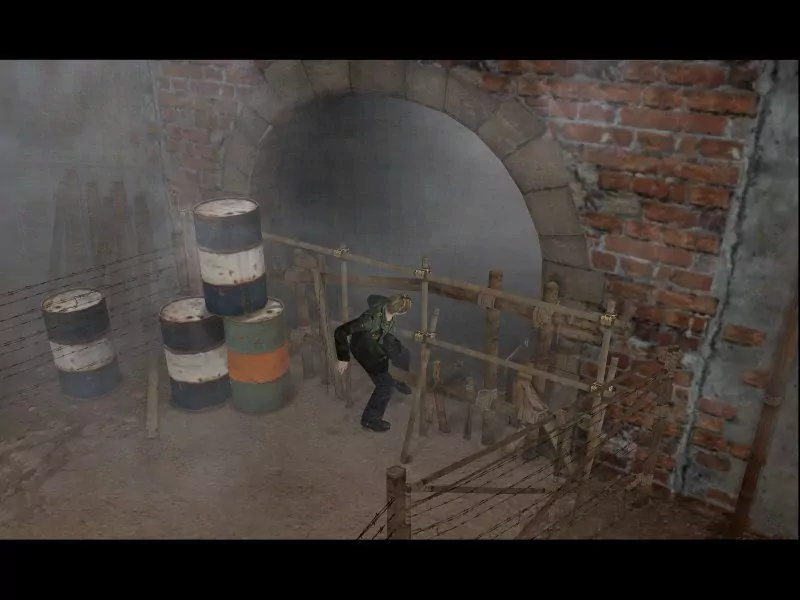
Silent Hill 2 Restless Dreams is the definitive extended edition of the legendary psychological horror masterpiece developed by Team Silent and published by Konami. Players follow the unsettling journey of James Sunderland, a man who arrives in the fog-shrouded town of Silent Hill after receiving a mysterious letter from his deceased wife, Mary. The game relies heavily on atmospheric tension, complex puzzle-solving, and a deeply emotional narrative that explores themes of guilt, grief, and subconscious punishment.
This specific version expands upon the original release by introducing the highly acclaimed “Born from a Wish” sub-scenario, allowing players to control the enigmatic character Maria prior to her fateful meeting with James. The PC edition offers several unique gameplay refinements, including the ability to save your progress at any location, instant weapon swapping without pausing to open the inventory, and an unlockable movie gallery feature. The iconic, oppressive fog effects and Akira Yamaoka’s industrial soundtrack combine to create an unmatched feeling of isolation.
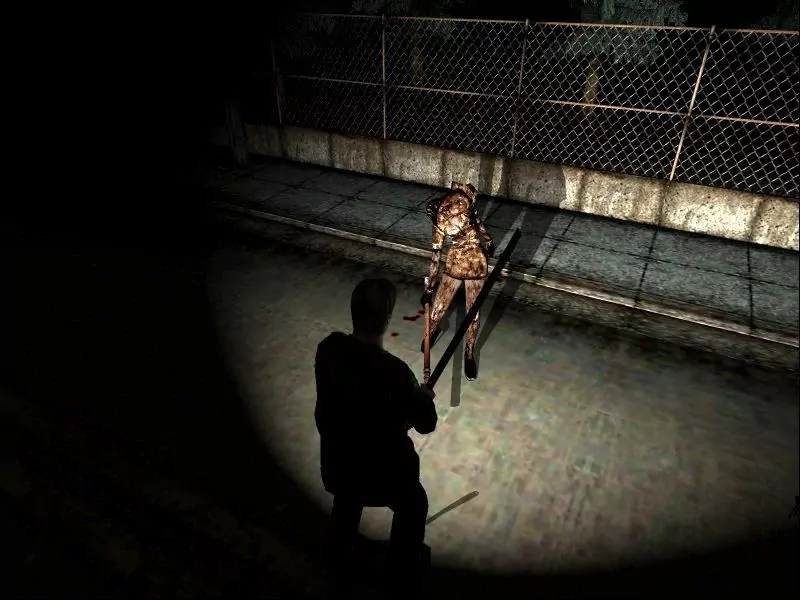
As you explore the decaying streets, eerie apartment complexes, and dark hallways of Brookhaven Hospital, you will face grotesque manifestations of James’ fractured mind, including the relentless Pyramid Head. Surviving the horrors requires careful resource management, as ammunition and health restoratives are scarce. With multiple narrative endings determined entirely by your subtle gameplay choices and interactions, this psychological thriller delivers a timeless, haunting experience that remains a benchmark for the survival horror genre.
Before downloading make sure that your PC meets minimum system requirements
Minimum System Requirements
- OS: Windows 98 / Me / 2000 / XP
- Processor: Intel Pentium III 700 MHz
- Memory: 64 MB RAM
- Graphics: 32 MB DirectX 8.1 compliant 3D Video Card
- DirectX: Version 8.1
- Storage: 1.8 GB available space
Screenshots
How to Install Silent Hill 2 Restless Dreams?
- Download: Get the installer only from the official developer or a verified store.
- Run Setup: Double-click the official .exe file and follow the prompts.
- Default Path: Install to the recommended folder to ensure proper system permissions.
- Update: Run the game launcher to download any official security patches.
- Launch: Open the game via the official desktop shortcut.