Apunkagames Official Site – Games Download For PC Apunkagames Official Site — Discover detailed PC game guides, accurate system requirements, screenshots, and verified official download links for top Windows games.

RV There Yet is a chaotic, hilarious cooperative adventure game developed by Nuggets Entertainment that puts you and your friends in charge of a clumsy recreational vehicle. Stranded in the unpredictable backcountry of Mabutts Valley, your primary goal is to safely navigate treacherous, physics-based terrain and find your way back to the safety of Route 65. The game heavily emphasizes communication, teamwork, and handling unexpected disasters, making it an excellent party title for cooperative groups.
The gameplay requires up to four players to actively manage distinct roles to keep the heavy vehicle moving forward without flipping over. While one person handles the steering wheel, others must operate the front and rear physics-driven winches, map out paths, and manage critical survival supplies like burgers, antidotes, and emergency EpiPens. Every bumped obstacle or miscoordinated turn can cause pieces of your vehicle to snap off, leading to highly frantic repair sessions mid-journey.
Featuring full proximity voice chat, deep interactive mechanics like grilling patties or sharing items, and highly volatile driving physics, the title delivers an engaging mix of tension and emergent comedy. Whether you are carefully winching your way up a steep mountain pass or shouting directions to your driver during a chaotic wreck, it forces you to use everything at your disposal. Gather your crew, plug in your microphones, and prepare for a wonderfully stressful road trip home.
Before downloading make sure that your PC meets minimum system requirements
Minimum System Requirements
- OS: Windows 10 (64-bit)
- Processor: Intel Core i7-3820 or equivalent
- Memory: 8 GB RAM
- Graphics: NVIDIA GeForce GTX 970 or equivalent
- DirectX: Version 11
- Storage: 3.2 GB available space
Screenshots
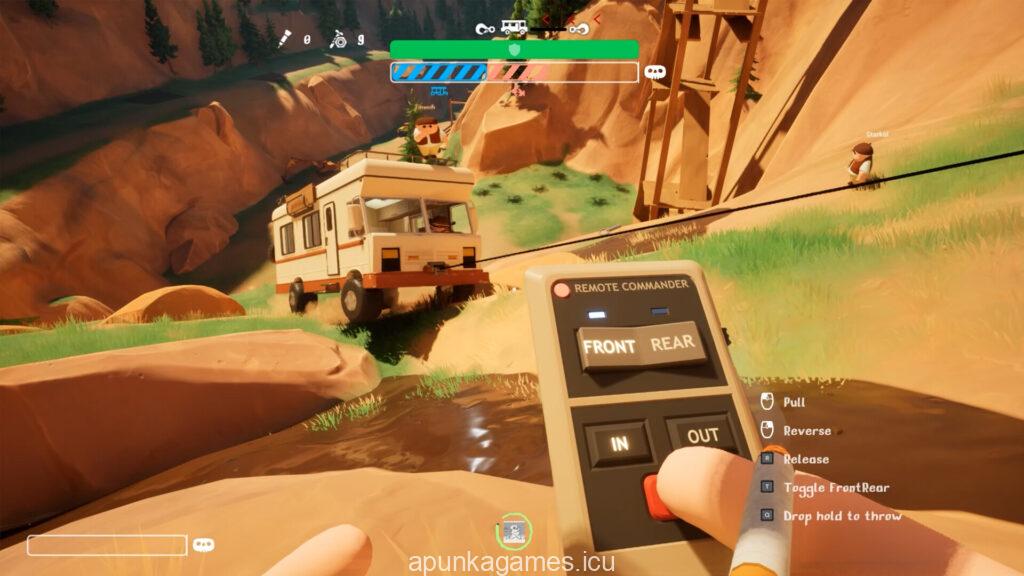
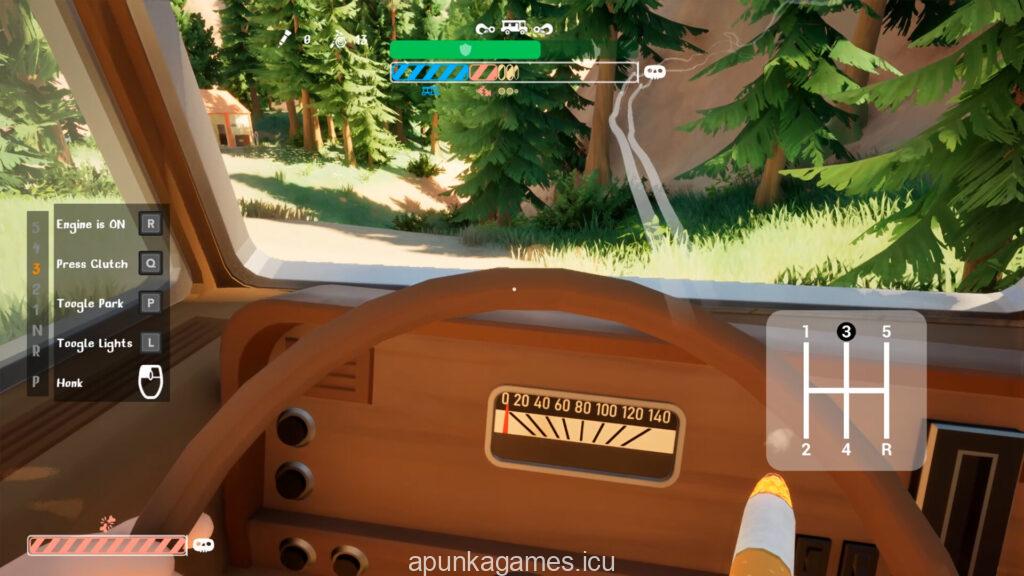
How to Install RV There Yet?
- Download: Get the installer only from the official developer or a verified store.
- Run Setup: Double-click the official .exe file and follow the prompts.
- Default Path: Install to the recommended folder to ensure proper system permissions.
- Update: Run the game launcher to download any official security patches.
- Launch: Open the game via the official desktop shortcut.