Apunkagames Official Site – Games Download For PC Apunkagames Official Site — Discover detailed PC game guides, accurate system requirements, screenshots, and verified official download links for top Windows games.

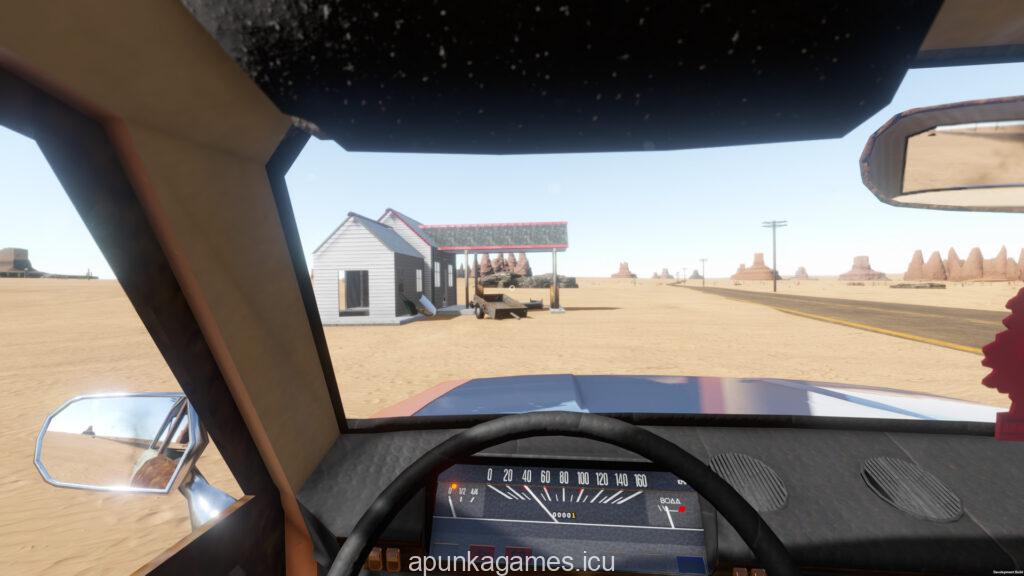
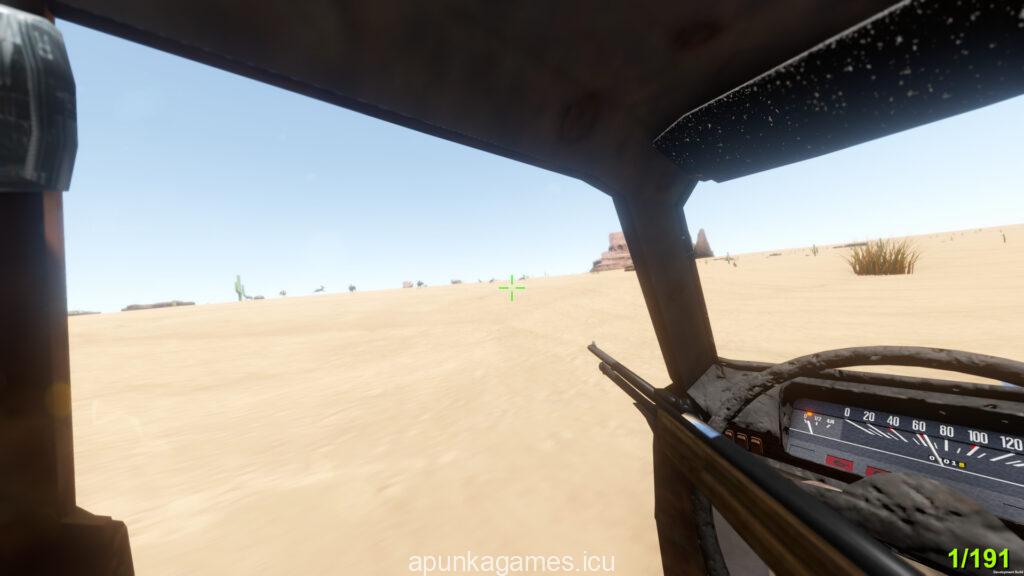
The Long Drive is an atmospheric, open-world survival driving simulation developed by Genesz that takes players on an endless journey across a vast, procedurally generated desert. Set in a semi-post-apocalyptic wasteland, your primary objective is simply to maintain your vehicle and drive toward an seemingly unreachable horizon. The game challenges you to think on your feet as you scavenge abandoned houses, gas stations, and rusty garages for fuel, oil, water, and vital spare parts to keep your car running.
What sets this title apart is its deep attention to mechanical freedom and quirky physics simulation. You can manually tweak almost every part of your automobile, from swapping out entire engines to cleaning the windows or replacing mismatched tires found along the road. The environment is lonely yet unpredictable, featuring dynamic day-night cycles, sudden sandstorms, and strange, aggressive desert creatures that require you to stay alert and keep your trusty firearms close at hand.
With a fully functional in-game radio system that allows you to play custom tracks or tune into bizarre wasteland broadcasts, the journey feels uniquely relaxing yet inherently chaotic. It perfectly captures the essence of a lonely, unstructured road trip where the destination matters far less than the strange stories you create along the way. Prepare your patience and your toolkit for the ultimate test of long-distance mechanical endurance across the hot desert sand.
Before downloading make sure that your PC meets minimum system requirements
Minimum System Requirements
- OS: Windows 10 (64-bit)
- Processor: +3 GHZ dual core processor
- Memory: 4 GB RAM
- Graphics: Nvidia GTX 650 TI or AMD equivalent
- DirectX: Version 11
- Storage: 700 MB available space
Screenshots
How to Install The Long Drive?
- Download: Get the installer only from the official developer or a verified store.
- Run Setup: Double-click the official .exe file and follow the prompts.
- Default Path: Install to the recommended folder to ensure proper system permissions.
- Update: Run the game launcher to download any official security patches.
- Launch: Open the game via the official desktop shortcut.