Apunkagames Official Site – Games Download For PC Apunkagames Official Site — Discover detailed PC game guides, accurate system requirements, screenshots, and verified official download links for top Windows games.
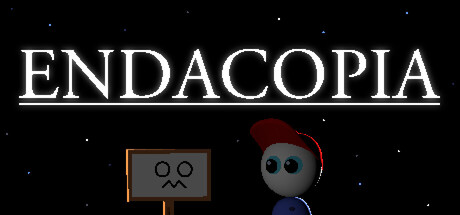
Endacopia is a surreal point-and-click puzzle adventure game developed and published by Andyland. Visually reminiscent of classic 90s computer edutainment titles, the game masks a deeply unsettling atmosphere filled with psychological horror and lurking mysteries beneath its nostalgic, pixel-art exterior. Players are plunged into an abstract world where reality feels delightfully unpredictable and constantly shifting.
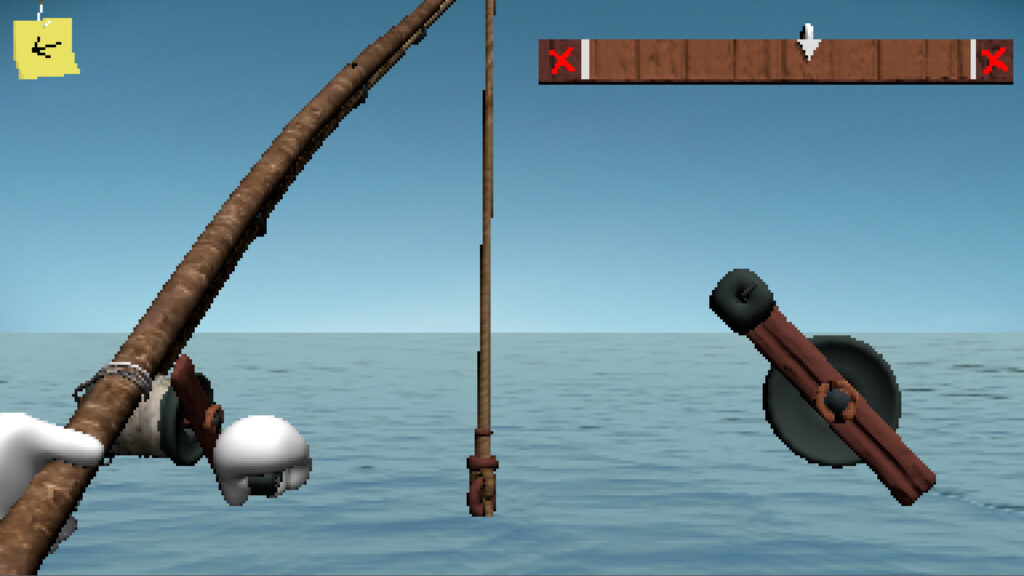
You guide a young boy named Mellow, who has lost all of his senses during a desperate attempt to escape an uncomfortable home environment. Navigation requires using your wits and problem-solving skills to explore non-linear environments, solve intricate puzzles, and interact with strange, quirky inhabitants. Alongside standard exploration, you will engage in quirky first-person combat minigames, collecting useful items and uncovering unsettling secrets along the way.
Featuring an exceptional atmospheric soundtrack, animated background details, and multiple branching dialogue sequences, this indie title offers a truly unique narrative experience. Whether you are analyzing surreal clues or dodging dangerous entity encounters, the game delivers an unforgettable blend of charm and horror. Prepare to test your puzzle-solving abilities as you navigate Mellow through this strange, captivating journey.
Before downloading make sure that your PC meets minimum system requirements
Minimum System Requirements
- OS: Windows 7 32/64-bit or higher
- Processor: Pentium 4 3.0GHz
- Memory: 2 GB RAM
- Graphics: Video card with 128 MB VRAM
- DirectX: Version 9.0c
- Storage: 2 GB available space
Screenshots

How to Install Endacopia?
- Download: Get the installer only from the official developer or a verified store.
- Run Setup: Double-click the official .exe file and follow the prompts.
- Default Path: Install to the recommended folder to ensure proper system permissions.
- Update: Run the game launcher to download any official security patches.
- Launch: Open the game via the official desktop shortcut.