Apunkagames Official Site – Games Download For PC Apunkagames Official Site — Discover detailed PC game guides, accurate system requirements, screenshots, and verified official download links for top Windows games.
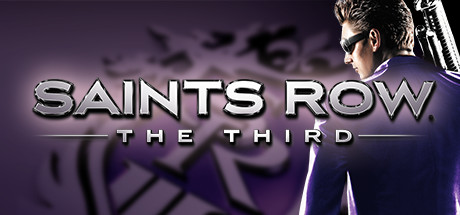
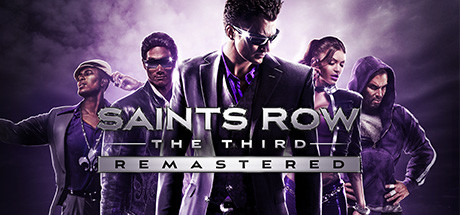
Saints Row The Third is an explosively fun, over-the-top open-world action game released in 2011 that redefined the franchise by embracing pure, unadulterated absurdity. Developed by Volition, the narrative finds the Third Street Saints at the absolute peak of their power, operating as a worldwide media empire. However, after a bank heist goes wrong, they find themselves trapped in the neon-lit city of Steelport, fighting a desperate turf war against a legendary criminal syndicate known as the Syndicate.
For PC players, the gameplay sandbox drops all pretense of realism in favor of high-octane chaotic fun. The mechanical loop combines traditional third-person shooting and driving with wacky weaponry, including air-strike laser pointers, mind-control octopuses, and oversized melee weapons. Players can call in devastating hover-jets, execute wrestling-style takedowns on pedestrians, or jump headfirst through car windshields to hijack vehicles in mid-air. The entire campaign can also be played alongside a friend via seamless two-player online co-op.
Visually, Steelport is a vibrant, stylized playground built for maximum destruction. The game runs smoothly on modern PC hardware, featuring customizable controls and wide monitor support. The digital installation requires 10 GB of available storage space on your hard drive or solid-state drive (SSD) to deploy.
Before downloading make sure that your PC meets minimum system requirements
Minimum System Requirements
- OS: Windows XP
- Processor: Intel Core 2 Duo or AMD Athlon X2
- Memory: 2GB System RAM or more
- Graphics: 320MB Video RAM GPU
- DirectX®: 9.0c
- Hard Drive: 10GB
Screenshots
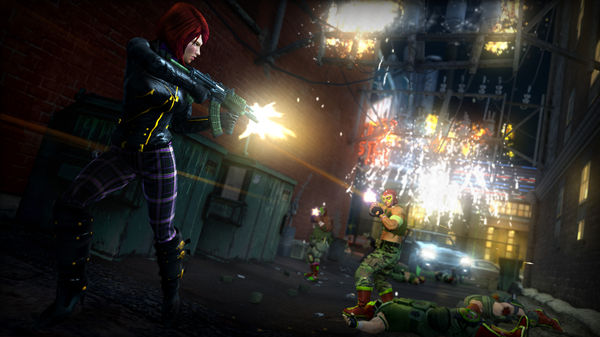
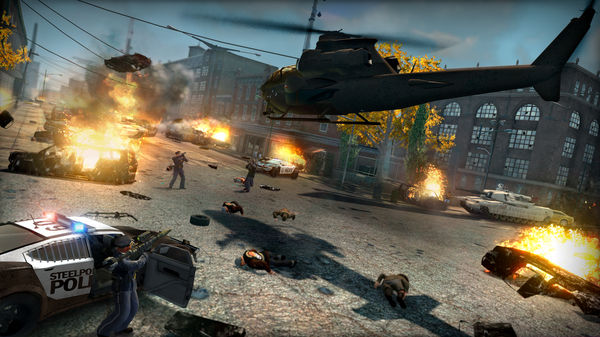
How to Install Saints Row The Third?
- Download: Get the installer only from the official developer or a verified store.
- Run Setup: Double-click the official .exe file and follow the prompts.
- Default Path: Install to the recommended folder to ensure proper system permissions.
- Update: Run the game launcher to download any official security patches.
- Launch: Open the game via the official desktop shortcut.