Apunkagames Official Site – Games Download For PC ApunKaGames is a best website to download games for PC.
Table of Contents
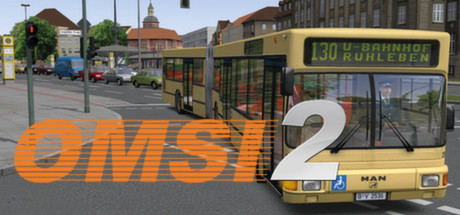
OMSI 2 The Bus Simulator is a highly acclaimed, deeply authentic driving simulator released in 2013 that stands as a gold standard for public transit simulation. Developed by MR-Software and published by Aerosoft, this dedicated sequel takes players back to Berlin, capturing the city’s historical evolution. The simulation focuses heavily on the late 1980s and early 1990s, allowing you to experience the historic period surrounding the fall of the Berlin Wall across the famous Omnibus line 92 in Spandau.
For PC players, the game delivers an uncompromisingly realistic mechanical simulation rather than a casual arcade drive. You are responsible for every intricate aspect of operating a massive transit vehicle, including managing complex dashboard pneumatic systems, adjusting ticket printers, and handling realistic passenger AI who buy tickets and complain about bus temperatures. It introduces articulated buses with complex physics-driven joint systems and features a dynamic chronological timeline, meaning city layouts and bus routes alter automatically depending on the year you select to drive.
Visually, the simulator prioritizes absolute mechanical accuracy over flashy graphics, offering an incredibly robust modding engine that supports thousands of community-created maps and vehicles. The digital package requires 25 GB of available storage space on your hard drive or solid-state drive (SSD) to begin your routes.
Before downloading make sure that your PC meets minimum system requirements
Minimum System Requirements
- OS: Windows 7/8
- Processor: 2.6 GHz
- Memory: 2 GB RAM
- Graphics: AMD with minimum 512 MB
- DirectX: Version 9.0c
Screenshots
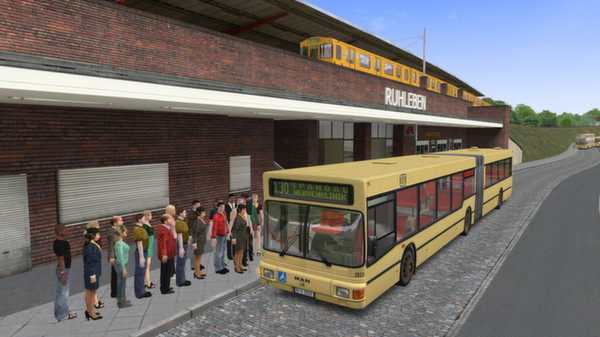
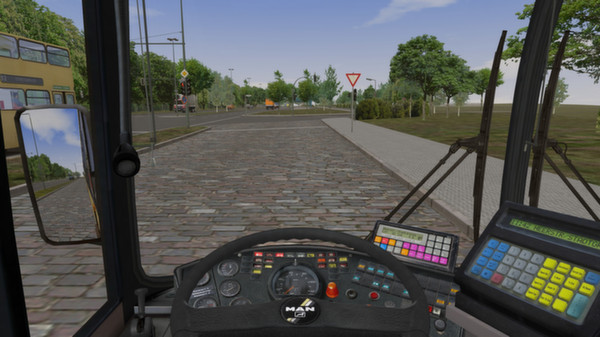
How to Install OMSI The Bus Simulator 2?
- Download: Get the installer only from the official developer or a verified store.
- Run Setup: Double-click the official .exe file and follow the prompts.
- Default Path: Install to the recommended folder to ensure proper system permissions.
- Update: Run the game launcher to download any official security patches.
- Launch: Open the game via the official desktop shortcut.