Apunkagames Official Site – Games Download For PC Apunkagames Official Site — Discover detailed PC game guides, accurate system requirements, screenshots, and verified official download links for top Windows games.
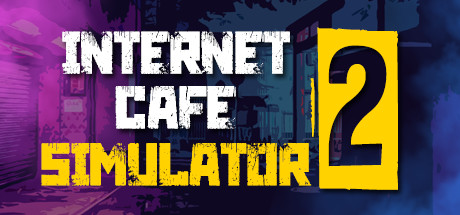
Internet Cafe Simulator 2 is a highly detailed and chaotic business management simulation game released in 2022 that dives deep into the gritty world of tech entrepreneurship. Developed by Cheesecake Dev, the game tasks you with transforming a dilapidated, crime-ridden space into a thriving internet cafe empire while navigating a dangerous neighborhood full of street thugs, thieves, and corrupt police officers.
For PC players, the core gameplay loop brilliantly fuses micro-management mechanics with unpredictable sandbox elements. You are responsible for every aspect of the business, from upgrading hardware components and purchasing licensed gaming seats to managing crypto mining rigs and hiring guards to protect your assets. Unlike typical cozy management sims, you must actively defend your shop from suicide bombers, fend off pickpockets with a baseball bat, and ensure your customers are satisfied with fast internet speeds and food services to keep the positive reviews rolling in.
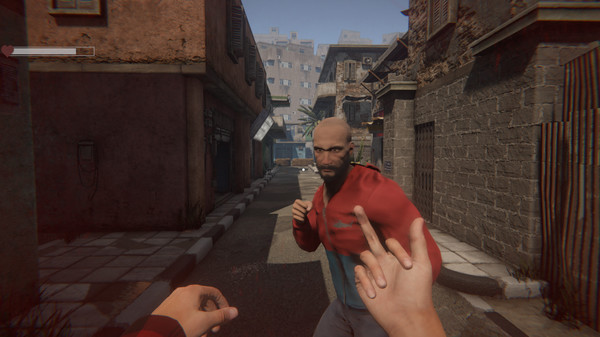
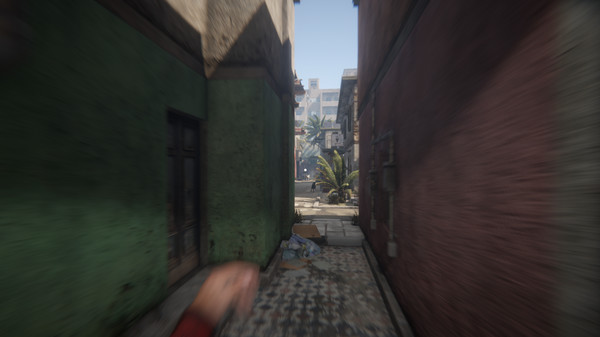
Visually, the game captures a grim, low-life urban aesthetic with immersive first-person controls and physics-based interactions that add a layer of emergent comedy to the stress of business operations. The complete digital package requires 7 GB of available storage space on your hard drive or solid-state drive (SSD) to begin your hustle.
Before downloading make sure that your PC meets minimum system requirements
Minimum System Requirements
- OS: Windows 7
- Processor: 2 GHz Dual Core CPU
- Memory: 4 GB RAM
- Graphics: Intel HD Graphics 4000 or better
- Storage: 7 GB available space
Screenshots
How to Install Internet Cafe Simulator 2?
- Download: Get the installer only from the official developer or a verified store.
- Run Setup: Double-click the official .exe file and follow the prompts.
- Default Path: Install to the recommended folder to ensure proper system permissions.
- Update: Run the game launcher to download any official security patches.
- Launch: Open the game via the official desktop shortcut.