Apunkagames Official Site – Games Download For PC Apunkagames Official Site — Discover detailed PC game guides, accurate system requirements, screenshots, and verified official download links for top Windows games.

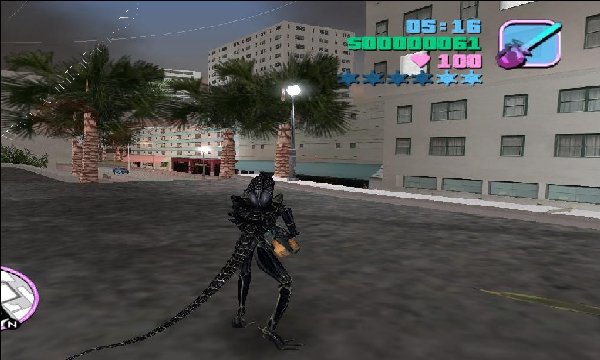
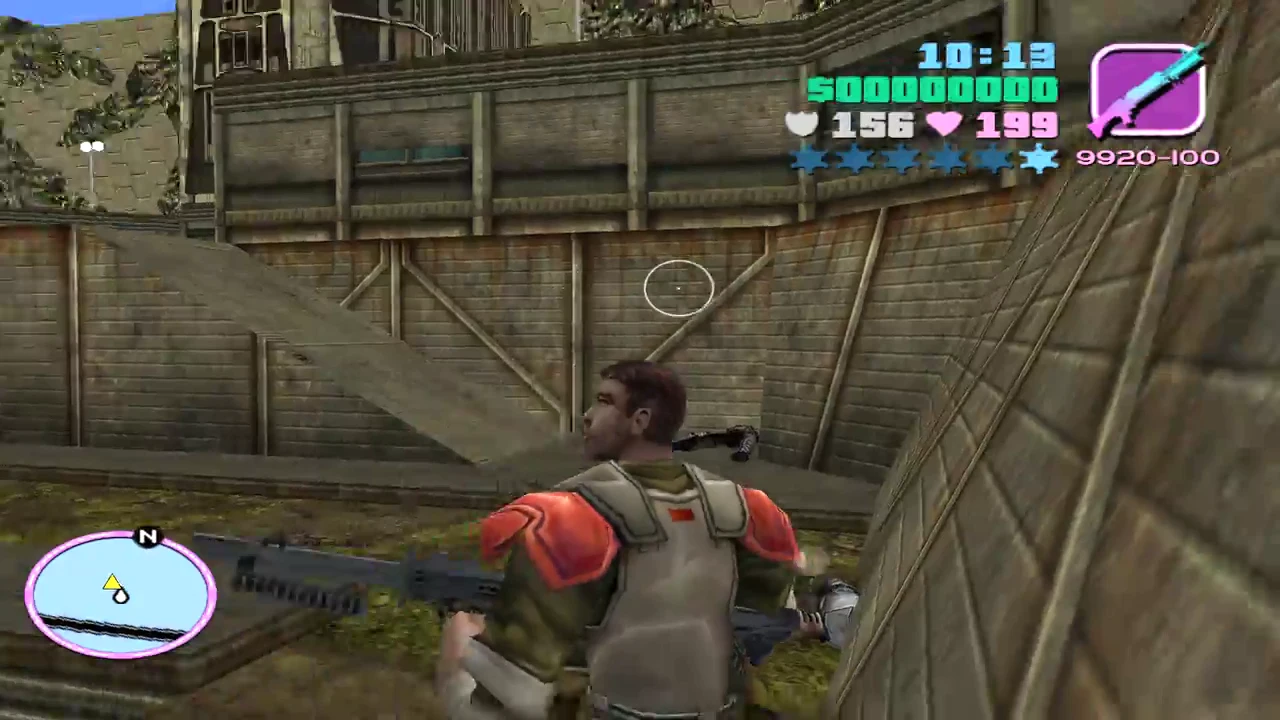
GTA Alien vs Predator 2 is a popular, nostalgic total conversion mod built over the classic Grand Theft Auto: Vice City engine. Released during the height of the custom-modding boom in the late 2000s, this fan-made title completely alters the sunny, neon-soaked streets of Tommy Vercetti’s world. Instead of standard mobsters and street thugs, the game injects the terrifying sci-fi universes of the Xenomorphs and Yautja warriors directly into the sandbox framework, creating a chaotic and unique crossover experience.
The gameplay mechanics fundamentally shift the core Grand Theft Auto loop by giving players control over these iconic movie monsters. Depending on the specific version or character chosen, players can roam the open-world map utilizing advanced sci-fi weaponry, superhuman agility, or specialized cloaking devices. The human pedestrians and police forces are replaced with colonial marines and armed corporate mercenaries, transforming standard car chases into full-scale extraterrestrial urban warfare.
Ultimately, this mod stands out as a highly memorable piece of gaming history, especially across internet cafes in South Asia where it was widely distributed. It showcases the incredible flexibility of early Rockstar engines and the raw creativity of the modding community. While it retains the vehicle hijacking and free-roaming freedom of the original Vice City, the aesthetic overhaul turns it into an entirely different action-horror experience.
Before downloading make sure that your PC meets minimum system requirements
Minimum System Requirements
- OS: Windows 2000/XP/Vista/7
- Processor: Pentium 4 1.2 GHz
- Memory: 256 MB RAM
- Hard Drive: 2 GB of available space
- Video Card: 64 MB graphics card
- DirectX: Version 9.0c
Screenshots
How to Install?
- Download: Get the installer only from the official developer or a verified store.
- Run Setup: Double-click the official .exe file and follow the prompts.
- Default Path: Install to the recommended folder to ensure proper system permissions.
- Update: Run the game launcher to download any official security patches.
- Launch: Open the game via the official desktop shortcut.