Apunkagames Official Site – Games Download For PC Apunkagames Official Site — Discover detailed PC game guides, accurate system requirements, screenshots, and verified official download links for top Windows games.
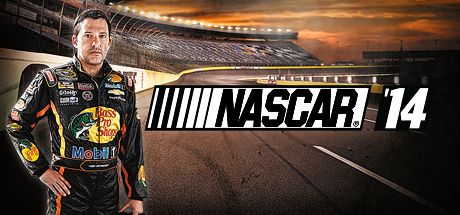
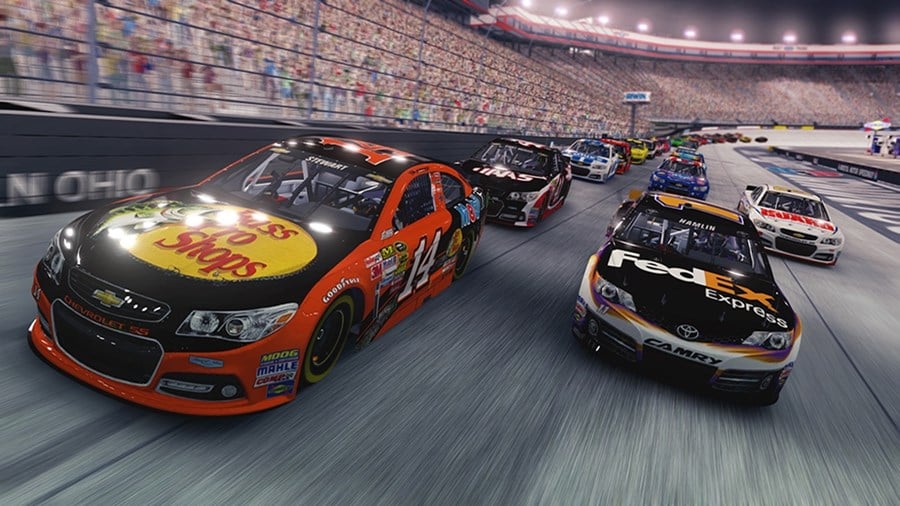
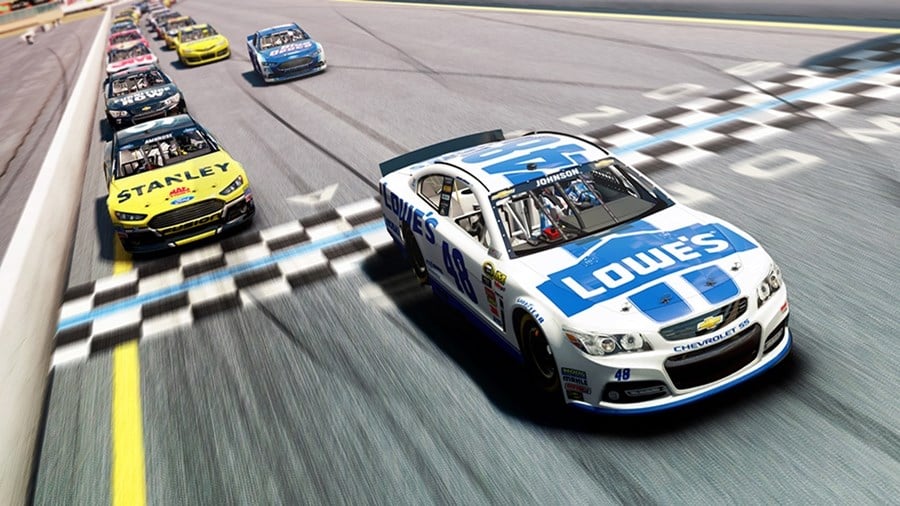
NASCAR 14 is a stock car racing video game developed by Eutechnyx and published by Deep Silver. Released as the third installment in the series from this developer, it serves as a dedicated simulation of the 2014 NASCAR Sprint Cup Series season. The game aims to capture the high-stakes atmosphere of professional stock car racing, offering fans an authentic experience that replicates the tracks, drivers, and team dynamics of the era.
The gameplay introduces several notable features, including the “NASCAR Highlights” mode, which allows players to recreate and alter real-life scenarios from the actual 2014 racing season based on telemetry data. It also features a comprehensive career mode where players can build their own team, secure sponsorships, and upgrade their cars to compete for the championship. The online multiplayer component supports up to 16 players, allowing for competitive pack racing on faithfully recreated tracks like Daytona and Talladega.
Ultimately, NASCAR 14 received mixed to positive reviews from critics and racing enthusiasts alike. While praised for its realistic physics, accurate car modeling, and deep career mechanics, it faced some criticism regarding technical bugs and AI inconsistencies at launch. Despite these minor setbacks, the title remains a nostalgic and definitive entry for fans wanting to relive a classic era of motorsport history.
Before downloading make sure that your PC meets minimum system requirements
Minimum System Requirements
- OS: Windows Vista / 7 / 8
- Processor: AMD Athlon 64 X2 6000+
- Memory: 2 GB RAM
- Graphics: ATI Radeon HD 2600 XT
- DirectX: Version 9.0c
- Storage: 7 GB available space
Screenshots
How to Install NASCAR 14?
- Download: Get the installer only from the official developer or a verified store.
- Run Setup: Double-click the official .exe file and follow the prompts.
- Default Path: Install to the recommended folder to ensure proper system permissions.
- Update: Run the game launcher to download any official security patches.
- Launch: Open the game via the official desktop shortcut.