Apunkagames Official Site – Games Download For PC Apunkagames Official Site — Discover detailed PC game guides, accurate system requirements, screenshots, and verified official download links for top Windows games.
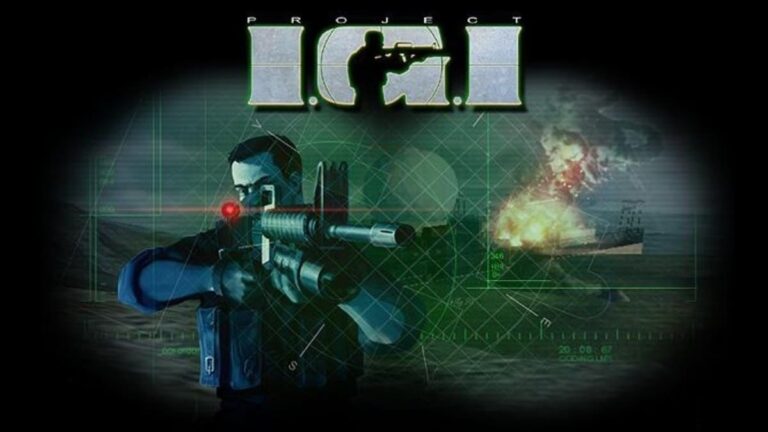
Project IGI 1 (I’m Going In) is a classic tactical first-person shooter developed by Innerloop Studios and released in 2000. The game follows David Jones, a former British SAS agent deployed on stealth-driven missions to track down a stolen nuclear weapon and prevent global catastrophe. Unlike typical run-and-gun shooters of its era, Project IGI pioneered a more realistic approach, forcing players to rely on tactical planning, surveillance, and silenced weaponry to infiltrate heavily guarded Soviet-era military bases.
One of the game’s most memorable features is its immense, open-world scale, powered by a proprietary flight simulator engine that allowed for sprawling, outdoor landscapes. Players must use a digital map and binoculars to scout enemy patrols, security cameras, and alarm systems before making their move. A single mistake can trigger reinforcements, making the gameplay intensely challenging, especially since the original release lacked an in-game save feature, requiring flawless execution from start to finish.
The game boasts a diverse arsenal of realistic firearms, ranging from the stealthy MP5 SD to heavy-duty assault rifles like the M16, alongside tools like lockpicks and hacking devices. Despite its steep difficulty curve and punishing AI, Project IGI 1 became a massive hit and earned a dedicated cult following, particularly across South Asia and Europe. It remains highly regarded today for its tense atmosphere, memorable sound design, and the nostalgic thrill of its uncompromising tactical gameplay.
Before downloading make sure that your PC meets minimum system requirements
Minimum System Requirements
- OS: Windows 95/98/ME
- Processor: Pentium II 300 MHz
- Memory: 64 MB RAM
- Graphics: 8 MB Direct3D-compatible video card
- DirectX: Version 7.0
- Sound: DirectX-compatible sound card
- Storage: 500 MB
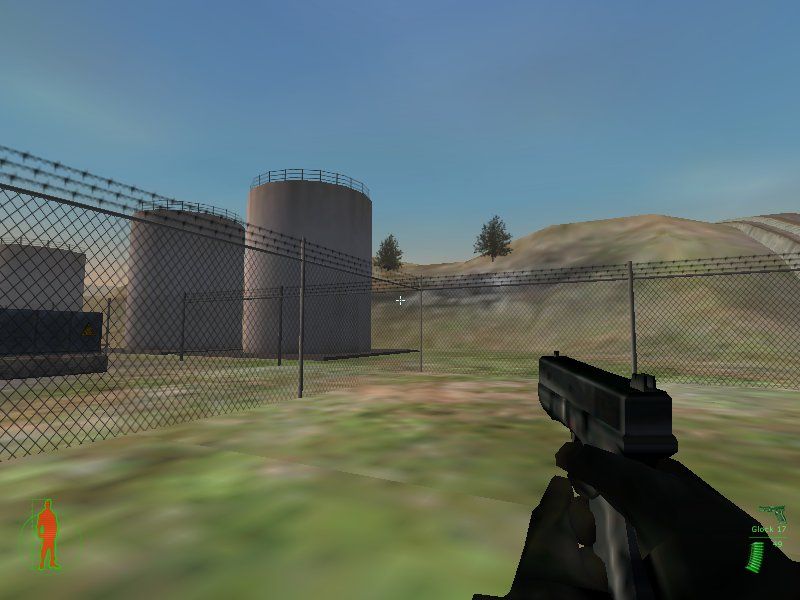
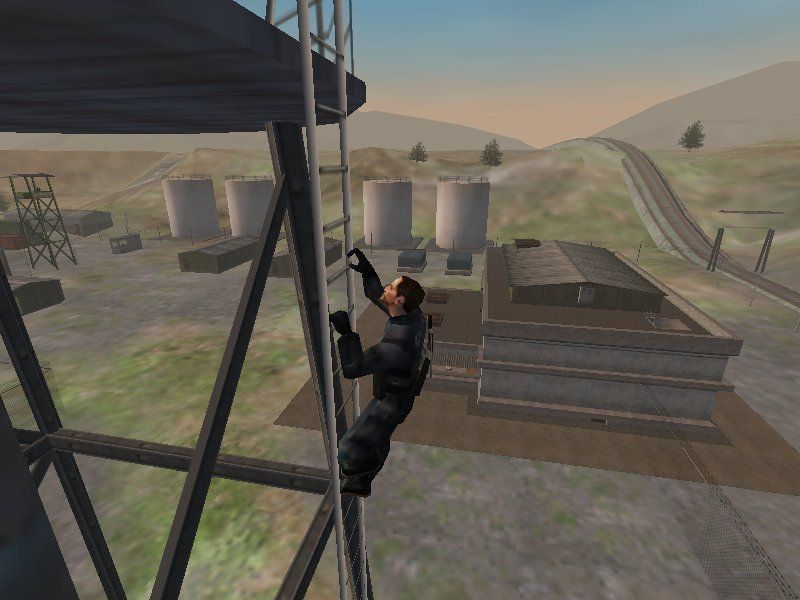
Screenshots
How to Install Project IGI 1?
- Download: Get the installer only from the official developer or a verified store.
- Run Setup: Double-click the official .exe file and follow the prompts.
- Default Path: Install to the recommended folder to ensure proper system permissions.
- Update: Run the game launcher to download any official security patches.
- Launch: Open the game via the official desktop shortcut.