Apunkagames Official Site – Games Download For PC Apunkagames Official Site — Discover detailed PC game guides, accurate system requirements, screenshots, and verified official download links for top Windows games.
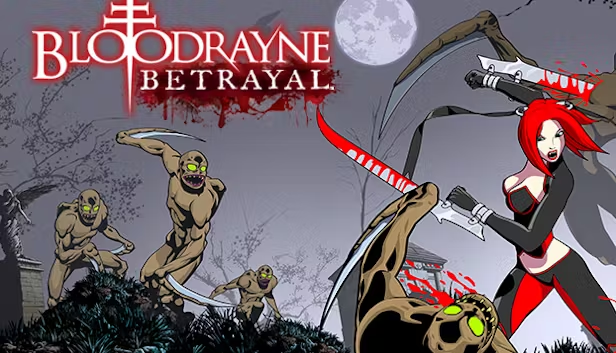
BloodRayne Betrayal is a stylistic, high-octane 2D side-scrolling hack-and-slash game released in 2011 that offers a radical perspective shift for the iconic dhampir franchise. Developed by WayForward, the narrative follows the lethal half-vampire heroine Rayne as she is recruited by the Brimstone Society for one final, grueling mission. She must infiltrate a massive, trap-filled underground castle to hunt down her own father, Kagan, and eliminate his treacherous vampire horde.
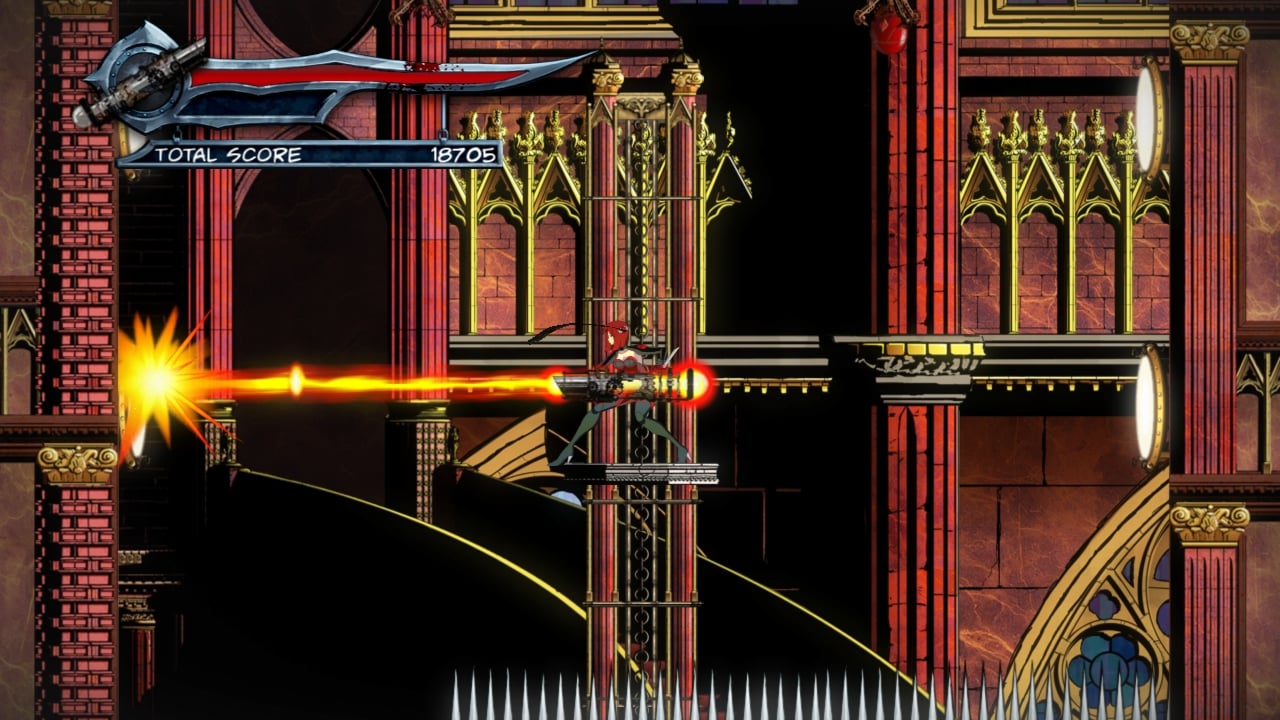
For PC players, the gameplay discards the third-person exploration of its predecessors in favor of a brutally challenging, high-velocity action platformer loop. The mechanics demand absolute precision, combining fluid, acrobatic combos, dash-evasions, and wall-jumps with Rayne’s iconic arm-blades and dual pistols. Players can master advanced techniques like infecting enemies to use them as timed explosives, or biting weakened foes to drain their blood and replenish health on the fly.
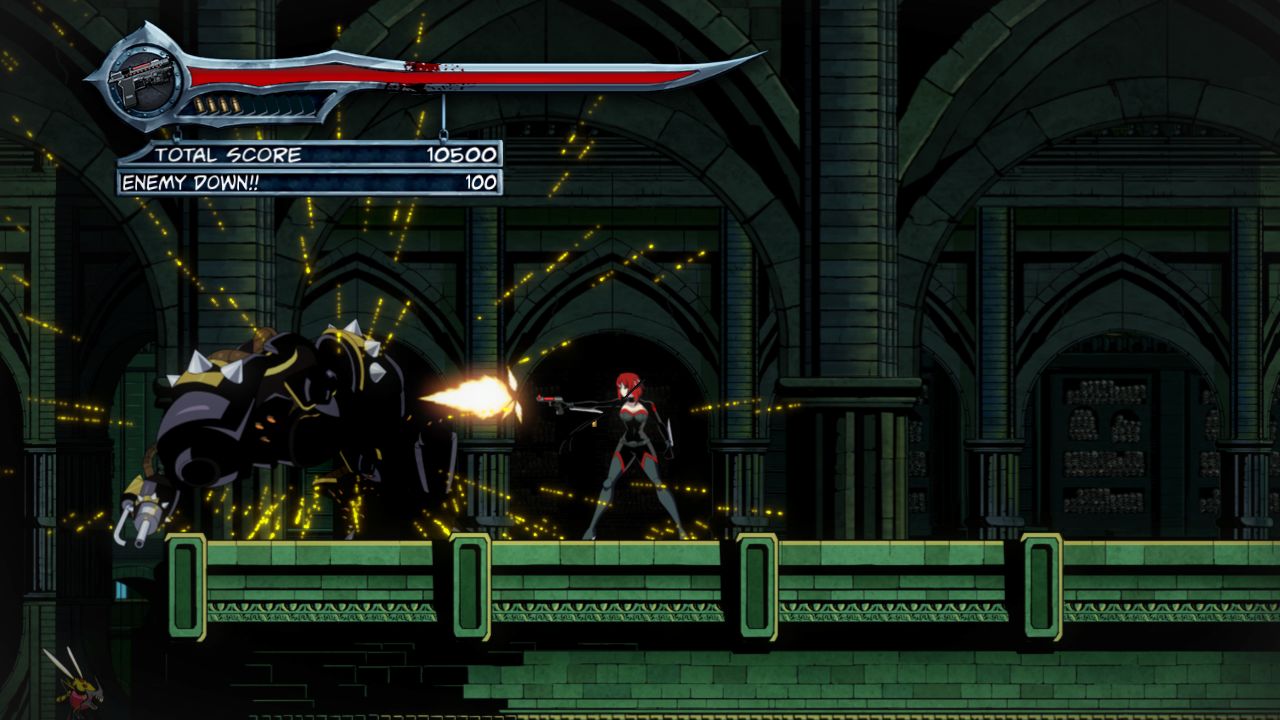
Visually, the game shines with WayForward’s signature, gorgeous hand-drawn animated sprites and atmospheric, gothic backgrounds, all presented with a striking, blood-soaked anime aesthetic. The fluid animations run flawlessly at high framerates on modern computer setups. The tight digital installation requires a meager 3 GB of available storage space on your hard drive or solid-state drive (SSD) to unleash the carnage.
Before downloading make sure that your PC meets minimum system requirements
Minimum System Requirements
- OS: Windows XP, Vista, 7, 8, 10
- Processor: 2.0 GHz or faster (Dual-core)
- Memory: 1 GB RAM
- Graphics: DirectX 9.0c compatible video card with 512 MB
- DirectX: Version 9.0c
- Storage: 2 GB available space
Screenshots
How to Install BloodRayne Betrayal?
- Download: Get the installer only from the official developer or a verified store.
- Run Setup: Double-click the official .exe file and follow the prompts.
- Default Path: Install to the recommended folder to ensure proper system permissions.
- Update: Run the game launcher to download any official security patches.
- Launch: Open the game via the official desktop shortcut.