Apunkagames Official Site – Games Download For PC ApunKaGames is a best website to download games for PC.
Table of Contents

Atlantis Underwater Tycoon is a classic 2003 city-building and business simulation game developed by Anarchy Enterprises and published by Activision Value. Stepping away from traditional dry-land city builders, this unique title plunges players straight into the depths of the ocean. Your primary goal is to design, manage, and expand a thriving aquatic civilization, balancing economic success with the surreal challenges of deep-sea survival.
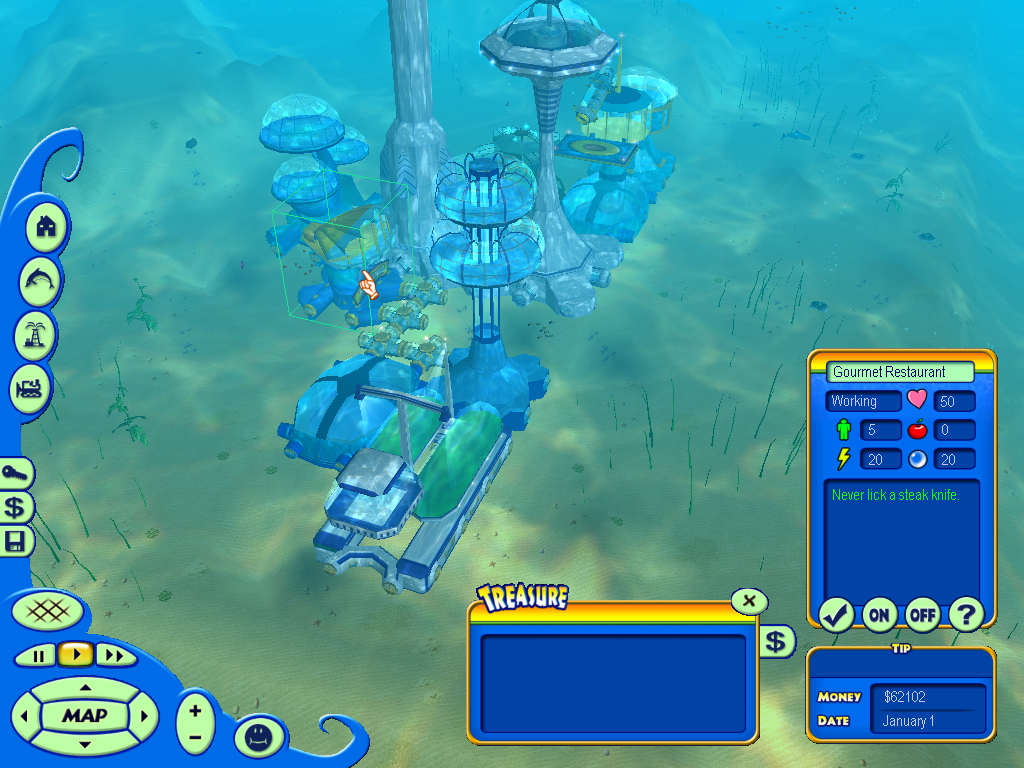
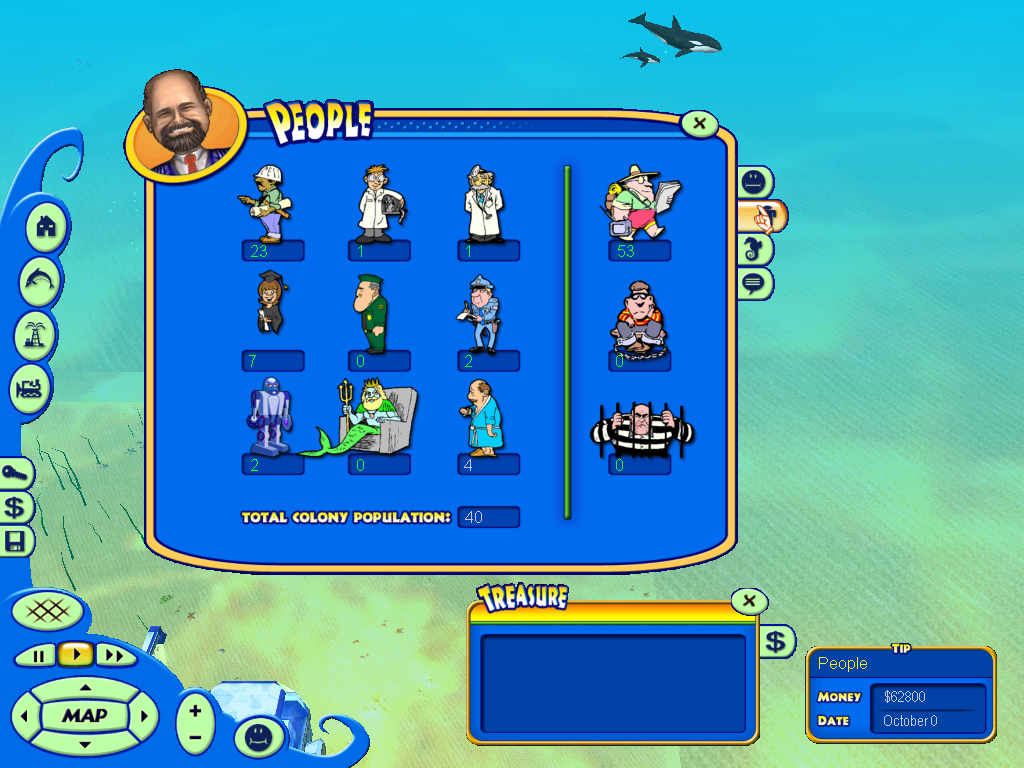
The core gameplay centers around constructing specialized underwater domes, habitations, and research facilities. Players must carefully manage critical resources like oxygen, power, and micro-credits while developing diverse industries, including undersea tourism, aquaculture, and high-tech mining operations. To keep your citizens happy and the cash flowing, you can build everything from luxury hotels and casinos to submarine tracks and defense grids, tailoring your ocean empire across various single-player sandbox maps and objective-driven scenarios.
However, ruling the ocean floor is far from peaceful. Players must constantly defend their custom-built colonies from a variety of unique oceanic disasters, ranging from sudden earthquakes and devastating oil spills to giant squids and mythical sea monsters. By blending traditional tycoon mechanics with an imaginative, science-fiction aquatic setting, the game offers a distinct, nostalgic management experience that challenges your ability to maintain a functional, profitable economy under immense atmospheric pressure.
Before downloading make sure that your PC meets minimum system requirements
Minimum System Requirements
- OS: Windows 98/ME/2000/XP
- Processor: Pentium III 450 MHz or higher
- Memory: 32 MB RAM
- Graphics: 16 MB 3D Video Card
- Hard Drive: 150 MB free space
Screenshots
How to Install Atlantis Underwater Tycoon?
- Download: Get the installer only from the official developer or a verified store.
- Run Setup: Double-click the official .exe file and follow the prompts.
- Default Path: Install to the recommended folder to ensure proper system permissions.
- Update: Run the game launcher to download any official security patches.
- Launch: Open the game via the official desktop shortcut.