Apunkagames Official Site – Games Download For PC Apunkagames Official Site — Discover detailed PC game guides, accurate system requirements, screenshots, and verified official download links for top Windows games.
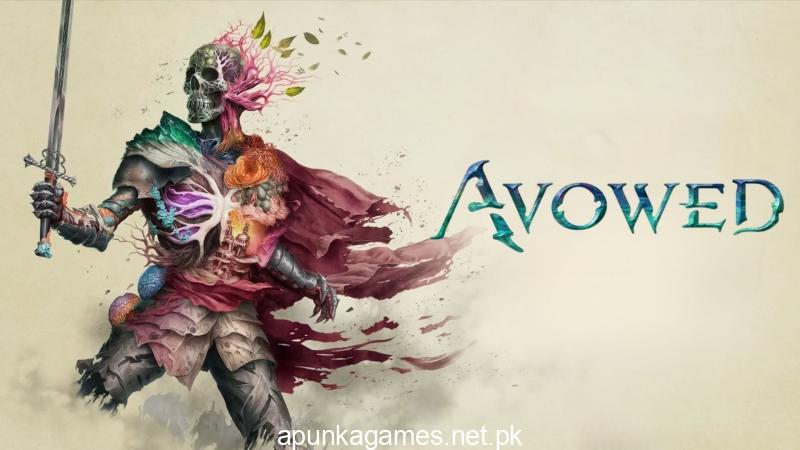
Avowed is a first-person fantasy action role-playing game developed by Obsidian Entertainment and published by Xbox Game Studios. Released on February 18, 2025, the game takes players back to the fictional universe of Eora, a deeply lore-rich setting originally introduced in the Pillars of Eternity franchise. This title shifts the classic isometric perspective of its predecessors into a highly immersive first-person and third-person viewpoint, focusing heavily on exploration and dynamic real-time combat.
The story takes place in the Living Lands, a wild, shifting frontier island threatened by a mysterious spiritual plague. As an envoy sent from the Aedyr Empire, players must investigate this spreading corruption while navigating complex political intrigue and building relationships with distinct companions. True to Obsidian’s game design legacy, players are faced with branching dialogue options, shifting faction rivalries, and impactful story choices where actions directly carve out a unique destiny for the island.
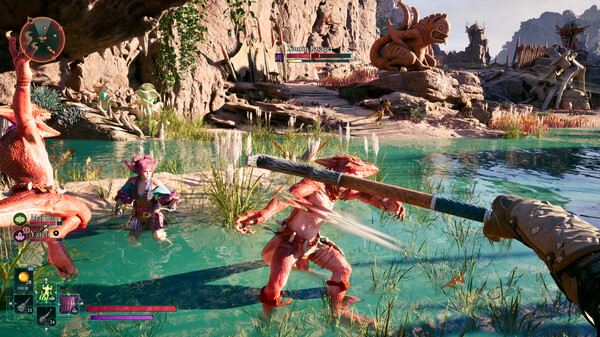
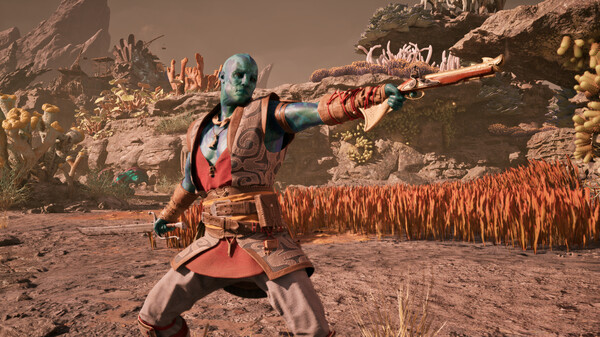
Gameplay encourages versatility, letting players freely combine swords, shields, firearms, and magical spells from their grimoires to craft flexible combat builds. The title has received mostly positive feedback for its vertical world design and satisfying combat feedback. Furthermore, post-launch updates like the major anniversary update added highly requested features, including New Game Plus, custom difficulty settings, and brand-new playable fantasy races like Dwarves and Aumaua.
Before downloading make sure that your PC meets minimum system requirements
Minimum System Requirements
- OS: Windows 10/11 with updates
- Processor: AMD Ryzen 5 2600 / Intel i5-8400
- Memory: 16 GB RAM
- Graphics: AMD RX 5700 / Nvidia GTX 1070
- DirectX: Version 12
- Storage: 75 GB available space
Screenshots
How to Install Avowed?
- Download: Get the installer only from the official developer or a verified store.
- Run Setup: Double-click the official .exe file and follow the prompts.
- Default Path: Install to the recommended folder to ensure proper system permissions.
- Update: Run the game launcher to download any official security patches.
- Launch: Open the game via the official desktop shortcut.