Apunkagames Official Site – Games Download For PC Apunkagames Official Site — Discover detailed PC game guides, accurate system requirements, screenshots, and verified official download links for top Windows games.
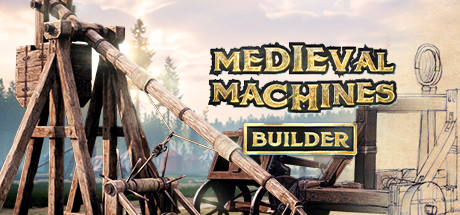
Medieval Machines Builder is a captivating simulation game that steps into the world of historical engineering and tactical warfare. Developed by FreeMind S.A. and Solverto, the title puts you directly into the boots of a medieval ballistic engineer tasked with constructing devastating weaponry for the King’s army. Your final goal is to develop highly complex, historically accurate engineering structures that can breach even the most stubborn fortifications.
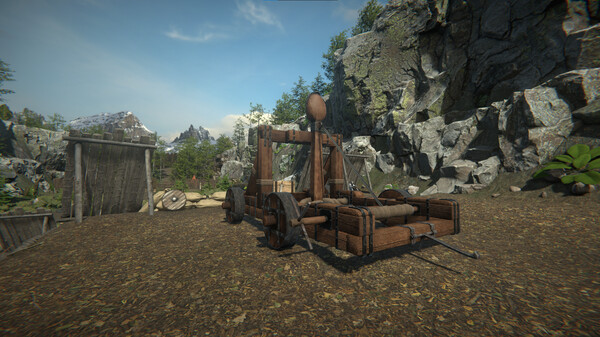
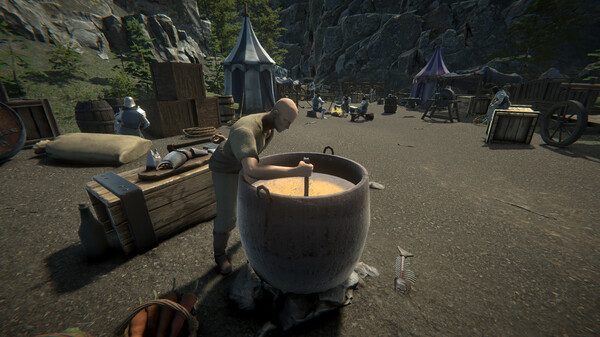
The core gameplay cycle revolves around careful preparation, craftsmanship, and smart resource management. You must explore the surrounding wilderness to harvest crucial raw materials like heavy timber, iron, and sturdy ropes. Once back at the workshop, you use period-accurate blacksmith tools to meticulously assemble iconic war engines like catapults, trebuchets, and heavy ballistae. The title also introduces a story-driven campaign where every successful contract earns you gold and experience points to unlock advanced blueprints.
Testing your creations on live fortifications is where the mechanics truly shine. Players get to directly operate their finished engines to see how stone walls crumble under heavy impacts, requiring adjustments and regular structural maintenance to prevent mechanical failures. From negotiating trade prices for rare equipment to experimenting with different types of ammunition, it offers a deeply satisfying loop of planning and destruction.
Before downloading make sure that your PC meets minimum system requirements
Minimum System Requirements
- OS: Windows 7
- Processor: Intel Core i3 3,20GHz
- Memory: 4 GB RAM
- Graphics: GeForce GTX 750 Ti / AMD Radeon R7 265
- Storage: 5 GB available space
Screenshots
How to Install Medieval Machines Builder?
- Download: Get the installer only from the official developer or a verified store.
- Run Setup: Double-click the official .exe file and follow the prompts.
- Default Path: Install to the recommended folder to ensure proper system permissions.
- Update: Run the game launcher to download any official security patches.
- Launch: Open the game via the official desktop shortcut.