Apunkagames Official Site – Games Download For PC Apunkagames Official Site — Discover detailed PC game guides, accurate system requirements, screenshots, and verified official download links for top Windows games.
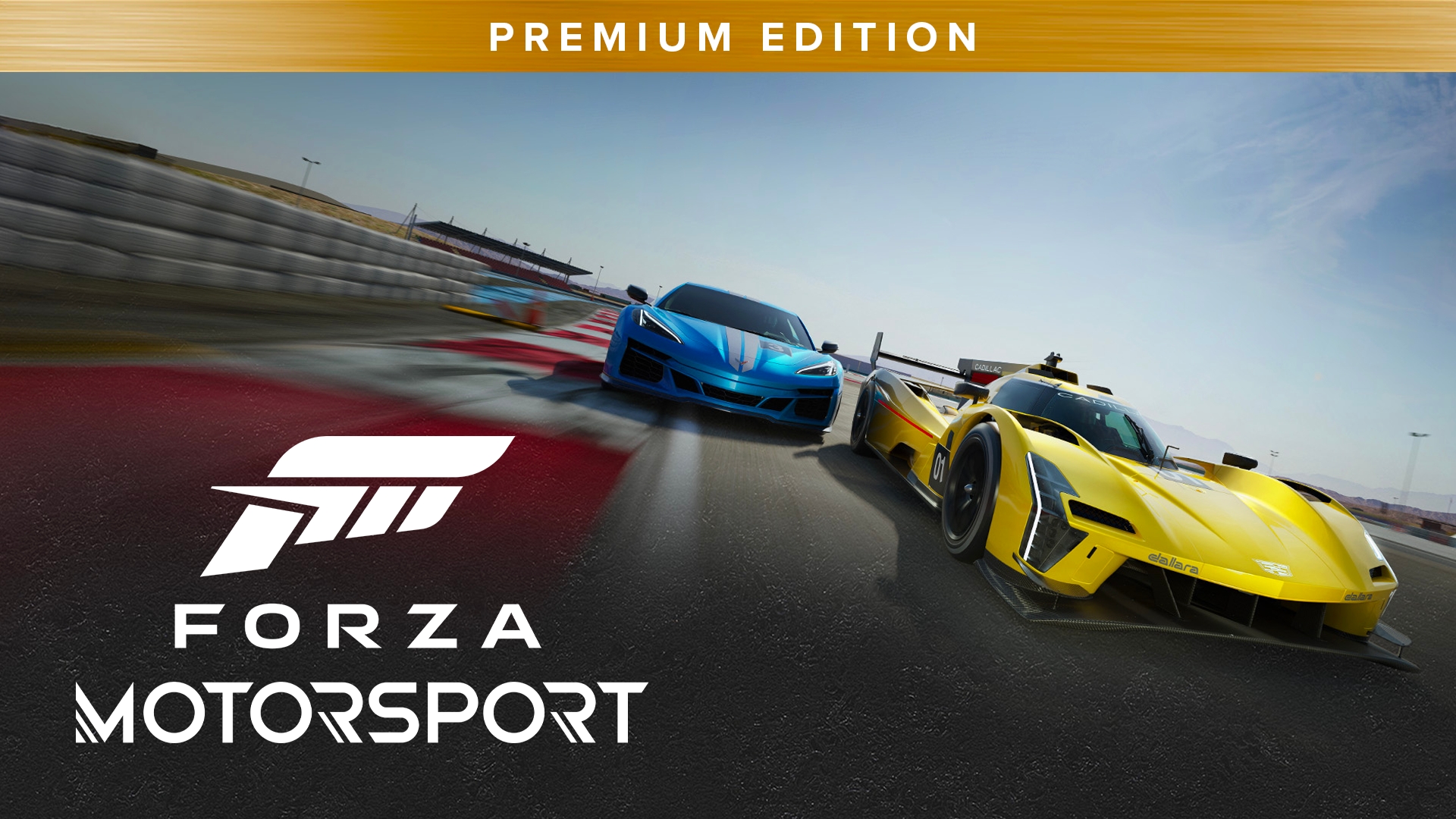
Forza Motorsport Premium Edition is the definitive, high-performance package of Turn 10 Studios’ cutting-edge 2023 racing simulation. Rebuilt from the ground up for contemporary hardware, the narrative and gameplay loop center on the Builders Cup Career Mode, an immersive single-player journey focused on the competitive art of car building, where players earn performance parts to systematically upgrade over 500 real-world vehicles.
For PC players, the Premium Edition delivers a massive content advantage right from the starting grid. It includes the complete base game alongside the Race Day Car Pack (featuring eight track-ready cars), the Car Pass (delivering 30 additional vehicles over time), a VIP Membership for permanent credit boosts and exclusive event rewards, and the Welcome Pack to instantly kickstart your garage. The simulation features highly advanced vehicle physics, dynamic time-of-day track temperatures, and an intricate tire wear system.
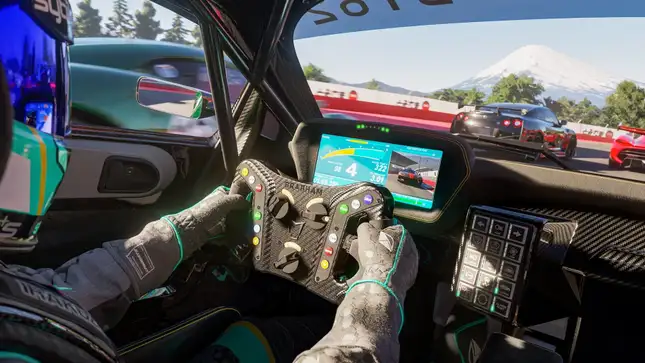
Visually, the title pushes graphics boundaries on PC with real-time, on-track ray tracing, advanced damage modeling, and native 4K support with ultra-wide display compatibility. The highly optimized engine supports DLSS and FSR performance scalers to ensure blistering framerates, requiring 130 GB of available storage space strictly on a solid-state drive (SSD) to deploy.
Before downloading make sure that your PC meets minimum system requirements
Minimum System Requirements
- OS: Windows 10/11
- Processor: Intel i5-8400 or AMD Ryzen 5 1600
- Memory: 8 GB RAM
- Graphics: NVidia GTX 1060 or AMD RX 5500 XT
- Network: Broadband Internet connection
- Storage: 130 GB available space
Screenshots

How to Install Forza Motorsport Premium Edition?
- Download: Get the installer only from the official developer or a verified store.
- Run Setup: Double-click the official .exe file and follow the prompts.
- Default Path: Install to the recommended folder to ensure proper system permissions.
- Update: Run the game launcher to download any official security patches.
- Launch: Open the game via the official desktop shortcut.