Apunkagames Official Site – Games Download For PC Apunkagames Official Site — Discover detailed PC game guides, accurate system requirements, screenshots, and verified official download links for top Windows games.
The Backrooms Forsaken is an eerie, first-person horror-adventure game released in March 2025 that expands on the viral internet creepypasta lore. Developed and published by Fred Grant Studios, the narrative throws players deep into an unsettling, liminal dimension of seemingly endless, yellow-walled rooms and fluorescent humming lights. Setting itself apart from traditional walking simulators, the game shifts the sub-genre forward by introducing a structured single-player narrative driven by character interactions, featuring a companion named Sam and distinct survival stakes.
For PC players, the core gameplay loop provides a tense, two-hour atmospheric adventure filled with maze navigation, scavenger hunts for batteries, and puzzle-solving. Instead of just passive exploration, players must manage a strict stamina system and engage in light combat mechanics, utilizing tactical firearms to defend against bizarre entities during chaotic encounters, including a memorable boss fight in a laundry room.
Visually, the game utilizes realistic environmental design and immersive lighting to build dread across iconic backrooms levels like the Poolrooms. Following major optimization patches, the title runs smoothly with flexible performance options. Setting up this psychological thriller requires a compact 5 GB of available storage space on your hard drive or solid-state drive (SSD).
Before downloading make sure that your PC meets minimum system requirements
Minimum System Requirements
- OS: Windows 10/11 (64 bit).
- Processor: Quad-Core Intel or AMD, 2.5 GHz of faster
- Memory: 8 GB RAM
- Graphics: DirectX 11 Compatible
- DirectX: Version 11
- Storage: 5 GB available space
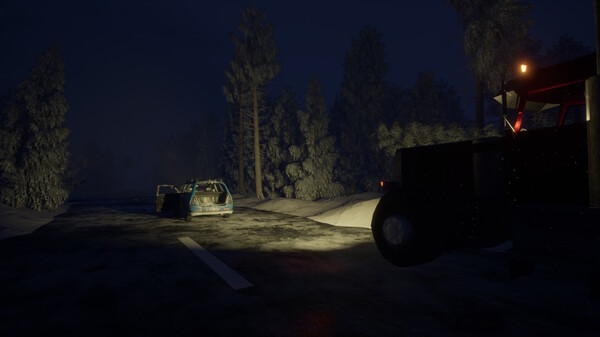
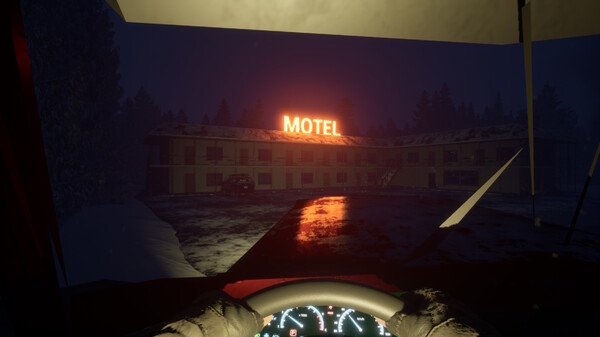
Screenshots
How to Install The Backrooms Forsaken?
- Download: Get the installer only from the official developer or a verified store.
- Run Setup: Double-click the official .exe file and follow the prompts.
- Default Path: Install to the recommended folder to ensure proper system permissions.
- Update: Run the game launcher to download any official security patches.
- Launch: Open the game via the official desktop shortcut.