Apunkagames Official Site – Games Download For PC Apunkagames Official Site — Discover detailed PC game guides, accurate system requirements, screenshots, and verified official download links for top Windows games.

Schedule I is a chaotic, open-world first-person crime simulation game released in Early Access in March 2025. Developed and published by TVGS, the dark comedy title places you in the sneakers of a small-time drug dealer arriving in the grungy, west-coast city of Hyland Point with absolutely nothing. Your ultimate goal is to rise through the criminal underworld to build a massive, fully automated narcotics empire.
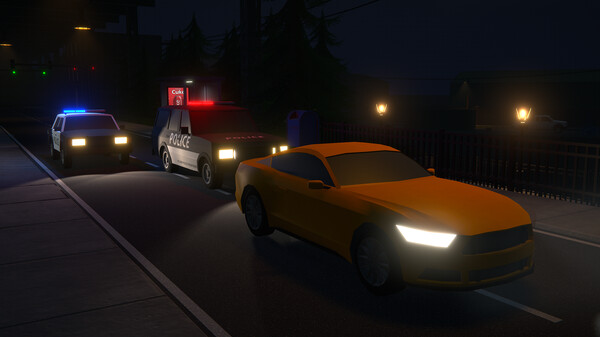
For PC players, the gameplay balances hands-on street dealing with deep corporate-style management and strategic automation. You directly manage the production, complex mixing recipes, and distribution of illicit substances while avoiding police curfews, random stop-and-searches, and tactical roadblocks. As your revenue grows, you can purchase front businesses for money laundering, buy properties, and recruit specialized staff like cooks and lookouts. The game features an active modding community and supports intense four-player co-op multiplayer.
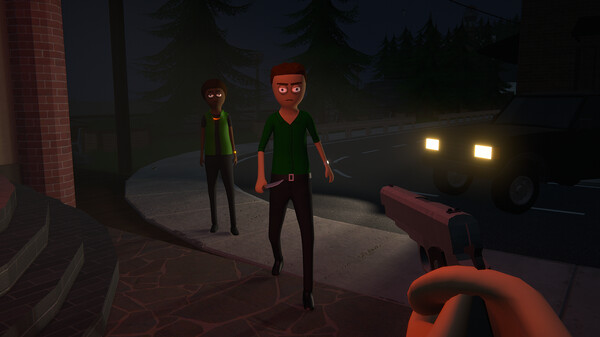
Visually, the game brings the gritty streets of Hyland Point to life with stylized graphics and fully interactive environments. The PC version scales effectively across a variety of hardware setups, offering custom graphics sliders and stereo audio controls. The digital installation requires 8 GB of available storage space on your hard drive or solid-state drive (SSD) to deploy your operations.
Before downloading make sure that your PC meets minimum system requirements
Minimum System Requirements
- OS: Windows 10 (64-bit)
- Processor: 3GHz 4-Core or similar
- Memory: 8 GB RAM
- Graphics: GeForce GTX 1060 or Radeon RX 580
- Storage: 8 GB available space
Screenshots
How to Install Schedule I?
- Download: Get the installer only from the official developer or a verified store.
- Run Setup: Double-click the official .exe file and follow the prompts.
- Default Path: Install to the recommended folder to ensure proper system permissions.
- Update: Run the game launcher to download any official security patches.
- Launch: Open the game via the official desktop shortcut.