Apunkagames Official Site – Games Download For PC Apunkagames Official Site — Discover detailed PC game guides, accurate system requirements, screenshots, and verified official download links for top Windows games.

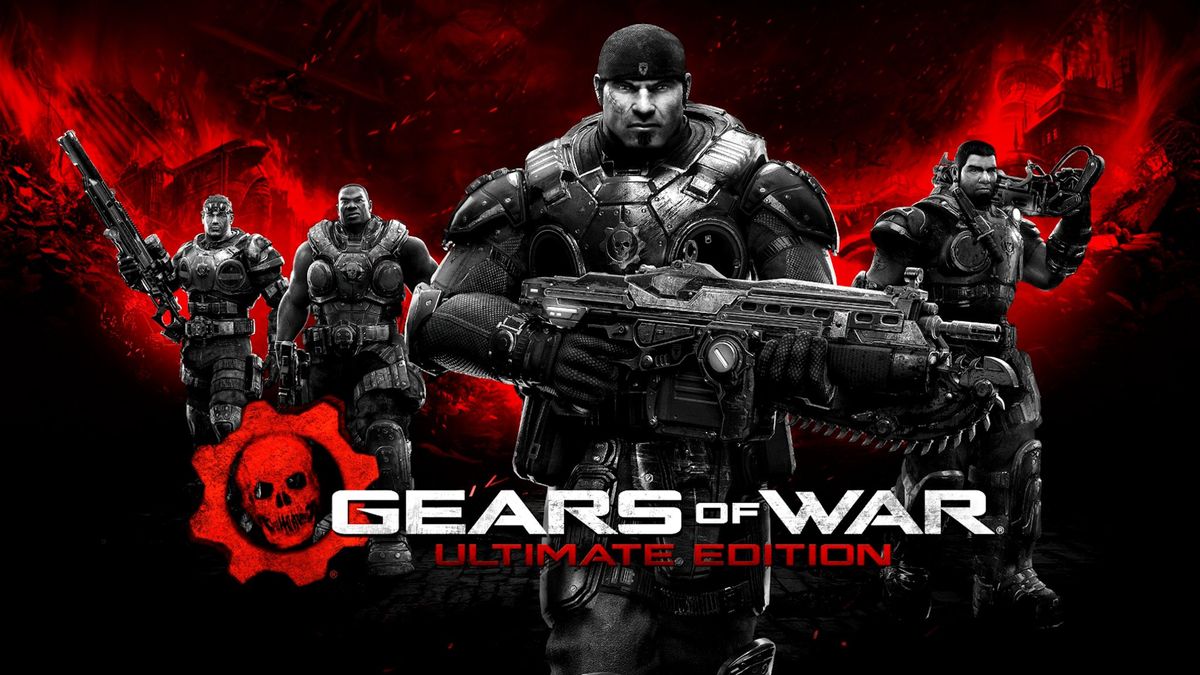
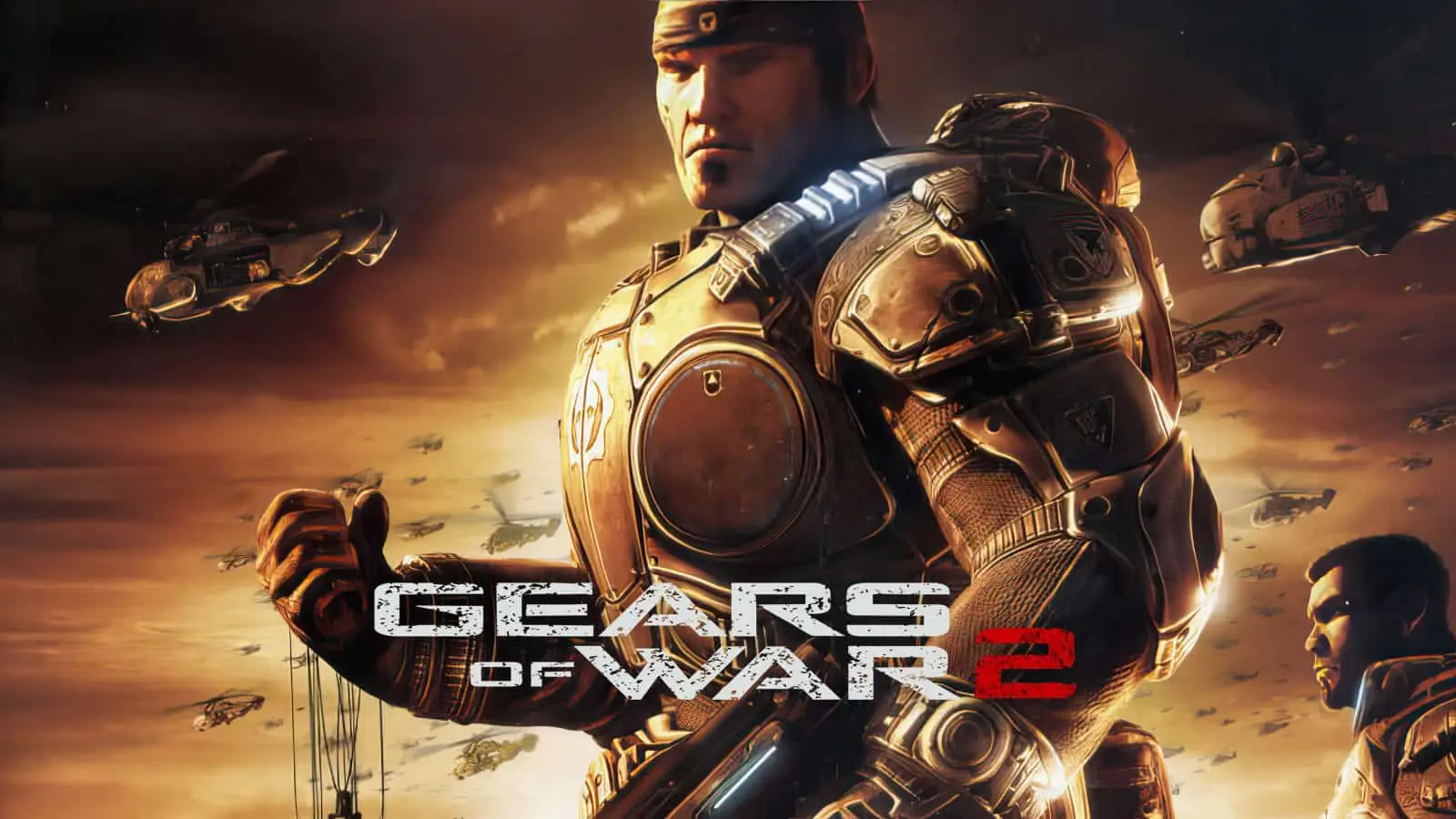
Gears of War Reloaded is a spectacular, visually modernized remaster of the legendary 2006 tactical third-person shooter that defined an entire era of action gaming. Developed by The Coalition and released on Steam in August 2025, the narrative takes players back to the ruined planet Sera, following war hero Marcus Fenix and Delta Squad as they wage a brutal, desperate battle to save humanity from the subterranean Locust Horde.
For PC players, the game delivers the definitive version of the franchise’s iconic cover-based combat loop. It features the complete original experience along with all post-launch content, including the previously exclusive bonus campaign act. The mechanical flow is seamlessly enhanced by modern features like full cross-play and cross-progression across platforms, native keyboard and mouse mapping, and a pulse-pounding versus multiplayer mode capable of running at up to 144 FPS.
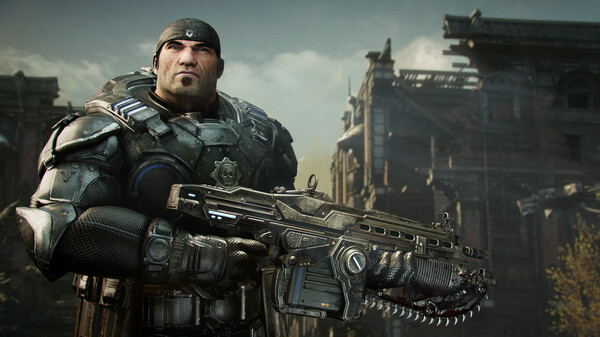
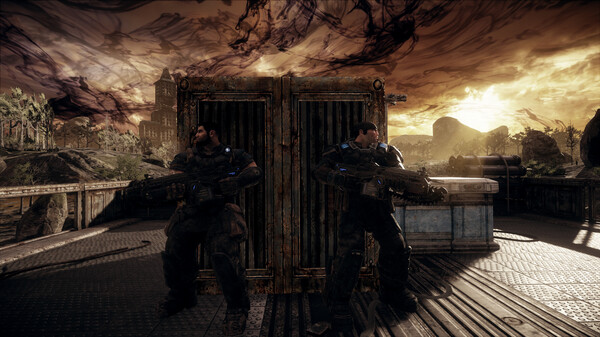
Visually, the game utilizes advanced engine upgrades to fully overhaul the classic, gritty aesthetic with 4K assets, remastered textures, improved lighting, and ultrawide monitor support. The game is fully optimized for smooth performance on both high-end rigs and handheld PCs. The digital installation requires 70 GB of available storage space on your hard drive or solid-state drive (SSD) to deploy.
Before downloading make sure that your PC meets minimum system requirements
Minimum System Requirements
- OS: Windows10 / 11
- Processor: AMD Ryzen 3 or Intel i5 Skylake
- Memory: 8 GB RAM
- Graphics: AMD Radeon RX 480 / RX 5300 or Nvidia GeForce GTX 1650
- DirectX: Version 12
- Network: Broadband Internet connection
- Storage: 70 GB available space
Screenshots
How to Install Gears of War Reloaded?
- Download: Get the installer only from the official developer or a verified store.
- Run Setup: Double-click the official .exe file and follow the prompts.
- Default Path: Install to the recommended folder to ensure proper system permissions.
- Update: Run the game launcher to download any official security patches.
- Launch: Open the game via the official desktop shortcut.