Apunkagames Official Site – Games Download For PC Apunkagames Official Site — Discover detailed PC game guides, accurate system requirements, screenshots, and verified official download links for top Windows games.
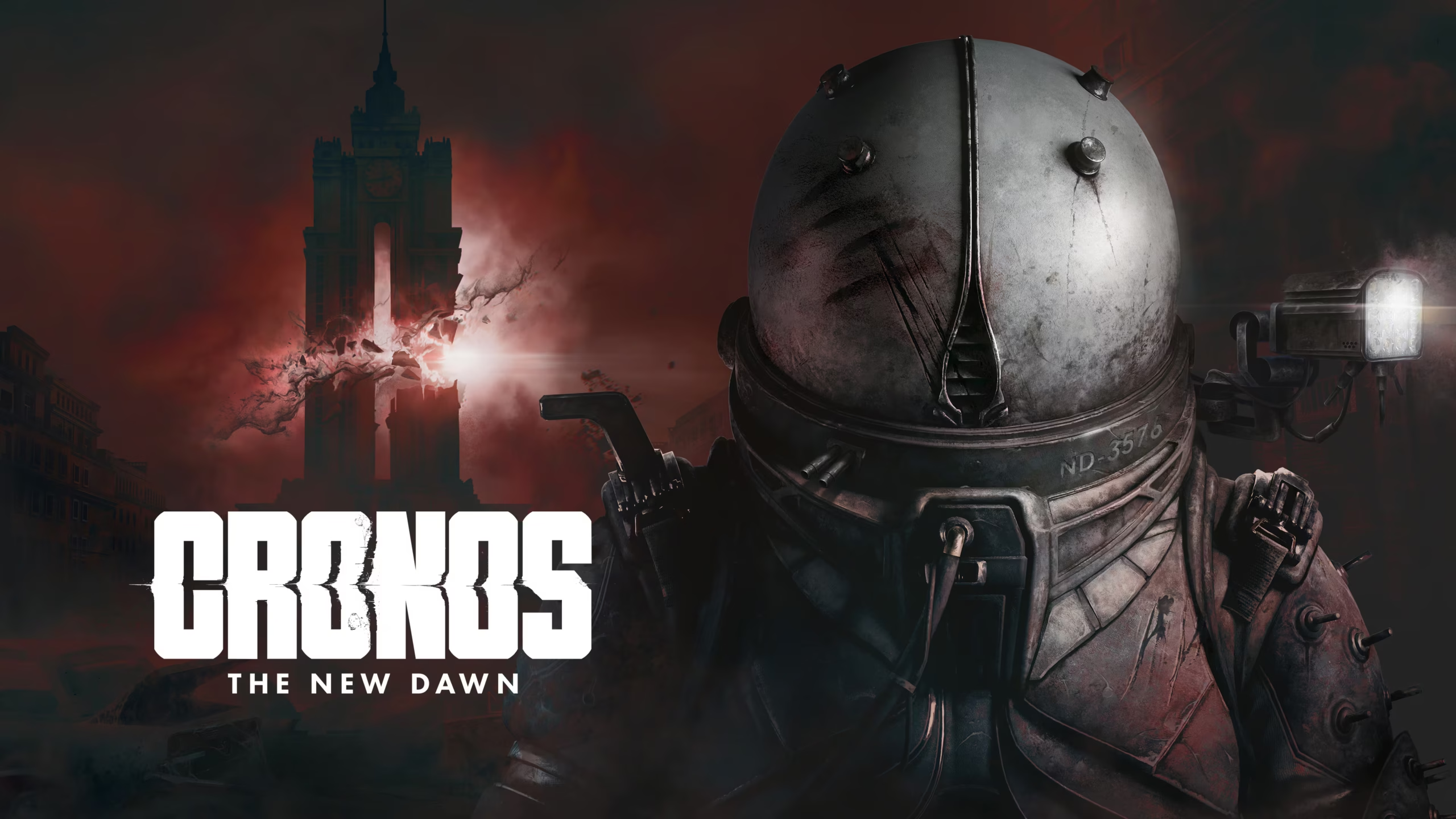
Cronos The New Dawn is an atmospheric, third-person survival horror game developed by Bloober Team, scheduled for release in 2025. Set in a gritty, bleak world where survival is a constant struggle, the game tells a deeply psychological story that blends dark sci-fi themes with time travel mechanics. Players must navigate a shifting reality, unraveling mysteries while confronting terrifying, distorted monstrosities born from a collapsed future.
For PC players, the experience emphasizes tense combat, strategic resource management, and puzzle-solving across interconnected, claustrophobic environments. You play as a Traveler, navigating a broken timeline where every decision can distort the past or seal your fate in the future. The gameplay demands precise ammunition conservation and rapid adaptation to shifting environmental hazards, combining traditional survival horror tension with mind-bending spatial puzzles that rely on shifting across distinct eras.
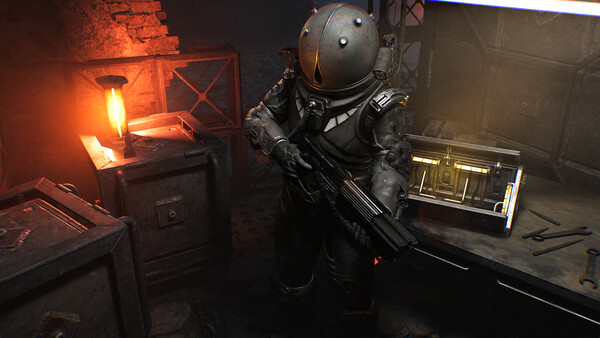
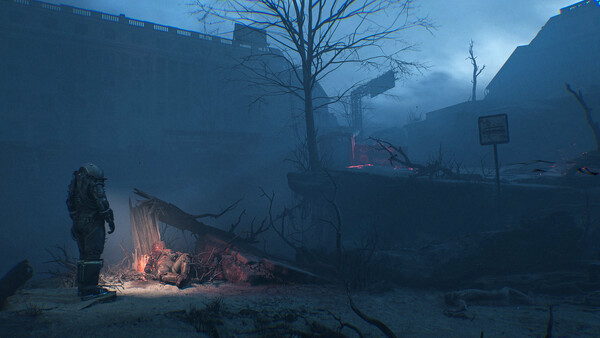
Visually, the game leverages Unreal Engine 5 to create hyper-detailed, decaying concrete ruins, ominous technological installations, and unsettling body-horror enemy designs. Its striking lighting engine and realistic shadow physics enhance the oppressive atmosphere. The complete digital installation requires a significant chunk of modern hardware performance, recommending 50 GB of available storage space on your solid-state drive (SSD) to handle the reality-shifting seamless transitions.
Before downloading make sure that your PC meets minimum system requirements
Minimum System Requirements
- OS: Windows 10 x64
- Processor: Intel Core i5-8400F, Intel Core I5-8600K
- Memory: 16 GB RAM
- Graphics: NVIDIA GeForce GTX 1080
- DirectX: Version 12
- Storage: 50 GB available space
Screenshots
How to Install Cronos The New Dawn?
- Download: Get the installer only from the official developer or a verified store.
- Run Setup: Double-click the official .exe file and follow the prompts.
- Default Path: Install to the recommended folder to ensure proper system permissions.
- Update: Run the game launcher to download any official security patches.
- Launch: Open the game via the official desktop shortcut.