Apunkagames Official Site – Games Download For PC Apunkagames Official Site — Discover detailed PC game guides, accurate system requirements, screenshots, and verified official download links for top Windows games.
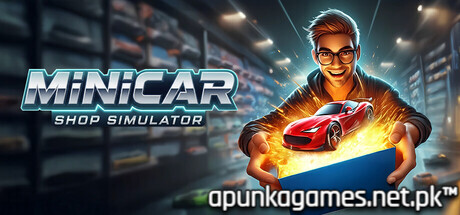
MiniCar Shop Simulator is a quirky and charming retail management game released in September 2025 that taps directly into childhood nostalgia. Developed by Super Duper Vibes, the unique simulation title tasks players with running an independent hobby store dedicated entirely to collecting, showcasing, and trading miniature toy cars.
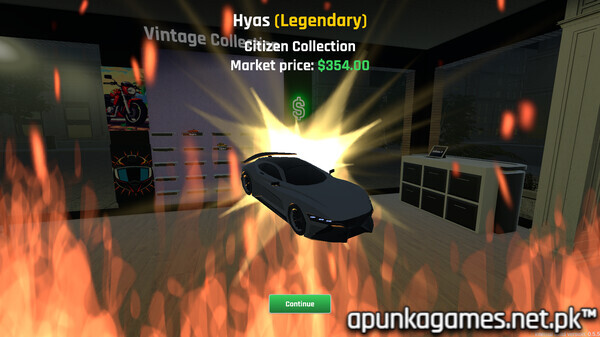
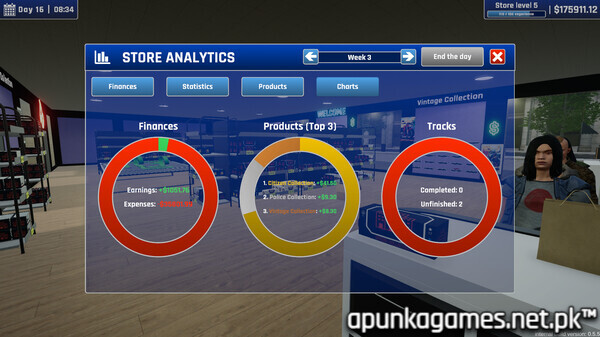
For PC players, the core gameplay loop brilliantly blends classic business management with collectors’ mechanics. You are responsible for expanding your storefront, customizing the interior layout, managing inventory, and opening mystery boxes to hunt for rare or legendary vehicles. The game features over 300 unique model cars divided across nine distinct theme collections, ranging from urban commuters to futuristic supercars. Beyond working the cash register, you can build intricate maquette race tracks inside your shop to test-drive cars against the clock, or hop onto a delivery scooter to zip through town and drop off online orders.
Visually, the game utilizes a vibrant, colorful aesthetic packed with humorous touches, like chaotic physics and eccentric customer behaviors. The title is lightweight and highly optimized for modern systems, requiring a mere 1 GB of available storage space on your hard drive or solid-state drive (SSD) to deploy your dream toy shop.
Before downloading make sure that your PC meets minimum system requirements
Minimum System Requirements
- OS: Windows 10 / 11
- Processor: Intel: Core i5-4670 / Core i3-8100 | AMD: FX-8150
- Memory: 4 GB RAM
- Graphics: Nvidia: GeForce GTX 660 2GB / GeForce GTX 1050 2GB
- DirectX: Version 11
- Storage: 1 GB available space
Screenshots
How to Install MiniCar Shop Simulator?
- Download: Get the installer only from the official developer or a verified store.
- Run Setup: Double-click the official .exe file and follow the prompts.
- Default Path: Install to the recommended folder to ensure proper system permissions.
- Update: Run the game launcher to download any official security patches.
- Launch: Open the game via the official desktop shortcut.