Apunkagames Official Site – Games Download For PC Apunkagames Official Site — Discover detailed PC game guides, accurate system requirements, screenshots, and verified official download links for top Windows games.
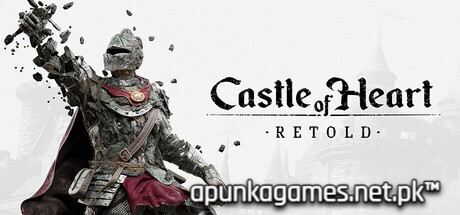
Castle of Heart Retold is an overhauled dark-fantasy action platformer released in October 2025. Developed by 7Levels, the narrative draws deep inspiration from Slavic mythology, casting you as Svaran, a proud warrior who has been struck by a malevolent sorcerer’s curse that is actively turning his entire body into stone.
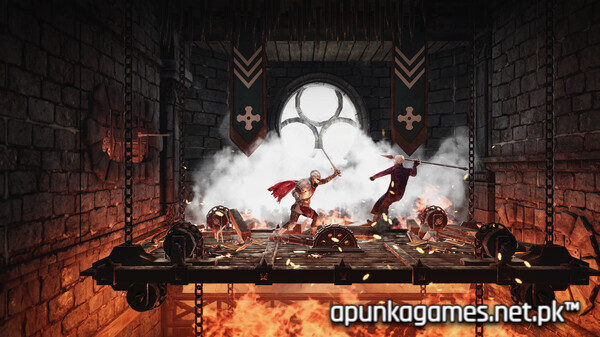
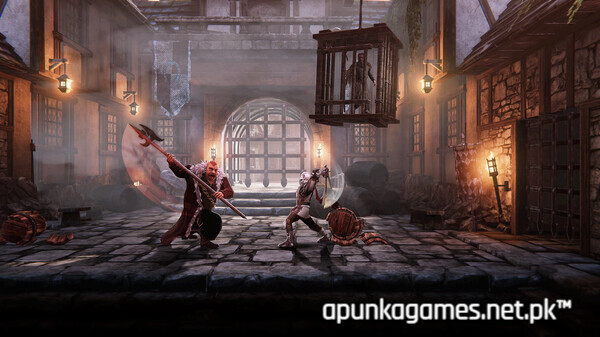
For PC players, the gameplay delivers a tense, rapid side-scrolling experience driven by a unique health mechanic: your petrified body constantly disintegrates over time. To prevent turning to dust, you must maintain a relentless killing spree, collecting floating energy stones to stall the curse. Standing still or failing to find items means losing limbs, which directly strips away your tactical combat capabilities. Svaran fights through diverse landscapes using an extensive arsenal of over fifty cold steel and ranged weapons, including swords, hatchets, and crossbows, culminating in demanding, precise boss battles.
Visually, this Retold edition massively refines the 2018 Nintendo Switch original, adding crisp character models, enhanced environmental lighting, and entirely rewritten cinematic cutscenes. The game functions beautifully on a broad range of PC setups, requiring 9 GB of available storage space on your hard drive or solid-state drive (SSD) to break the curse.
Before downloading make sure that your PC meets minimum system requirements
Minimum System Requirements
- OS: Windows 8 / 10 / 11
- Processor: Intel Core i5-2400 / AMD Phenom II X6 1100T
- Memory: 8 GB RAM
- Graphics: NVIDIA GeForce GTX 950 2GB
- DirectX: Version 11
- Storage: 9 GB available space
Screenshots
How to Install Castle of Heart Retold?
- Download: Get the installer only from the official developer or a verified store.
- Run Setup: Double-click the official .exe file and follow the prompts.
- Default Path: Install to the recommended folder to ensure proper system permissions.
- Update: Run the game launcher to download any official security patches.
- Launch: Open the game via the official desktop shortcut.