Apunkagames Official Site – Games Download For PC Apunkagames Official Site — Discover detailed PC game guides, accurate system requirements, screenshots, and verified official download links for top Windows games.
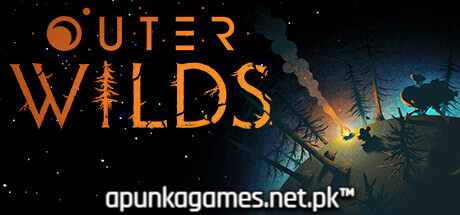
Outer Wilds is an absolute masterpiece of cosmic exploration and mystery, developed by Mobius Digital and released to critical acclaim. Winner of multiple Game of the Year awards, it places you as the newest recruit of Outer Wilds Ventures, a fledgling space program hunting for answers in a bizarre, constantly evolving solar system. There is a catch: you are trapped in a seamless 22-minute time loop, at the end of which the local star goes supernova, destroying everything before sending your memories back to the start.
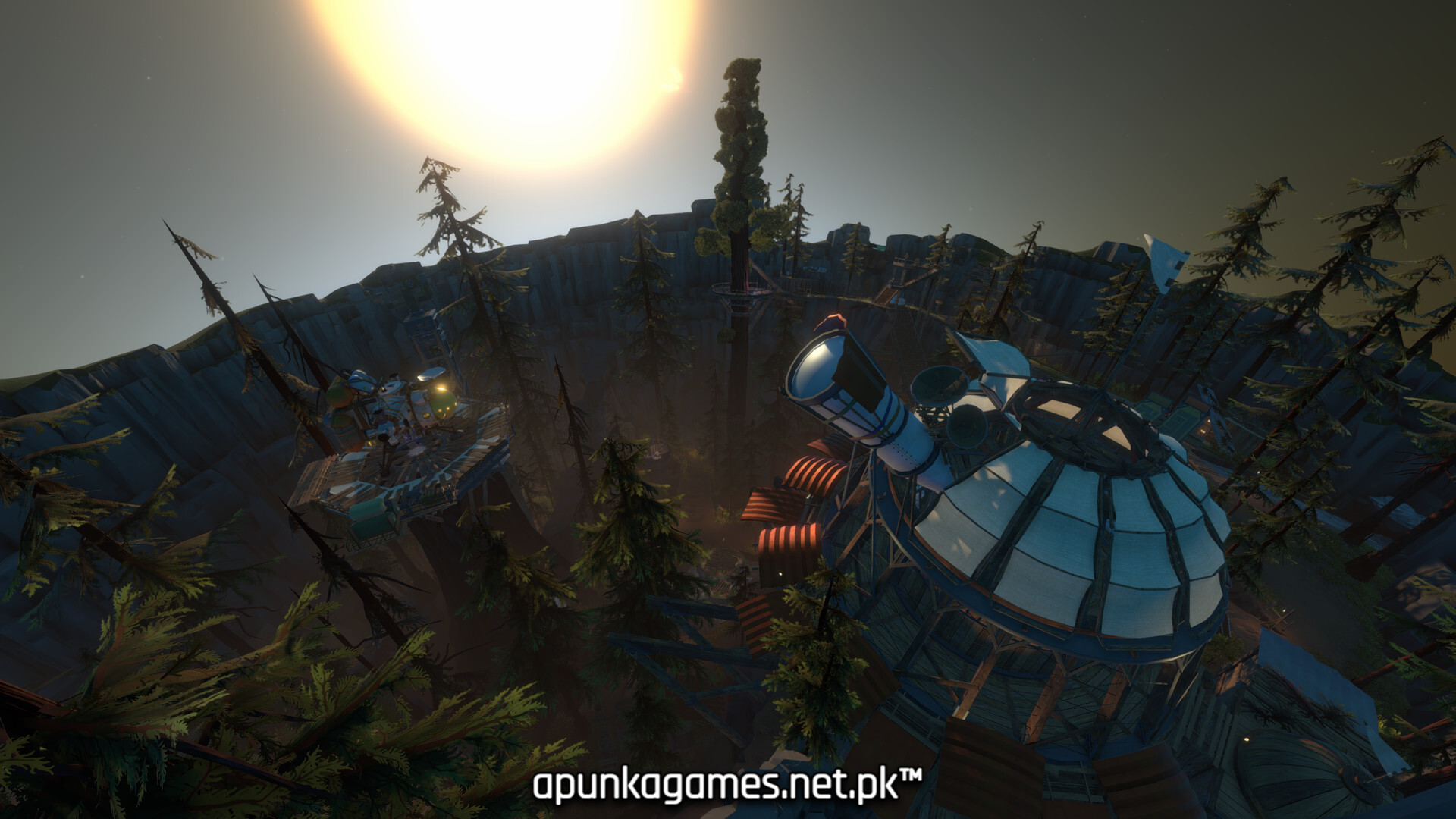
For PC players, the game delivers an entirely knowledge-based progression loop. There are no traditional XP grids, unlockable abilities, or gear upgrades; your only currency is what you learn. Armed with a spacesuit, a translation tool for an ancient alien script, a signalscope, and a highly responsive, physics-driven spacecraft, you navigate handcrafted planets that change in real time. You might explore a planet being hollowed out by volcanic moons or a pair of twins draining sand back and forth into each other.
The optimized PC port features highly customizable graphics settings, smooth controller and flight stick configurations, and flawless performance. The digital installation requires 8 GB of available storage space on your hard drive or solid-state drive (SSD) to begin your journey.
Before downloading make sure that your PC meets minimum system requirements
Minimum System Requirements
- OS: Windows 10 / 11
- Processor: Intel Core i5-2300 | AMD FX-4350
- Memory: 6 GB RAM
- Graphics: Nvidia GeForce GTX 660, 2 GB
- Storage: 8 GB available space
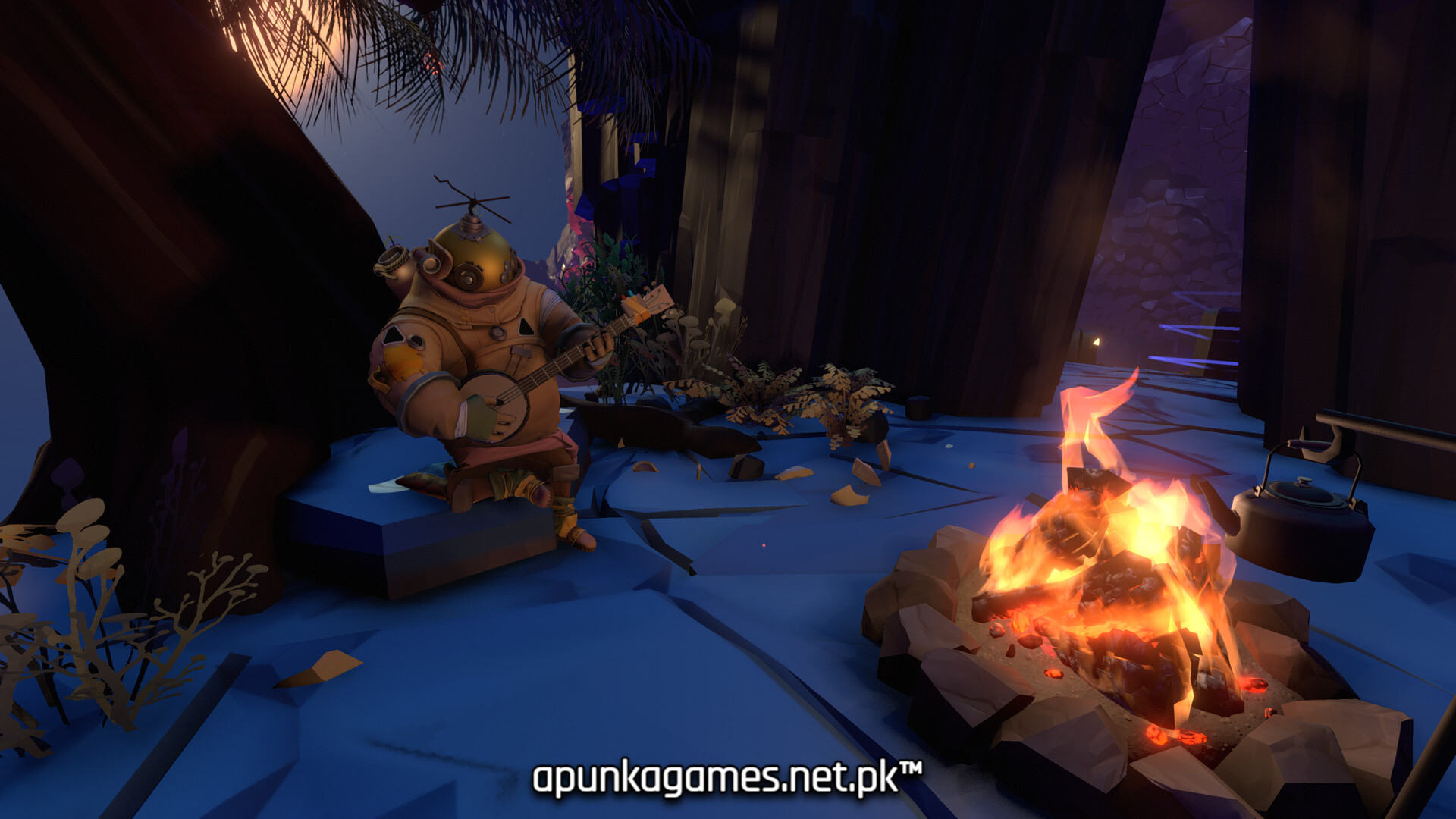
Screenshots
How to Install Outer Wilds?
- Download: Get the installer only from the official developer or a verified store.
- Run Setup: Double-click the official .exe file and follow the prompts.
- Default Path: Install to the recommended folder to ensure proper system permissions.
- Update: Run the game launcher to download any official security patches.
- Launch: Open the game via the official desktop shortcut.