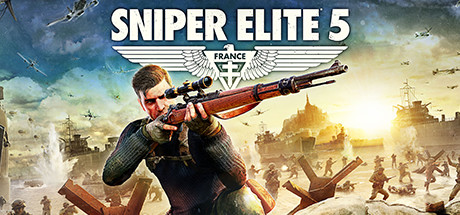
Apunkagames Official Site – Games Download For PC Apunkagames Official Site — Discover detailed PC game guides, accurate system requirements, screenshots, and verified official download links for top Windows games.

Sniper Elite Resistance is an immersive tactical third-person shooter released in January 2025 that expands the critically acclaimed stealth franchise. Developed by Rebellion, the narrative runs parallel to the events of Sniper Elite 5, shifting focus to the French occupation. Players step into the boots of Harry Hawker, an elite Special Operations Executive (SOE) agent working alongside the French Resistance to hunt down and eliminate a terrifying new Axis wunderwaffe (wonder weapon) capable of winning the war for Germany.
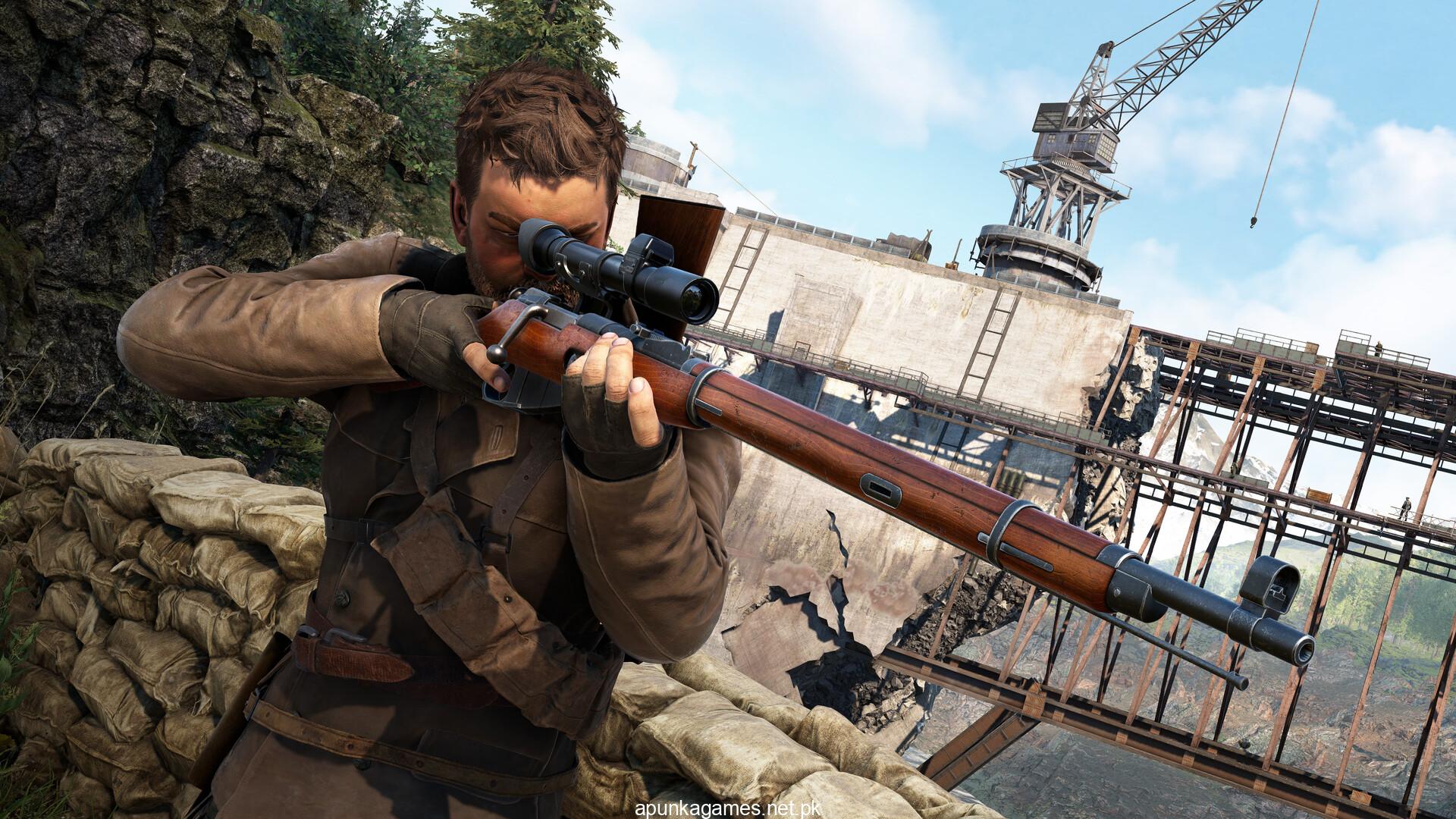
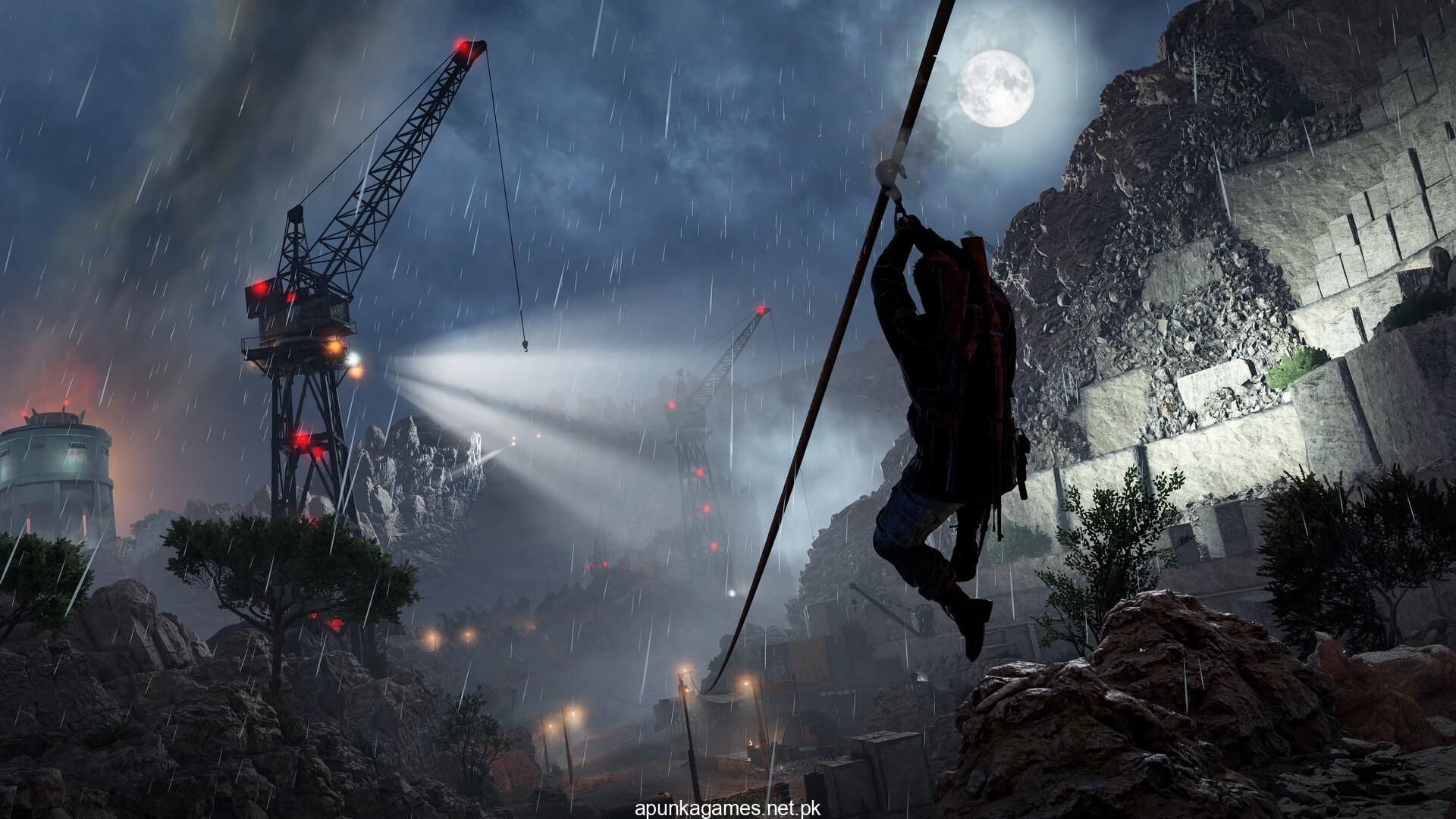
For PC players, the title delivers a highly polished tactical sandbox. The core gameplay loop emphasizes complete player freedom across massive, open-ended maps, allowing you to choose between ghost-like stealth or loud firefights. It features deep weapon customization via hidden workbenches, the intense “Invasion Mode” where an enemy player tracks you down, and a brand-new Propaganda Mode featuring time-based combat challenges. Of course, the franchise’s signature, graphic X-Ray Kill Cam returns with jaw-dropping, bone-shattering detail.
Visually, the game utilizes a highly optimized engine that renders gorgeous, sweeping European landscapes with superb lighting and detailed shadow physics. To set up this tactical operation, your system will require 95 GB of available storage space on your hard drive or solid-state drive (SSD).
Before downloading make sure that your PC meets minimum system requirements
Minimum System Requirements
- OS: Windows 10 or later
- Processor: Intel CPU Core i5-9400f or equivalent
- Memory: 16 GB RAM
- Graphics: Nvidia 2060, Intel Arc A750, AMD Radeon RX 6600
- DirectX: Version 12
- Storage: 95 GB available space
Screenshots
How to Install Sniper Elite Resistance?
- Download: Get the installer only from the official developer or a verified store.
- Run Setup: Double-click the official .exe file and follow the prompts.
- Default Path: Install to the recommended folder to ensure proper system permissions.
- Update: Run the game launcher to download any official security patches.
- Launch: Open the game via the official desktop shortcut.