Apunkagames Official Site – Games Download For PC Apunkagames Official Site — Discover detailed PC game guides, accurate system requirements, screenshots, and verified official download links for top Windows games.
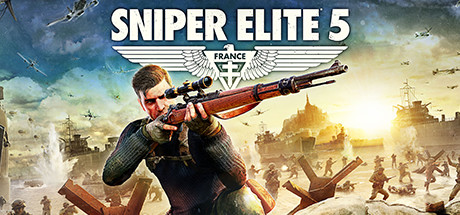
Sniper Elite 5 is an exceptional tactical third-person shooter released in 2022 that delivers the definitive World War II stealth sniping experience. Developed and published by Rebellion, the narrative follows elite US Rangers operative Karl Fairburne in 1944 France. Embedded alongside the French Resistance, Karl must infiltrate massive coastal fortifications and shadow networks to uncover and dismantle “Project Kraken”—a secret Nazi operation capable of ending the war before the Allied forces can execute the D-Day invasions.
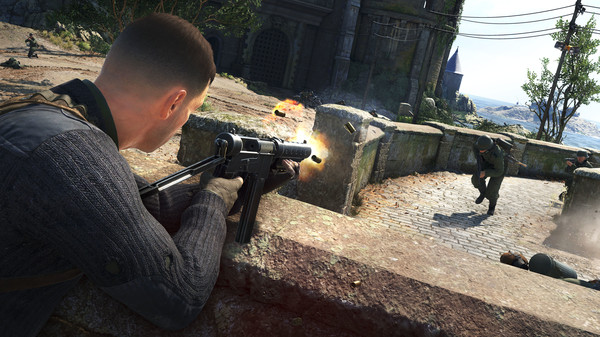
For PC players, the game provides an expansive tactical sandbox centered around unparalleled weapon physics. Ballistics factor in wind, gravity, and your heart rate, forcing you to carefully plan every long-range shot. The massive, open-ended levels offer countless entry points, ziplines, and infiltration options. The gameplay loop is significantly elevated by an extensive weapon customization workbench system and the thrilling Invasion Mode, which allows an opposing player to drop into your campaign as an Axis sniper to hunt you down in a tense game of cat-and-mouse.
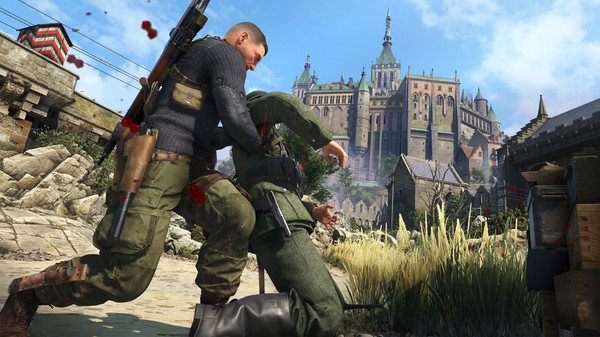
Visually, Rebellion utilized real-world photogrammetry to recreate gorgeous, authentic French locations, yielding stunning lighting and rich environmental detail. The game’s crown jewel is its advanced, gruesome X-Ray Kill Cam, which tracks high-distance shots in slow motion to show bones, muscles, and organs realistically rupturing. The complete digital installation requires 85 GB of available storage space on your hard drive or solid-state drive (SSD) to deploy.
Before downloading make sure that your PC meets minimum system requirements
Minimum System Requirements
- OS: Windows 10
- Processor: Intel CPU Core i3-8100 or equivalent
- Memory: 8 GB RAM
- Graphics: DirectX12 capable GPU with 4GB VRAM
- Storage: 85 GB available space
Screenshots
How to Install Sniper Elite 5?
- Download: Get the installer only from the official developer or a verified store.
- Run Setup: Double-click the official .exe file and follow the prompts.
- Default Path: Install to the recommended folder to ensure proper system permissions.
- Update: Run the game launcher to download any official security patches.
- Launch: Open the game via the official desktop shortcut.