Apunkagames Official Site – Games Download For PC ApunKaGames is a best website to download games for PC.
Table of Contents
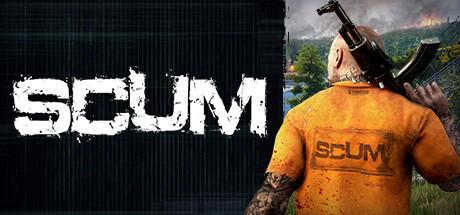
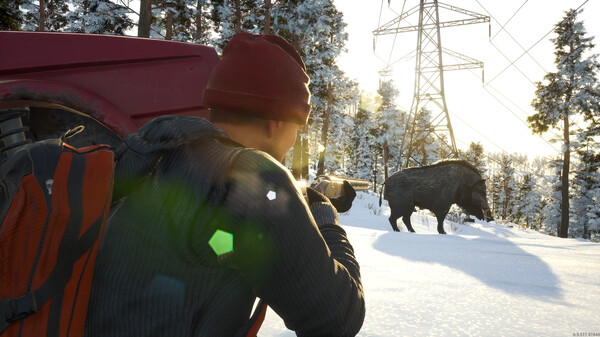
SCUM is an incredibly complex, next-generation open-world survival game released into Steam Early Access by Gamepires. The gritty, dark-humor narrative places you in the role of a maximum-security prisoner dropped onto a massive, hostile island controlled by the ruthless TEC1 entertainment network. Forced into a twisted, televised battle royale, you must survive against bloodthirsty convicts, heavily armed mech sentinels, and mutated “puppets” to earn the favor of a global audience.
For PC players, the game delivers arguably the most intricate metabolism and simulation mechanics ever seen in the survival genre. Your character’s performance is directly dictated by an advanced BCU (Body Control Unit) monitor that tracks everything from muscle mass, body fat, and vitamin deficiencies to tooth loss, stomach volume, and individual bladder levels. Balancing your caloric intake and physical fitness is just as vital as mastering the game’s deep crafting, base-building, and tactical ballistics.
Visually, the game utilizes Unreal Engine 4 to render a breathtaking, highly detailed Mediterranean-inspired landscape complete with dense forests, abandoned military bunkers, and dynamic weather cycles. The massive, simulated ecosystem requires 70 GB of available storage space on a fast solid-state drive (SSD) to deploy to the island.
Before downloading make sure that your PC meets minimum system requirements
Minimum System Requirements
- OS: Windows 10 64-bit
- Processor: Intel Core i5-4430
- Memory: 16 GB RAM
- Graphics: NVIDIA GeForce GTX 1060 3GB
- DirectX: Version 11
- Storage: 70 GB available space
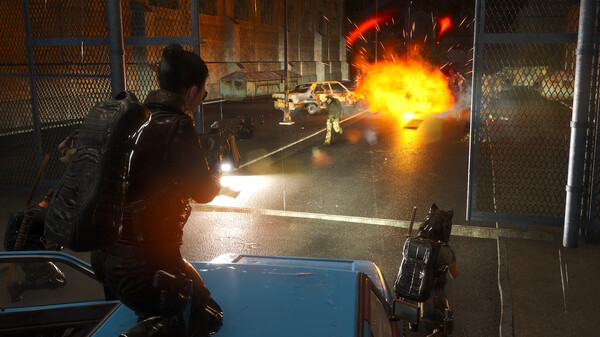
Screenshots
How to Install SCUM?
- Download: Get the installer only from the official developer or a verified store.
- Run Setup: Double-click the official .exe file and follow the prompts.
- Default Path: Install to the recommended folder to ensure proper system permissions.
- Update: Run the game launcher to download any official security patches.
- Launch: Open the game via the official desktop shortcut.