Apunkagames Official Site – Games Download For PC Apunkagames Official Site — Discover detailed PC game guides, accurate system requirements, screenshots, and verified official download links for top Windows games.
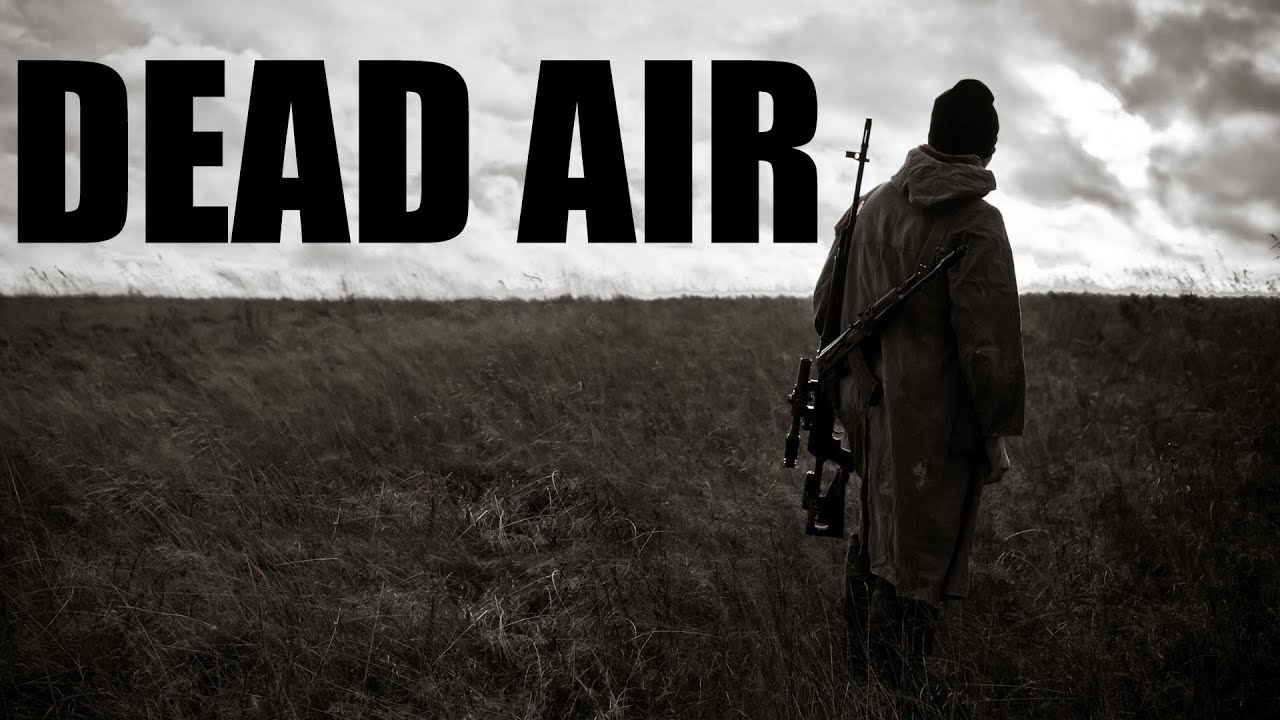
S.T.A.L.K.E.R. Dead Air is a massive, fan-made total conversion mod for S.T.A.L.K.E.R.: Call of Chernobyl that pushes the survival horror elements of the franchise to their absolute limits. It completely overhaul the game’s mechanics, graphics, and audio to create a grim, unforgiving atmosphere where the Chornobyl Exclusion Zone feels genuinely dead and hostile. Every step requires absolute caution as resources are incredibly scarce, the weather is perpetually bleak, and the radiation is a constant, invisible killer.
The core gameplay centers on extreme simulation and punishing micromanagement. Players must contend with highly realistic survival factors, including severe stamina depletion, quick-fading flashlights, and a weapon degradation system that makes guns jam at the worst possible moments. Mutants are smarter and more aggressive, while enemy human factions utilize advanced AI to flank and suppress you. It strips away any sense of heroism, forcing you to play as a vulnerable scavenger just trying to survive another day.
Progression in Dead Air is slow and deliberate, heavily relying on careful preparation before leaving safe zones. You will spend a significant amount of time managing your inventory, repairing gas masks, and deciding whether to spend your hard-earned rubles on ammo or radiation medicine. It is a mod designed strictly for hardcore players who crave an uncompromising, hyper-realistic, and deeply immersive stalker experience.
Before downloading make sure that your PC meets minimum system requirements
Minimum System Requirements
- OS: Windows 7/8/10 (64-bit)
- Processor: Intel Core i3-2100 / AMD FX-6300
- RAM: 4 GB
- Graphics: NVIDIA GTX 660 / AMD Radeon HD 7850
- DirectX: Version 11
- Storage: ~20 GB available space
Screenshots
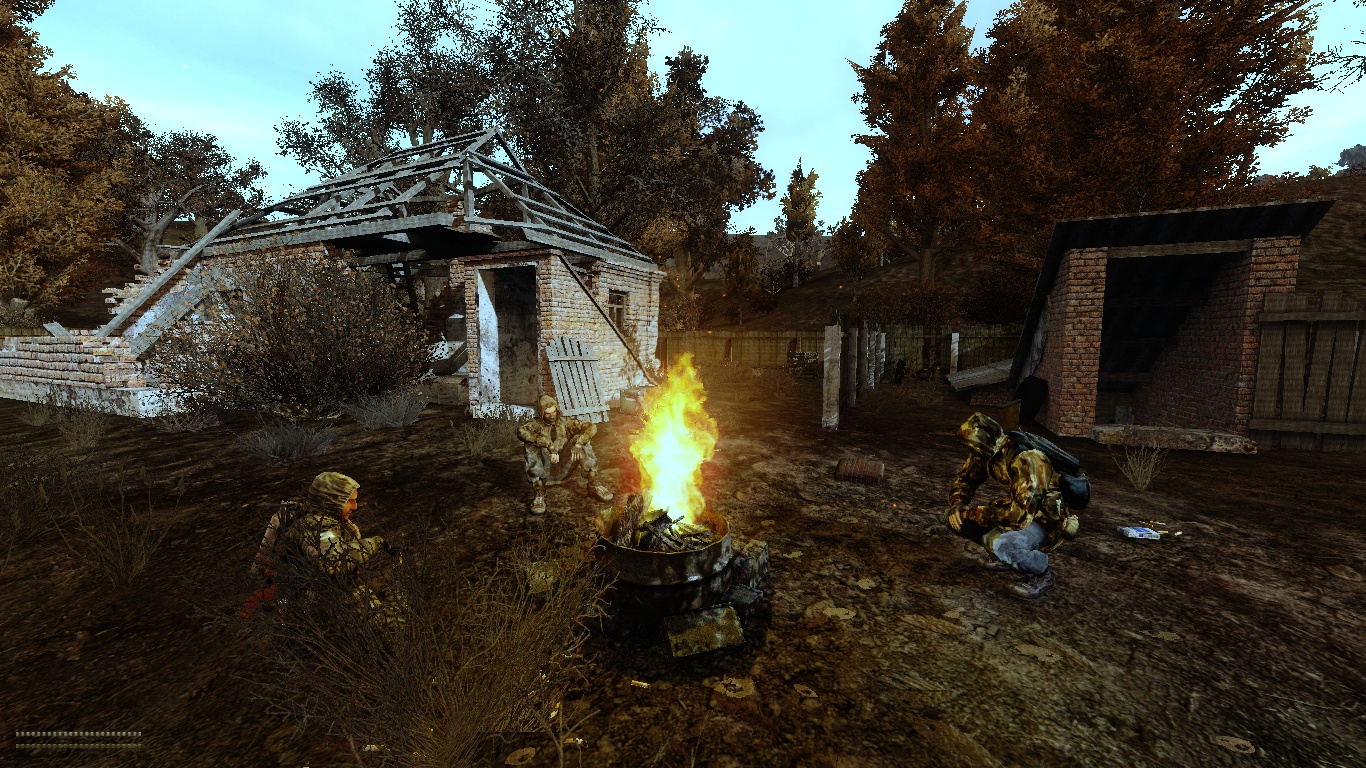
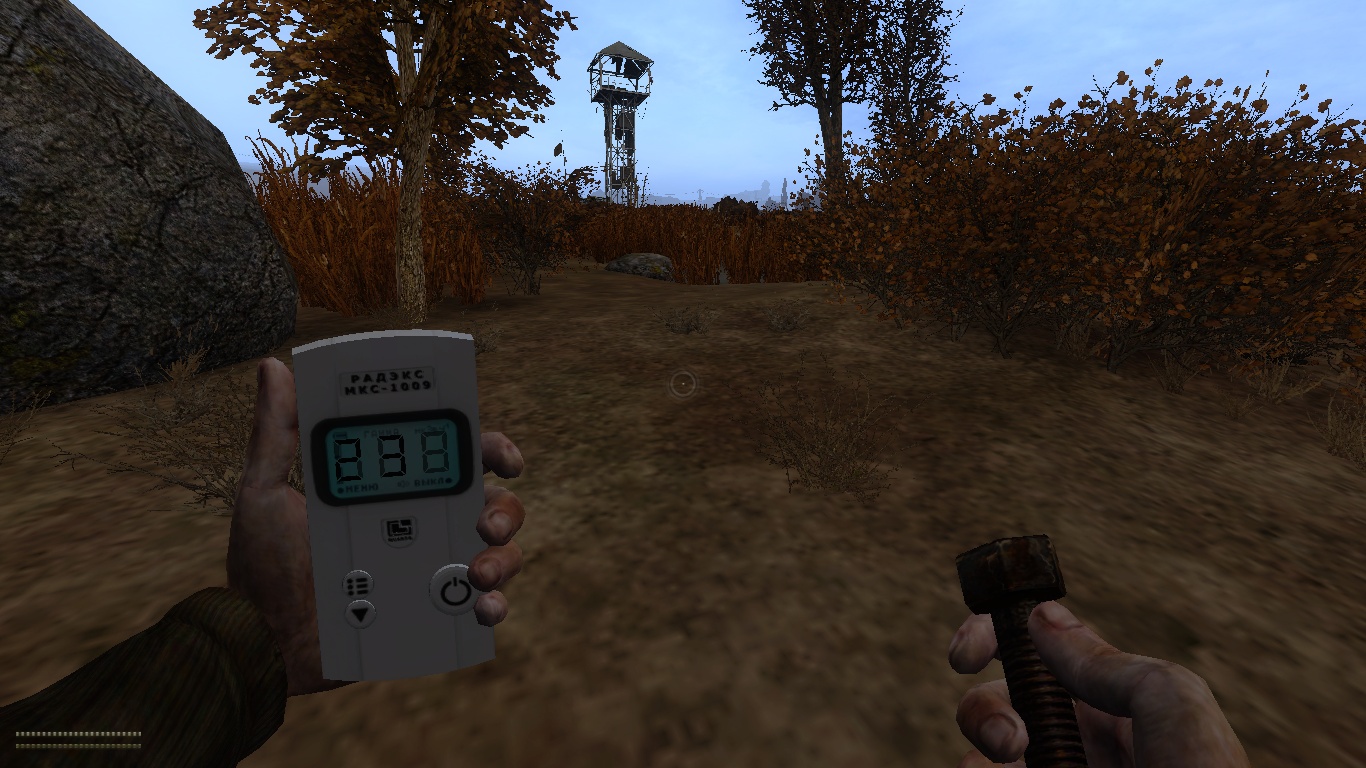
How to Install S.T.A.L.K.E.R Dead Air?
- Download: Get the installer only from the official developer or a verified store.
- Run Setup: Double-click the official .exe file and follow the prompts.
- Default Path: Install to the recommended folder to ensure proper system permissions.
- Update: Run the game launcher to download any official security patches.
- Launch: Open the game via the official desktop shortcut.