Apunkagames Official Site – Games Download For PC Apunkagames Official Site — Discover detailed PC game guides, accurate system requirements, screenshots, and verified official download links for top Windows games.
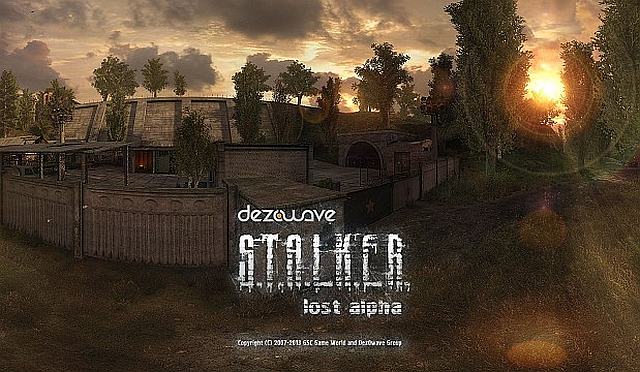
S.T.A.L.K.E.R. Lost Alpha is an ambitious, standalone total conversion mod designed to resurrect the original vision of S.T.A.L.K.E.R.: Shadow of Chernobyl. Developed by dezowave group, the project began after early alpha builds of the game leaked online, revealing massive cut levels, distinct gameplay mechanics, and atmospheric elements that never made it to the final 2007 retail release. The mod aims to seamlessly blend this nostalgic, unreleased content with modern stability, creating the ultimate Zone experience.
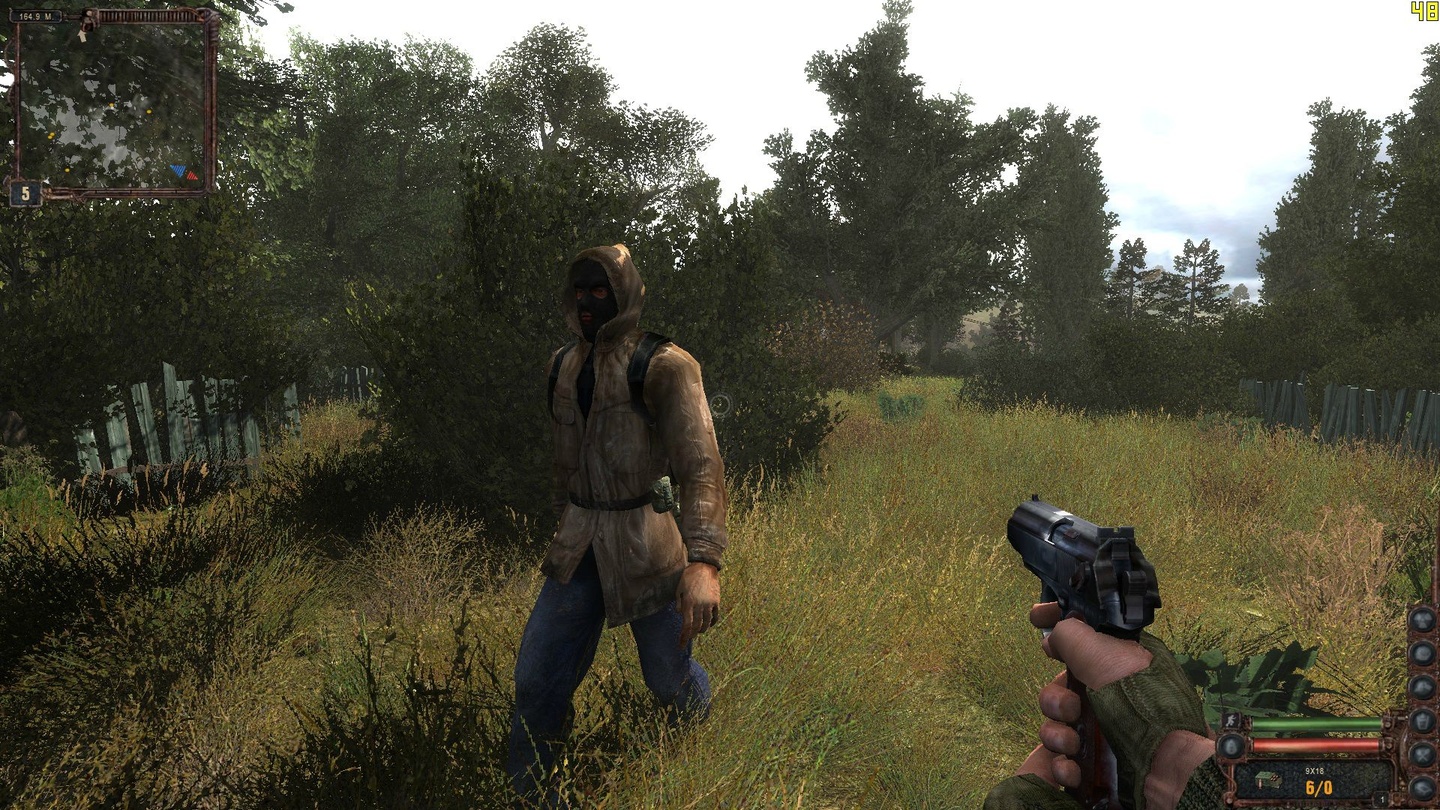
The gameplay expands significantly on the survival-horror and immersive sim elements of the franchise. It reintroduces gigantic, eerie maps like the old Cordon, Dead City, and Darkscape, giving players vastly more room to explore the radioactive Chornobyl Exclusion Zone. Players must contend with restored mutant variants, realistic thirst and sleep mechanics, a fully functional economy, and controllable vehicles to navigate the desolate landscapes.
Visually and technically, the mod stands as a massive achievement, running on its own heavily modified version of the X-Ray Engine. It introduces advanced rendering capabilities, including dynamic weather systems, revamped lighting, and enhanced physics that make the environment feel incredibly alive and hostile. For fans looking to experience the gritty atmosphere, hidden lore, and expansive depth that the developers originally promised over a decade ago, this overhaul delivers a beautifully reconstructed nightmare.
Before downloading make sure that your PC meets minimum system requirements
Minimum System Requirements
- OS: Windows XP / Vista / 7 / 8 / 10
- Processor: Intel Core 2 Duo 2.4 GHz
- Memory: 2 GB RAM
- Graphics: NVIDIA GeForce 8800GT
- DirectX: Version 9.0c
- Storage: 20 GB available space
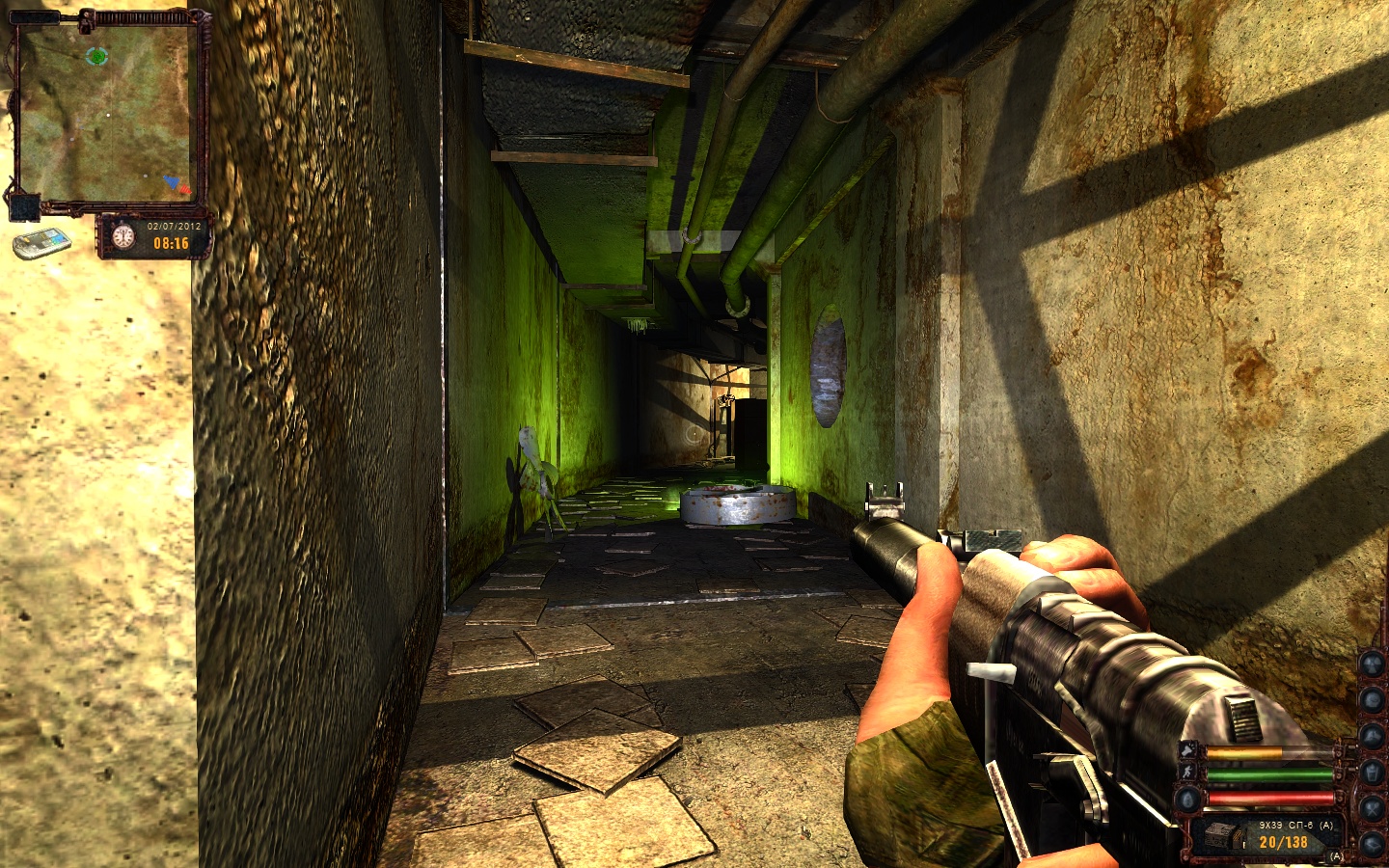
Screenshots
How to Install S.T.A.L.K.E.R Lost Alpha?
- Download: Get the installer only from the official developer or a verified store.
- Run Setup: Double-click the official .exe file and follow the prompts.
- Default Path: Install to the recommended folder to ensure proper system permissions.
- Update: Run the game launcher to download any official security patches.
- Launch: Open the game via the official desktop shortcut.