Apunkagames Official Site – Games Download For PC Apunkagames Official Site — Discover detailed PC game guides, accurate system requirements, screenshots, and verified official download links for top Windows games.

Banker Simulator is an immersive financial management simulation game released in late 2025 that challenges players to take control of a bankrupt institution and revive its fortunes. Developed by Red Axe Games, the single-player campaign places you in the high-stakes position of a branch manager where every financial choice directly dictates your survival or absolute ruin.
For PC players, the experience masterfully blends active teller gameplay with deeper, idle-style strategy mechanics. On the ground level, you handle day-to-day operations like managing the cash vault, processing loans, and verifying customer identities to actively block fraudulent documents or bad checks. However, the game features a dark underbelly: to aggressively expand your empire, you can engage in high-risk mechanics like printing counterfeit currency and laundering it. Your hard-earned wealth can then be used to purchase upgraded security systems, unlock vehicle-based cash transfers, hire personnel, or live a luxurious lifestyle.
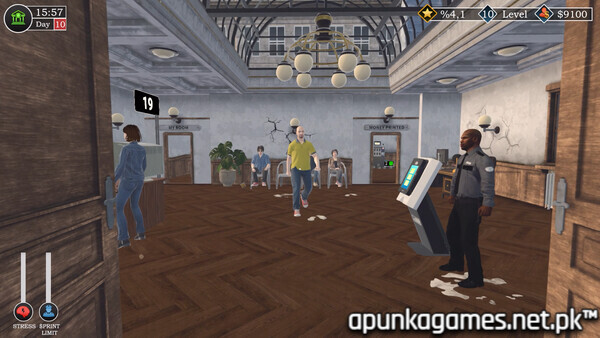
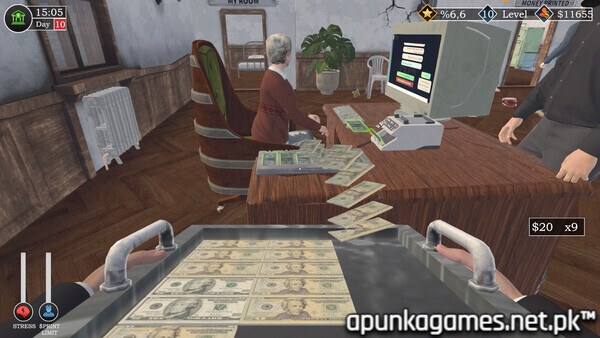
Visually, the game utilizes a clean, interactive first-person environment that prioritizes scannable UI menus and highly responsive physical interactions with cash-counting machines. The complete digital package is incredibly lightweight, requiring just 6 GB of available storage space on your hard drive or solid-state drive (SSD) to deploy.
Before downloading make sure that your PC meets minimum system requirements
Minimum System Requirements
- OS: Windows (64-bit) 10 / 11
- Processor: Intel Core i5-3470 / AMD FX 4350
- Memory: 6 GB RAM
- Graphics: NVIDIA GTX 1050
- Storage: 6 GB available space
Screenshots
How to Install Banker Simulator?
- Download: Get the installer only from the official developer or a verified store.
- Run Setup: Double-click the official .exe file and follow the prompts.
- Default Path: Install to the recommended folder to ensure proper system permissions.
- Update: Run the game launcher to download any official security patches.
- Launch: Open the game via the official desktop shortcut.