Apunkagames Official Site – Games Download For PC Apunkagames Official Site — Discover detailed PC game guides, accurate system requirements, screenshots, and verified official download links for top Windows games.
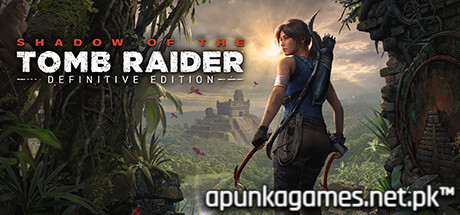
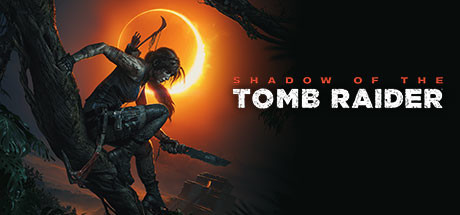
Shadow of the Tomb Raider Definitive Edition is the breathtaking, climactic finale to Lara Croft’s gritty origin trilogy. Developed by Eidos-Montréal and Crystal Dynamics, the narrative follows Lara through the deadly, unforgiving jungles of Central and South America as she races against the shadowy Trinity organization to halt a catastrophic, ancient Maya apocalypse she inadvertently unleashed.
For PC players, this definitive release delivers the ultimate tactical survival sandbox. The gameplay brilliantly shifts focus toward deep jungle camouflage mechanics—allowing you to use mud, dense foliage, and fear-inducing poison arrows to dismantle enemy patrols from the shadows. It flawlessly balances intense combat with massive, multi-layered vertical exploration and the franchise’s most complex, terrifying, and physics-driven challenge tombs. The Definitive Edition bundles the masterful base campaign alongside all seven downloadable content (DLC) challenge tombs, bonus weapons, and outfits directly into the main progression.
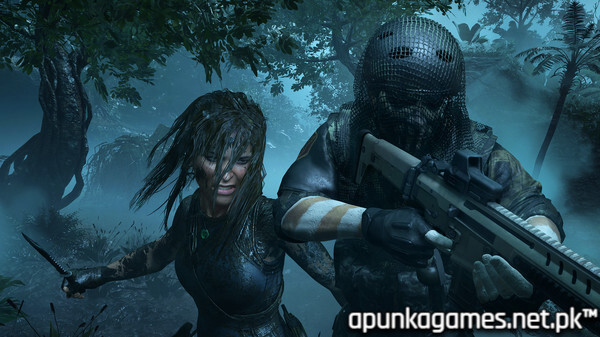
Visually, the game serves as a true graphical benchmark, boasting incredible volumetric lighting, hyper-realistic mud physics, and full support for ray-traced shadows and DLSS. The optimized PC port runs flawlessly at unlocked framerates in native 4K. To deploy this massive, gorgeous jungle adventure, your system requires 40 GB of available storage space on your hard drive or solid-state drive (SSD).
Before downloading make sure that your PC meets minimum system requirements
Minimum System Requirements
- OS: Windows 7 / 10 / 11 64 bit
- Processor: i3-3220 INTEL or AMD Equivalent
- Memory: 8 GB RAM
- Graphics: Nvidia GTX 660/GTX 1050 or AMD Radeon HD 7770
- DirectX: Version 11
- Storage: 40 GB available space
Screenshots
How to Install?
- Download: Get the installer only from the official developer or a verified store.
- Run Setup: Double-click the official .exe file and follow the prompts.
- Default Path: Install to the recommended folder to ensure proper system permissions.
- Update: Run the game launcher to download any official security patches.
- Launch: Open the game via the official desktop shortcut.