Apunkagames Official Site – Games Download For PC Apunkagames Official Site — Discover detailed PC game guides, accurate system requirements, screenshots, and verified official download links for top Windows games.
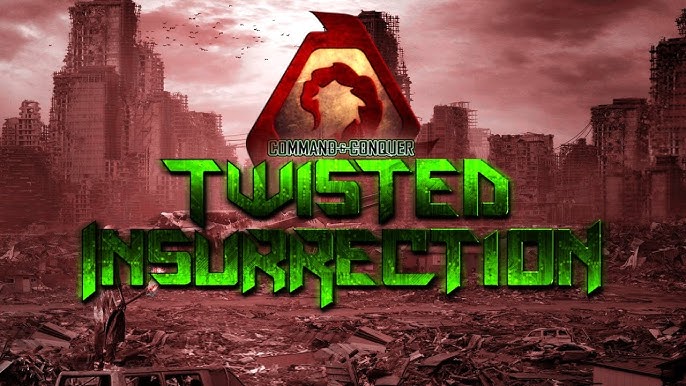
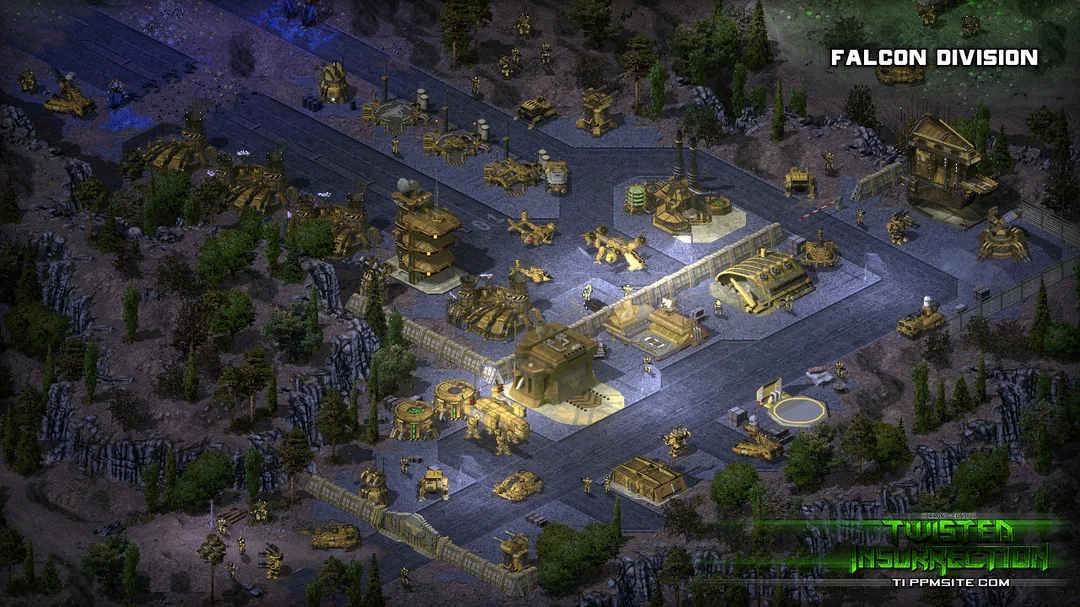
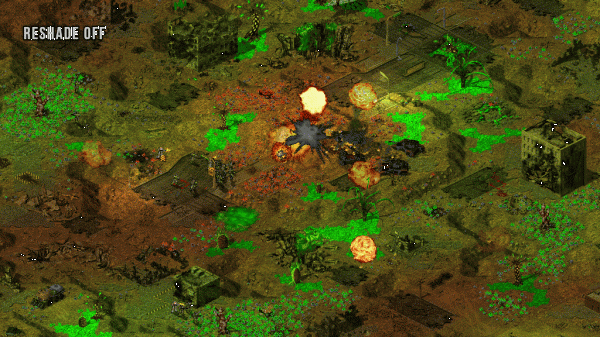
Command And Conquer Twisted Insurrection is a prominent, standalone fan-made modification of the classic real-time strategy game Command & Conquer: Tiberian Sun. Built on an enhanced version of the original engine, it functions completely independently without requiring the base game to play. The project stands out as an alternate-reality overhaul that completely reimagines the universe, introducing a highly polished experience filled with custom assets, new visual effects, and an entirely original soundtrack.
The narrative turns the established lore on its head by exploring a dark, hypothetical scenario: what if the Brotherhood of Nod had emerged victorious during the First Tiberian War? Following the dramatic defeat of the Global Defense Initiative (GDI), the world fractures into a bleak landscape where Nod dominates, while a scattered, underground GDI resistance fights desperately to reclaim the planet. This compelling premise completely resets the balance of power, forcing players to navigate a radically different political and military landscape.
Players can dive into heavily redesigned factions, each featuring unique structures, specialized infantry, and powerful mechanized units tailored to the new storyline. The mod includes extensive single-player campaigns for both GDI and Nod, alongside fully supported skirmish and online multiplayer modes. By combining deep strategic gameplay with nostalgic isometric visuals, it remains one of the most celebrated total conversions in the RTS community.
Before downloading make sure that your PC meets minimum system requirements
Minimum System Requirements
- OS: Windows XP or newer
- Processor: Pentium 133 MHz
- Memory: 32 MB RAM
- Hard Drive Space: 300 MB
Screenshots
How to Install?
- Download: Get the installer only from the official developer or a verified store.
- Run Setup: Double-click the official .exe file and follow the prompts.
- Default Path: Install to the recommended folder to ensure proper system permissions.
- Update: Run the game launcher to download any official security patches.
- Launch: Open the game via the official desktop shortcut.